

For those in the business of providing gaming setups to clients such as gaming cafes, computer retailers, or corporate entities, ensuring the correct connection of a 1080p gaming monitor to a gaming PC is of utmost importance. It directly impacts the quality of the gaming experience and the reputation of the business. Let’s explore the key aspects in detail.
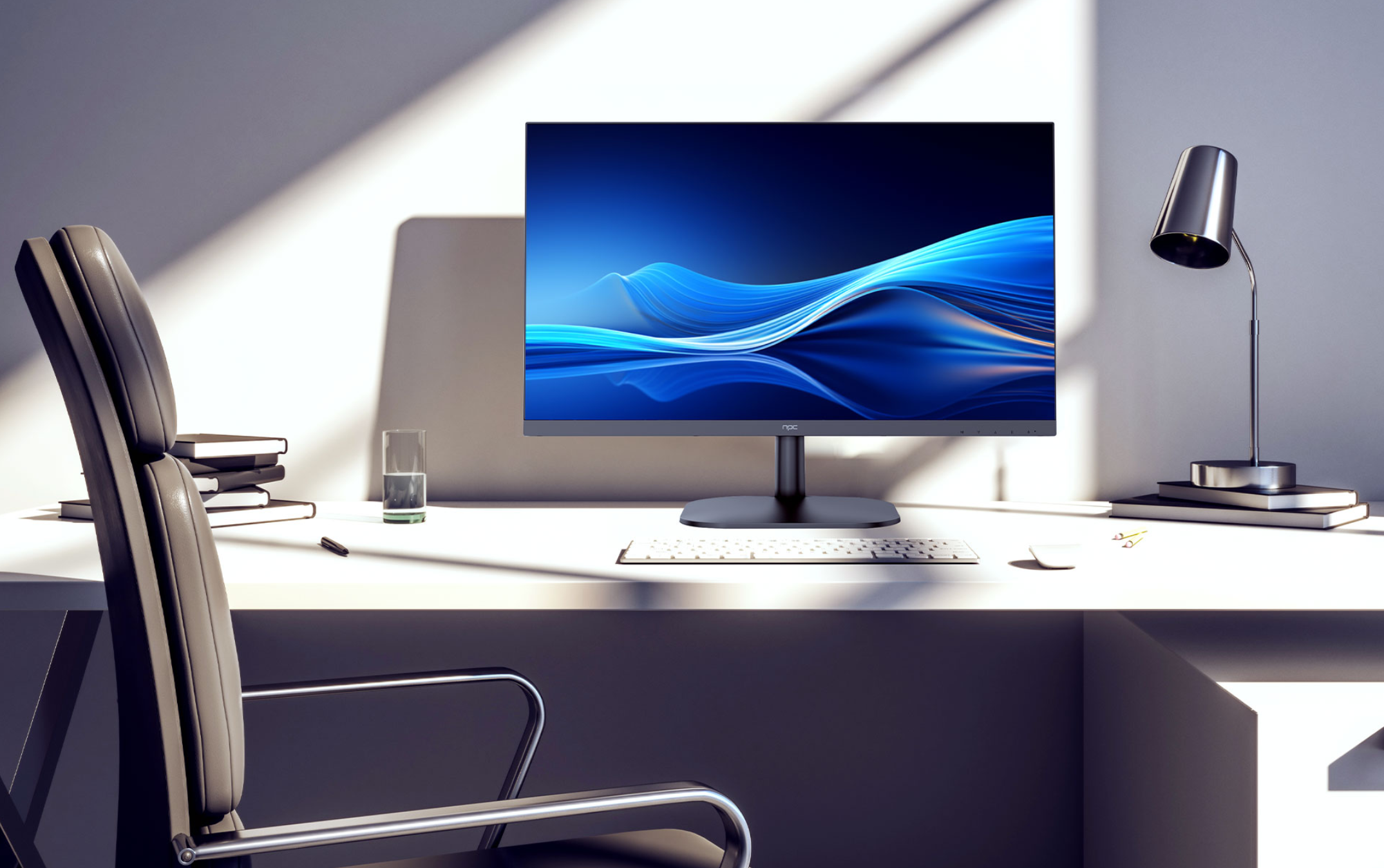
Graphics Card: The Key Connection Point
The graphics card within the gaming PC is the primary and most crucial connection hub for the 1080p monitor. Modern graphics cards designed for professional gaming setups come with multiple output ports. For a 1080p gaming scenario, HDMI and DisplayPort connections are the most common and reliable options.
HDMI provides a convenient connection as it can carry both audio and video signals. This is highly beneficial for gaming environments like arcades or entertainment centers where integrated audio systems are essential. It simplifies the setup process and reduces the complexity of cabling.
Onboard Video Outputs: A Backup Option
In a professional gaming setup, relying solely on onboard video outputs can lead to subpar gaming experiences with lower resolutions, limited refresh rates, and potential compatibility issues. However, having knowledge of how to use them in emergencies can help minimize downtime and ensure some level of functionality until the graphics card issue is resolved.
For businesses that manage and maintain gaming setups for their clients, being able to quickly identify and troubleshoot issues related to video connections, including the use of onboard outputs when necessary, is an important part of providing reliable support services.
Considerations for Future Upgrades and Scalability
When setting up gaming systems for clients, it’s important to consider future upgrades and scalability. As gaming technology evolves, there may be a need to upgrade from 1080p to higher resolutions like 1440p or even 4K.
The gaming PCs and graphics cards chosen should have the potential to handle these upgrades. This includes having enough output ports to support additional monitors or higher resolutions, as well as having sufficient power supplies and cooling systems to handle the increased performance requirements.
Additionally, considering cable management and compatibility issues during upgrades is essential. Using high-quality and future-proof cables can ensure that the setup remains reliable and easy to manage as more advanced equipment is added.
Conclusion
In conclusion, in the business of providing gaming setups, NPC emphasizes the importance of correctly connecting a 1080p gaming monitor to a gaming PC. This involves careful thought regarding graphics card connections, understanding the significance of onboard video outputs, and planning for future upgrades and scalability. By adhering to these guidelines and providing a well-connected and optimized gaming system with NPC’s expertise and quality products, businesses can enhance their reputation, meet the demands of their clients, and stay competitive in the constantly evolving gaming industry. Whether it’s setting up a gaming cafe, supplying equipment to retailers, or providing solutions for corporate gaming needs, getting the connections precisely right with NPC’s assistance is a crucial step in delivering a highly successful gaming experience.