

Quick answer: QLED and Mini LED are often displayed as rival choices, but in common TV terminology they describe different parts of an LCD television. QLED refers to quantum-dot colour technology; Mini LED refers to the smaller LEDs used for the backlight. A TV can use both. At NPC Electronics, our 65M1 and 55M1 product specifications call this combination QD-MiniLED. Understanding what each part does makes the comparison much more useful than choosing between two labels.
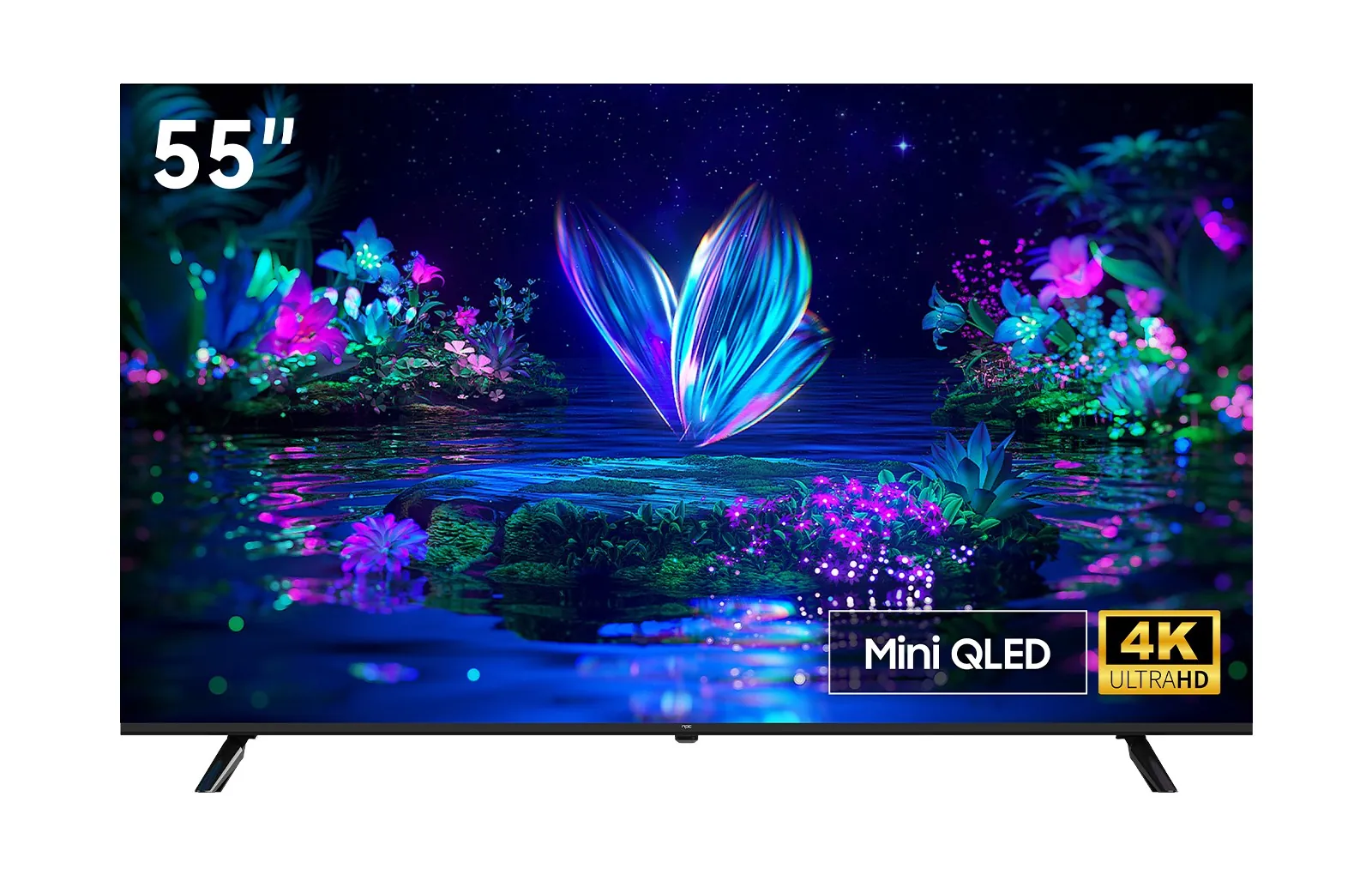
QLED and Mini LED work on different parts of the picture
Every LCD TV needs light behind its pixels. QLED describes one way to produce the colours in that light. Quantum dots are tiny materials that emit particular colours when illuminated. In a common QLED design, a blue LED light source excites quantum-dot material to produce red and green light; the screen uses the resulting light to build its image. The benefit of this approach is its capacity to support a broad colour range. The finished colours still rely on the panel and the TV’s picture tuning.
Mini LED describes the smaller LED light sources in the backlight, rather than how colours are generated. Those LEDs can be grouped into independently controlled zones. Where a TV uses such zones, local dimming lets its backlight brighten one part of a frame while reducing light in another. Mini LED names the light-source size; local dimming names the control method. The backlight design, LCD panel and processing all contribute to how the result appears on screen.
Put simply, quantum dots address the colour of the light; Mini LEDs address its distribution. A QLED TV can use a conventional LED backlight or a Mini LED backlight. A Mini LED TV may or may not use quantum dots. QD-Mini LED brings both approaches into one LCD TV.
| Label | Quantum-dot colour | Mini LED backlight |
|---|---|---|
| QLED | Yes. | Not necessarily; check the model’s backlight specification. |
| Mini LED | Not necessarily; check the model’s colour system. | Yes. |
| QD-MiniLED | Yes. | Yes; check the model’s zone count and other specifications for detail. |
Follow the light: how quantum-dot colour and Mini LED backlighting work together
The exact optical arrangement varies between TVs. A common quantum-dot LCD design can be understood through three jobs:
1. The backlight provides illumination. In a Mini LED design, many small LEDs provide the light. Where local dimming is used, groups of these LEDs can be controlled separately as the image changes.
2. Quantum-dot materials help produce colour. In a common design, they convert part of blue backlight into red and green light. The screen uses this light as the basis for a broad colour range.
3. The LCD panel shapes the image. Its pixels regulate how much light passes through to form details, shades and colours. Picture processing coordinates the image with the backlight.
These three jobs explain why QD-MiniLED is still an LCD technology: its LCD pixels are illuminated from behind. It is different from OLED, where pixels emit their own light.
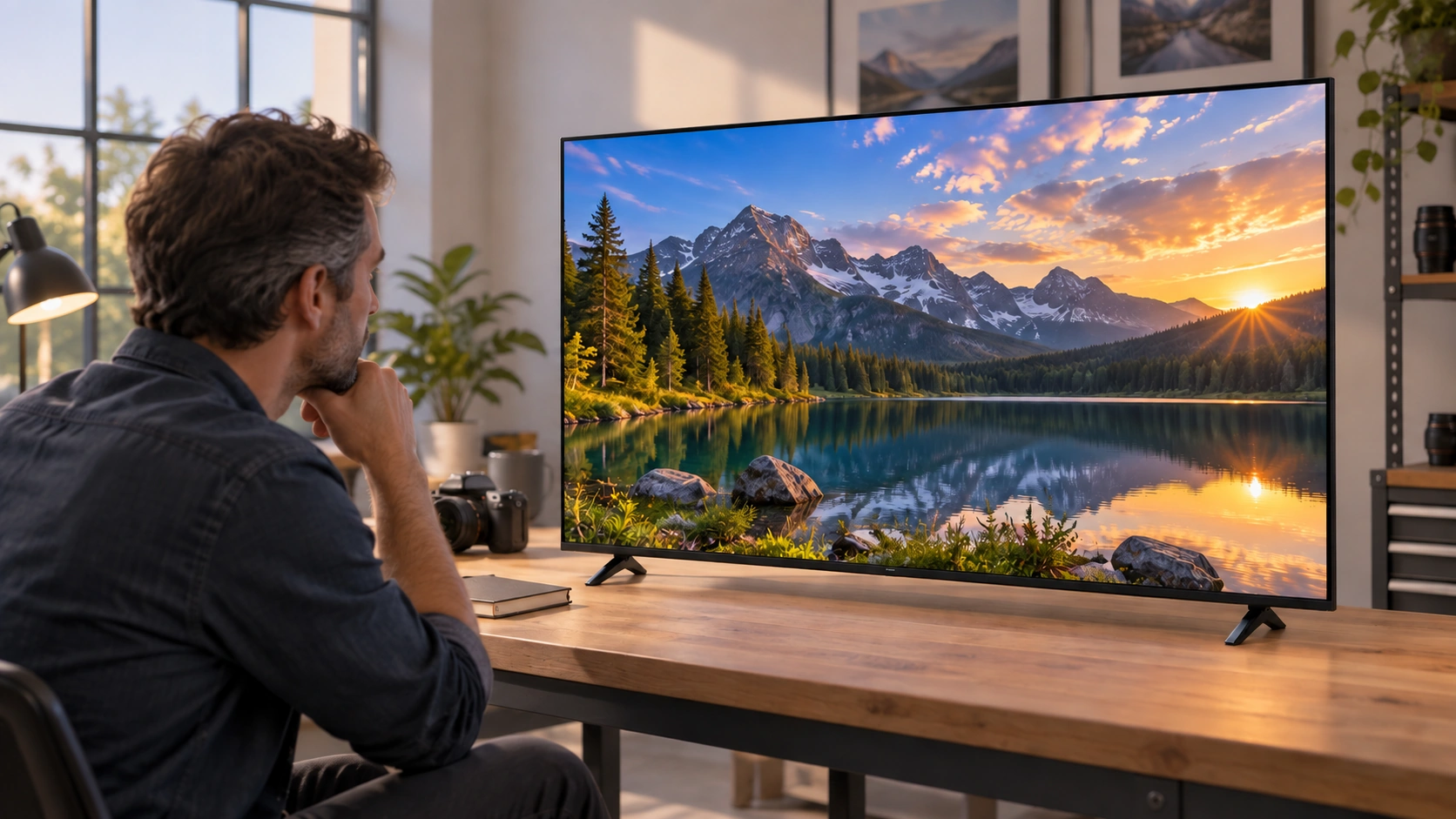
The final picture depends on the colour system, backlight, panel and tuning together.
LEDs, dimming zones and pixels: three numbers that mean different things
Product descriptions sometimes mention the number of Mini LEDs, the number of local-dimming zones and the 4K pixel count together. They should not be treated as interchangeable. An LED is a light source. A zone is an area of the backlight that can be controlled as a group; it may contain multiple LEDs. A pixel belongs to the LCD panel and forms the fine detail in the image. Dimming zones control areas of light behind those pixels, rather than switching each LCD pixel’s backlight independently.
This distinction is why the backlight’s layout matters. A globally dimmed backlight changes the screen’s light level as a whole. A locally dimmed backlight can respond to different regions of the same frame. Some designs place LEDs along an edge; a full-array design places them behind the panel in a grid. Mini LEDs make compact backlight arrangements possible, but the technology name alone does not specify the number, layout or behaviour of the zones in a particular TV.
When comparing zone counts, first check screen size. A larger screen covers more area, so a larger raw count is not automatically a verdict on its picture compared with a smaller TV. Zone layout, the LCD panel and the way the TV responds to changing scenes also matter. A film scene with a bright lamp against a dark wall or white subtitles over a night sky is a useful way to judge the complete result with your own eyes.
Which specifications affect colour, contrast, HDR and motion?
| What you want to compare | The most relevant part of the TV | What to check beyond the label |
|---|---|---|
| Colour range | Quantum-dot implementation and the complete colour system | The stated gamut and, where available, how faithfully colours are reproduced. |
| Colour in bright scenes | Colour system, available light and picture tuning | Colour performance at different brightness levels, not just a wide-gamut badge. |
| Small HDR highlights | Backlight capability and HDR processing | Peak brightness together with control around bright details. |
| Dark scenes and contrast | LCD panel and local-dimming design | How the TV shows bright and dark areas in the same frame. |
| Motion and viewing angle | Panel and motion processing | Moving content and the seats from which the TV will be watched. |
| Gaming responsiveness | Supported signals, refresh rate and input processing | The exact model’s gaming features and input-lag information. |
Read the colour system and backlight specifications together with the panel, signal support and picture processing. No single badge captures every part of the viewing experience.
Colour gamut, colour volume and accuracy are not the same
A colour gamut describes the range of colours a display can produce. Colour volume adds brightness to that question: can the display still present saturated colour when a scene becomes bright? Colour accuracy asks whether the displayed colour matches the intended colour. A TV can cover a wide gamut yet still need careful picture tuning to render a familiar skin tone or a film’s colour grade faithfully.
This is useful when reading a specification. A percentage needs its colour reference standard, such as NTSC, DCI-P3 or BT.2020, and ideally the measurement method used. Percentages against different standards are not directly interchangeable. A colourful store demo may draw your eye, but familiar faces and natural scenes are more useful for judging whether those colours look convincing.
A peak-brightness number is only one part of HDR
HDR aims to show detail across bright and dark areas of a picture. Peak brightness, usually stated in nits or cd/m², describes a maximum light level; the two units are equivalent. It does not, by itself, describe how bright an entire sports field remains, how dark an adjacent shadow looks, or how quickly the backlight follows a changing scene.
For a meaningful comparison, consider peak brightness alongside larger-area brightness, local-dimming behaviour and colour. In a night scene, a streetlight should remain distinct without making the whole street look equally bright. In a daylight scene, you may care more about the clarity of the entire image and how the room’s light reflects off the screen. These examples connect the specifications to pictures you recognise.
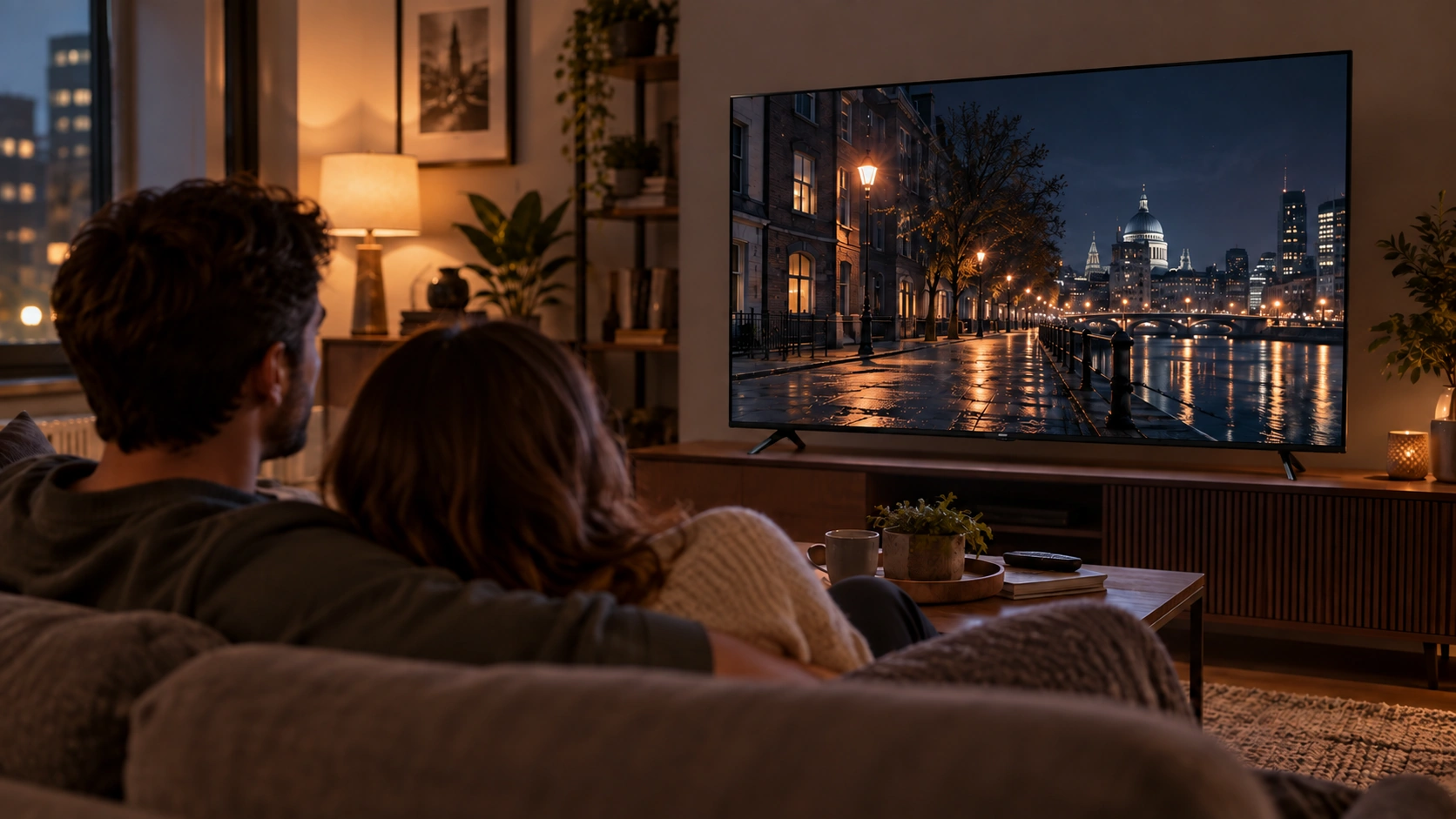
A mixed night scene helps you assess bright highlights and nearby dark detail together.
What QD-Mini LED brings together at NPC Electronics
At NPC Electronics, our MiniLED 65M1 shows how the two technologies can be combined. It is listed as a 4K QD-MiniLED TV with a 60 Hz refresh rate, peak brightness above 800 cd/m² and 198 backlight zones.
Our MiniLED 55M1 is also listed as a 4K QD-MiniLED TV with a 60 Hz refresh rate and peak brightness above 800 cd/m². Its specification lists 140 backlight zones. Both product pages list more than 85% NTSC colour gamut.
The 65M1 has a 65-inch screen and the 55M1 a 55-inch screen. Their different zone counts belong to those different screen sizes; the larger count alone does not establish which picture a viewer will prefer.
Choose by what and where you watch
Bright-room TV and sport: Daylight and lamps can reduce the contrast you perceive and cause reflections. Look beyond a small-area peak-brightness figure: watch a bright, full-screen scene, then consider where windows and seats will be. Check the screen surface and the picture you see in your room.
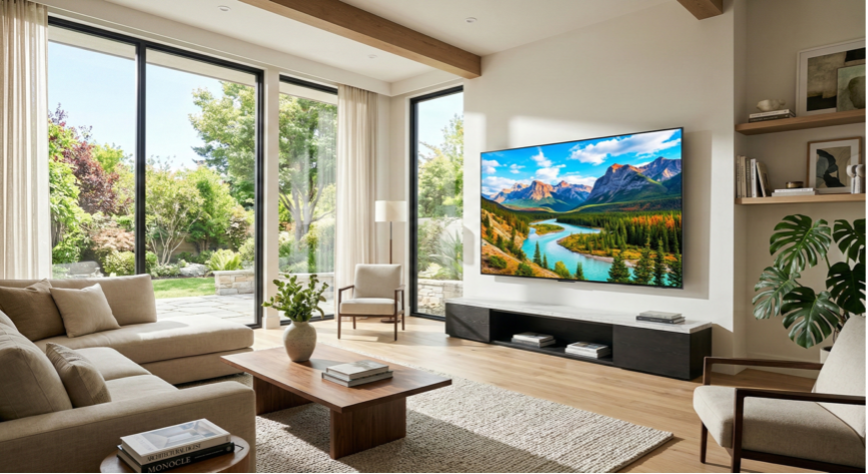
Daylight and window placement can change how a TV picture looks in the room.
Films in a dim room: Look at a scene containing both darkness and a small bright subject, such as a night street with lamps. Local dimming is designed for precisely this kind of mixed picture. Notice whether the bright subject stays clear, whether the surrounding scene retains its intended detail and whether changes between scenes look natural. That tells you more than a technology badge alone.
Console or PC games: Do not use “QLED” or “Mini LED” as a shortcut for gaming speed. Refresh rate describes how often the display can update its image; input lag describes the delay before an incoming action appears on screen; pixel response affects how moving objects look. Some TVs also offer VRR or ALLM, which are separate gaming features; check the exact model if these matter to you. Match its listed capabilities to the games and equipment you plan to use.
Shared viewing: If family or friends will watch from different seats, check the image from the side as well as straight ahead. Viewing angle depends on the complete panel design and can affect the colour and contrast seen from each seat.
If you are comparing models at a set price, put your viewing priorities in order: screen size and reflections for a bright shared room, mixed-scene control for film nights, or supported refresh and gaming features for a console or PC. Then compare complete TVs at the size you will actually buy.
Where does OLED fit?
OLED is a different display architecture: its pixels create their own light instead of relying on an LCD panel and LED backlight. It is therefore not another type of Mini LED, and a QD-Mini LED TV is not an OLED TV. A complete OLED-versus-LCD comparison involves brightness, dark-scene handling, room conditions and individual models. For the question here, the key point is simpler: QLED and Mini LED can coexist within an LCD TV; OLED works by a different lighting method.
Frequently asked questions
Is Mini LED worth paying more for than QLED?
The labels alone cannot tell you the value of two priced TVs. First check whether the QLED TV already has local dimming and what the QD-Mini LED model adds at the screen size you want. If film and HDR viewing are priorities, examine backlight control as well as colour. If everyday bright-room viewing matters most, screen size, reflections and whole-screen brightness may weigh more heavily. Then compare the actual prices.
Which is easier on the eyes, Mini LED or QLED?
Neither name is an eye-comfort rating. Comfortable viewing also depends on room light, reflections, viewing distance and the brightness setting you choose. Set the screen for the room rather than assuming one display label will settle the question.
Mini LED vs Neo QLED: what is the difference?
Mini LED is a backlight technology. Neo QLED is a Samsung TV series name; Samsung’s Neo QLED models use quantum dots and Mini LED backlighting. The name identifies Samsung’s products, not every TV that combines these technologies. Our 65M1 and 55M1 are listed as QD-MiniLED. To compare TVs, check each model’s colour system, backlight, panel and features rather than comparing names alone.
Does Mini LED last longer than QLED?
This is not a direct lifespan contest: one TV can have both a quantum-dot colour system and Mini LED backlighting. The labels describe components, while service life depends on the complete product and how it is used. Compare the specific product information rather than assigning a lifespan to either name.
Explore our MiniLED TV range to compare screen sizes for the viewing conditions in your room.