

Curved monitor, especially wide curved gaming monitor, has gained popularity for their immersive viewing experience. Understanding how to make the most of these monitors is essential for both gaming enthusiasts and professionals. Let’s explore the proper way to use a wide curved gaming monitor.
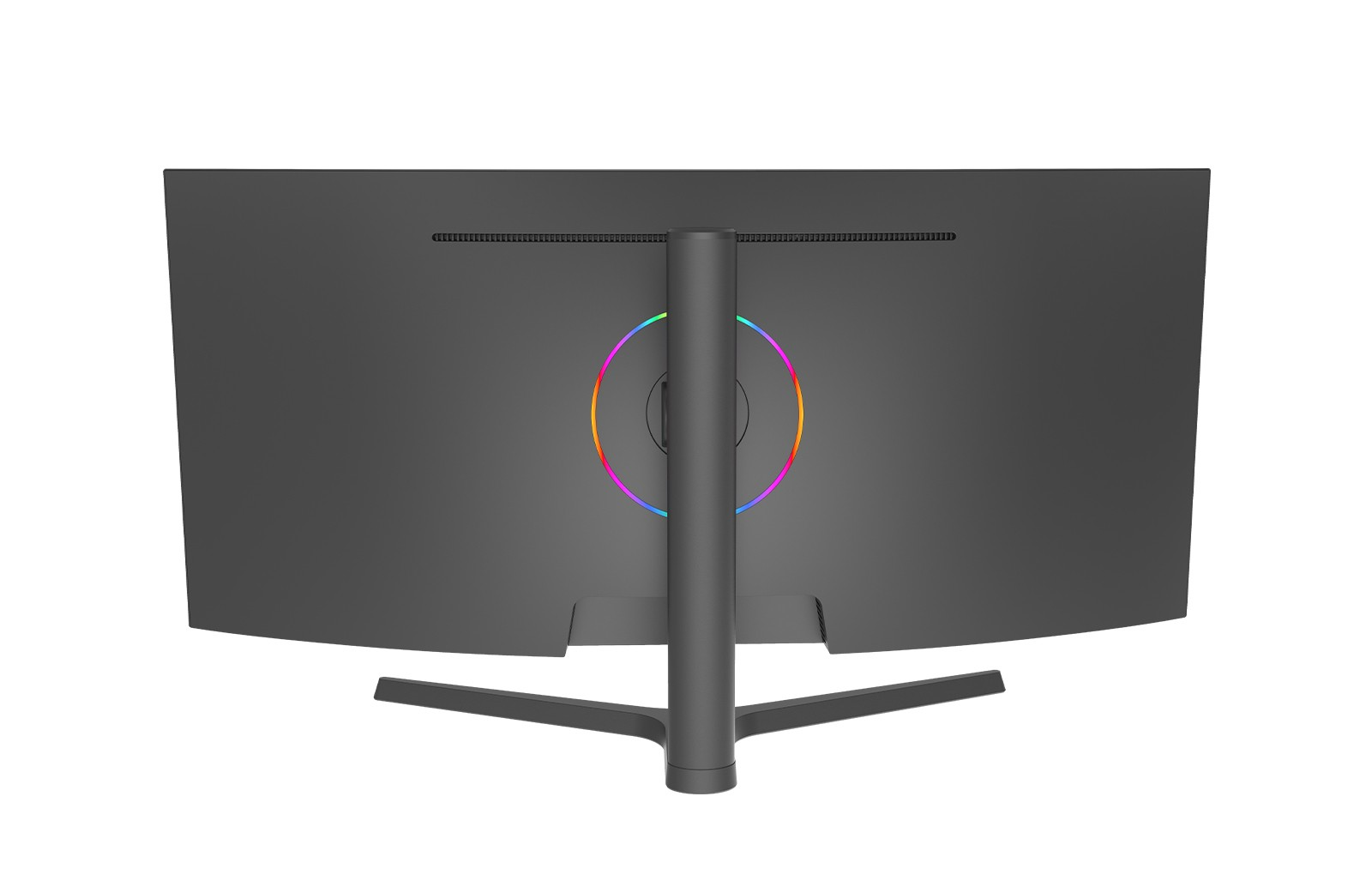
Adjusting the Position and Settings for Optimal Viewing
First and foremost, position the monitor at an appropriate distance and height. It should be at a comfortable eye level to reduce strain. A wide curved gaming monitor like those in the market offers a wider field of view, so ensure you have enough space around it to fully take advantage of this. For example, place it on a stable stand or mount it on the wall if possible.
Tweak the display settings according to your preferences and the requirements of the content you are using. Adjust the brightness, contrast, and color settings to achieve the best visual quality. Many wide curved gaming monitors come with preset gaming modes that optimize these settings for different types of games. Make sure to explore these options and choose the one that suits your needs.
Enhancing the Gaming Experience with Curved Monitors
Ensure that the games you play are optimized for a curved display. Some games may require specific settings or updates to fully utilize the unique features of a curved monitor. Check the game’s settings and look for options related to aspect ratio and display resolution. Adjust them to match the capabilities of your wide curved gaming monitor.
Wide curved monitors are also great for multi-tasking. You can split the screen into different sections to have multiple applications or windows open simultaneously. This is particularly useful for gamers who like to stream their gameplay while chatting with friends or looking up game guides. Use the monitor’s built-in features or third-party software to manage the split-screen layout effectively.
Maintenance and Care of the Curved Monitor
Regular cleaning is essential to keep the monitor in good condition. Use a soft, lint-free cloth and a mild cleaning solution to wipe the screen gently. Avoid using harsh chemicals or abrasive materials that could damage the surface.
Be careful when handling the monitor to prevent scratches or cracks. When not in use, cover it with a dust cover or store it in a safe place. Additionally, make sure to follow the manufacturer’s instructions for proper power management to prolong the life of the monitor.
Conclusion
Using a wide curved gaming monitor effectively involves careful placement, proper setting adjustments, and making the most of its features for an enhanced gaming and viewing experience. By following these guidelines and taking good care of your monitor, you can enjoy the full potential of your wide curved gaming monitor. Whether you’re immersed in an intense gaming session or working on multiple tasks, a well-used curved monitor can make a significant difference. With the advanced features and quality offered by leading brands in the market, such as those providing high-quality wide curved gaming monitors, you can have a truly remarkable visual experience with NPC.