








Managing a workspace requires more than just high-end hardware; it requires the knowledge to keep that equipment running smoothly. Whether you are a remote professional or a distributor handling bulk units, encountering a glitch on a computer monitor for home office use can be frustrating. Most display issues are not hardware failures but rather configuration errors or cable inconsistencies that can be resolved in minutes.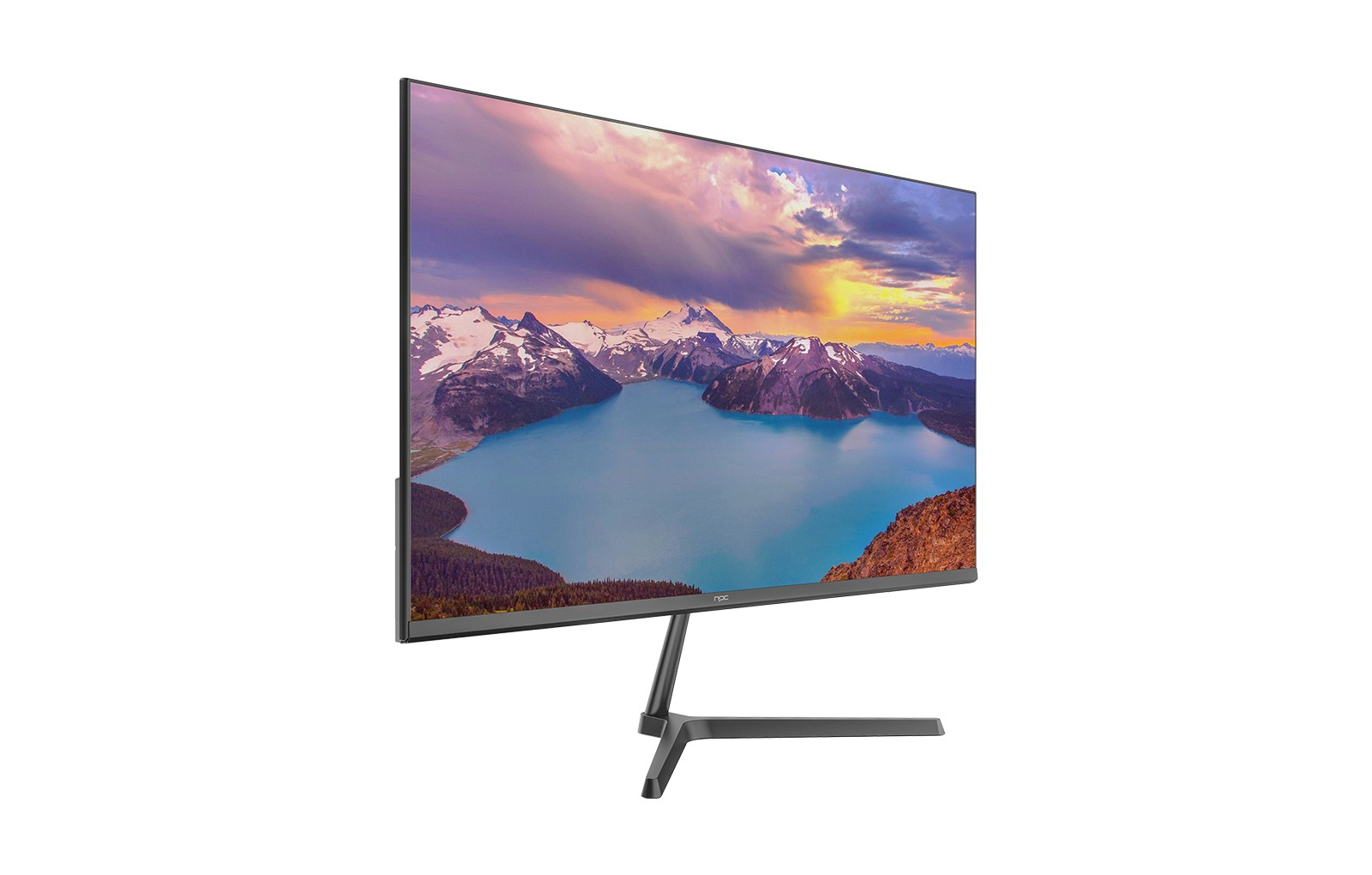
Troubleshooting the Top 10 Monitor Issues
Understanding these common hurdles can save hours of downtime and prevent unnecessary returns or repairs.
1. No Signal Detected: This is usually a loose connection. Ensure the HDMI or DisplayPort cable is firmly seated. If the issue persists, try a different port or cable to rule out a faulty wire.
2. Screen Flickering: Often caused by a mismatched refresh rate. Access your display settings and ensure the Hz setting matches your monitor’s native specifications.
3. Dead or Stuck Pixels: A stuck pixel (constant color) can sometimes be "massaged" out with a soft cloth or specialized software, whereas a dead pixel (black) may require professional service.
4. Incorrect Resolution: If images look blurry or stretched, check that your operating system is set to the "Recommended" native resolution.
5. Backlight Bleed: This is light leaking around the edges. While common in some panels, reducing the brightness can often minimize the visual impact.
6. Blue Tint or Color Inaccuracy: Ensure "Night Mode" is turned off. If the colors still feel off, use the monitor’s OSD menu to perform a factory reset.
7. Input Lag: For those using a computer monitor for home office tasks involving video, turning off "Eco Mode" or "Power Saving" can often improve responsiveness.
8. Monitor Keeps Turning Off: Check the power brick for overheating and disable "Sleep Timer" settings in the monitor menu.
9. Horizontal Lines: This often points to a driver issue. Update your graphics card drivers via the manufacturer’s website.
10. Image Ghosting: This occurs when a trail follows moving objects. Lowering the "Response Time" or "Overdrive" setting in the menu usually fixes this.
Reliable Display Solutions with NPC
At NPC, we recognize that wholesalers and individual users need more than just a screen; they need reliability and ease of use. We focus on engineering products that minimize technical friction, ensuring that our partners can provide consistent value to their clients.
Our NPC 23.8-inch Office Monitor (Model MF2408-U) is a prime example of this commitment. We have designed this display with a focus on stability, featuring a 1920x1080p Full HD panel and a 100Hz refresh rate to ensure smooth visuals that reduce the likelihood of flickering or ghosting. With both HDMI and VGA interfaces, we provide the flexibility needed for various hardware setups, while the 178° wide viewing angle ensures clarity from any position. At NPC, we are dedicated to delivering high-performance display technology that simplifies your digital life, backed by a brand that stands for quality and professional support.


