








In a fast-paced professional environment, a malfunctioning display can halt productivity instantly. Before reaching out to technical support, many common issues with a computer monitor office setup can be diagnosed and resolved through a systematic review of the hardware and software configurations. Understanding these basic steps not only saves time for wholesalers and office managers but also ensures that equipment is being utilized to its full potential.
Essential Troubleshooting Steps
When a screen fails to perform as expected, start with these fundamental checks to identify the root cause:
l Physical Connection Audit: Begin by verifying that all cables—power, HDMI, and VGA—are securely plugged in. A loose connection is the primary cause of "No Signal" errors. If possible, swap the cable with a known working one to rule out wire degradation.
l Power Cycle the Hardware: Unplug the power cord from the wall and the monitor, wait 30 seconds, and reconnect. This discharges the internal capacitors and resets the internal controller.
l Source Selection: Ensure the monitor is set to the correct input source (e.g., HDMI 1 or VGA) via the On-Screen Display (OSD) menu buttons. Often, a monitor may not auto-switch if multiple devices are connected.
l Operating System Display Settings: Right-click your desktop and navigate to "Display Settings." Ensure the monitor is detected and that the resolution and refresh rate are set to the manufacturer's recommended values.
Advanced Software Adjustments
If the screen is on but the image quality is poor, the issue may lie in the software drivers. Outdated graphics drivers can lead to flickering, distorted colors, or resolution caps. Visit the website of your graphics card manufacturer to download the latest updates. Additionally, check the "Power Options" in your control panel to ensure the system isn't putting the computer monitor office display to sleep prematurely to save energy.
Professional Reliability with NPC
At NPC, we recognize that for traders and business professionals, uptime is everything. We design our display solutions to be intuitive and durable, reducing the frequency of technical hurdles and simplifying the troubleshooting process for the end-user.
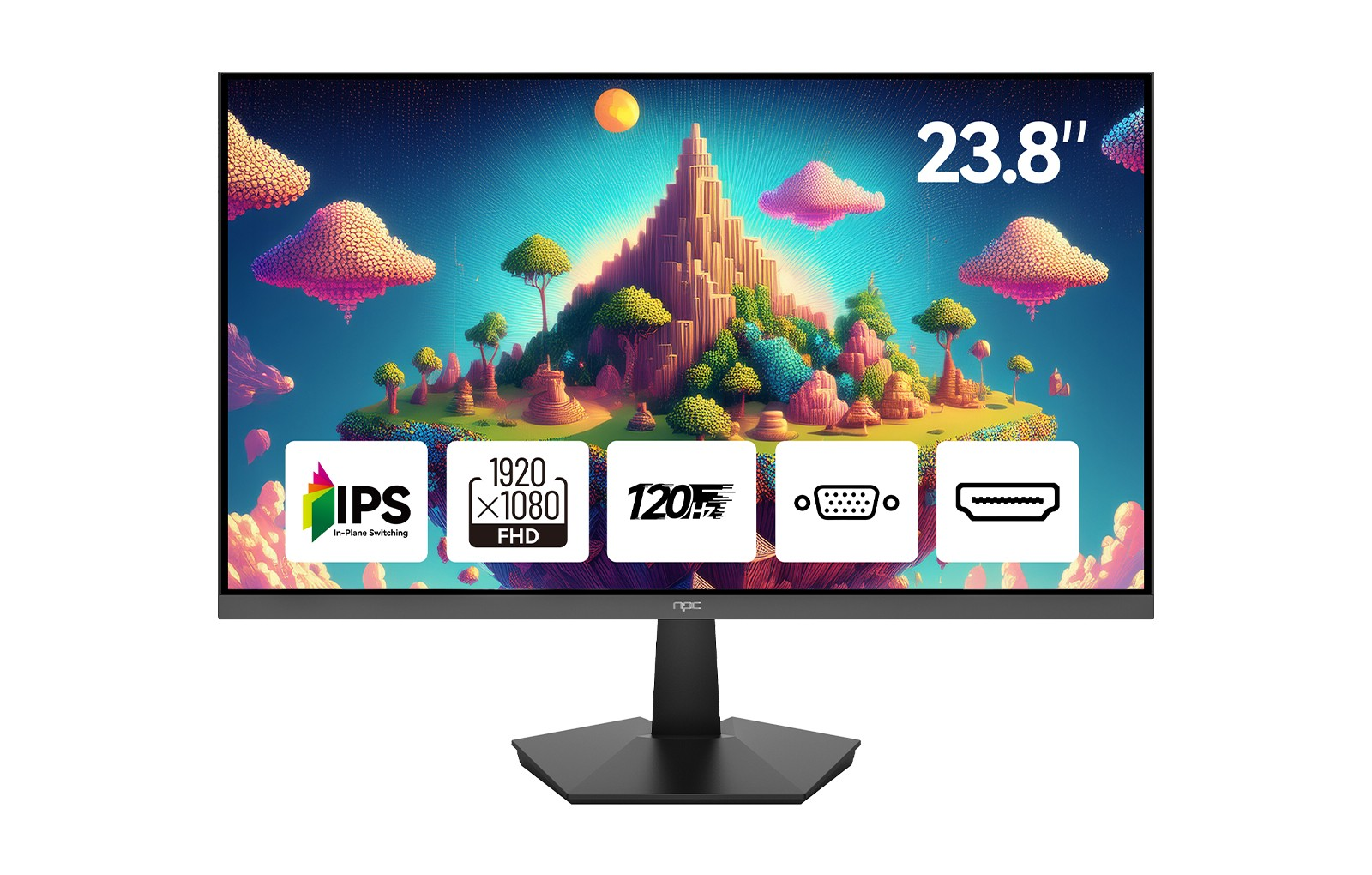
Our NPC 23.8-inch Office Monitor (Model MF2408-A) is built specifically for streamlined professional use. We have equipped this model with a high-quality 1920x1080p Full HD panel and a 120Hz refresh rate, ensuring a flicker-free, stable visual experience that minimizes common display glitches. With a wide 178° viewing angle and a 1500:1 contrast ratio, it provides exceptional clarity for detailed tasks. Our design includes both HDMI and VGA interfaces for maximum compatibility, alongside VESA mounting support for ergonomic workspace management. At NPC, we are committed to providing robust, cost-effective technology that supports your business goals with professional-grade performance.


