








Working in a low-light environment can be a challenge for the eyes. When using office computer monitors in a dark or dimly lit room, a screen that is set too bright can cause significant eye strain, headaches, and "screen glare" fatigue. This happens because the high contrast between the dark surroundings and the intense luminance of the display forces your pupils to constantly adjust. Understanding how to manage your screen’s output is essential for long-term ocular health and productivity.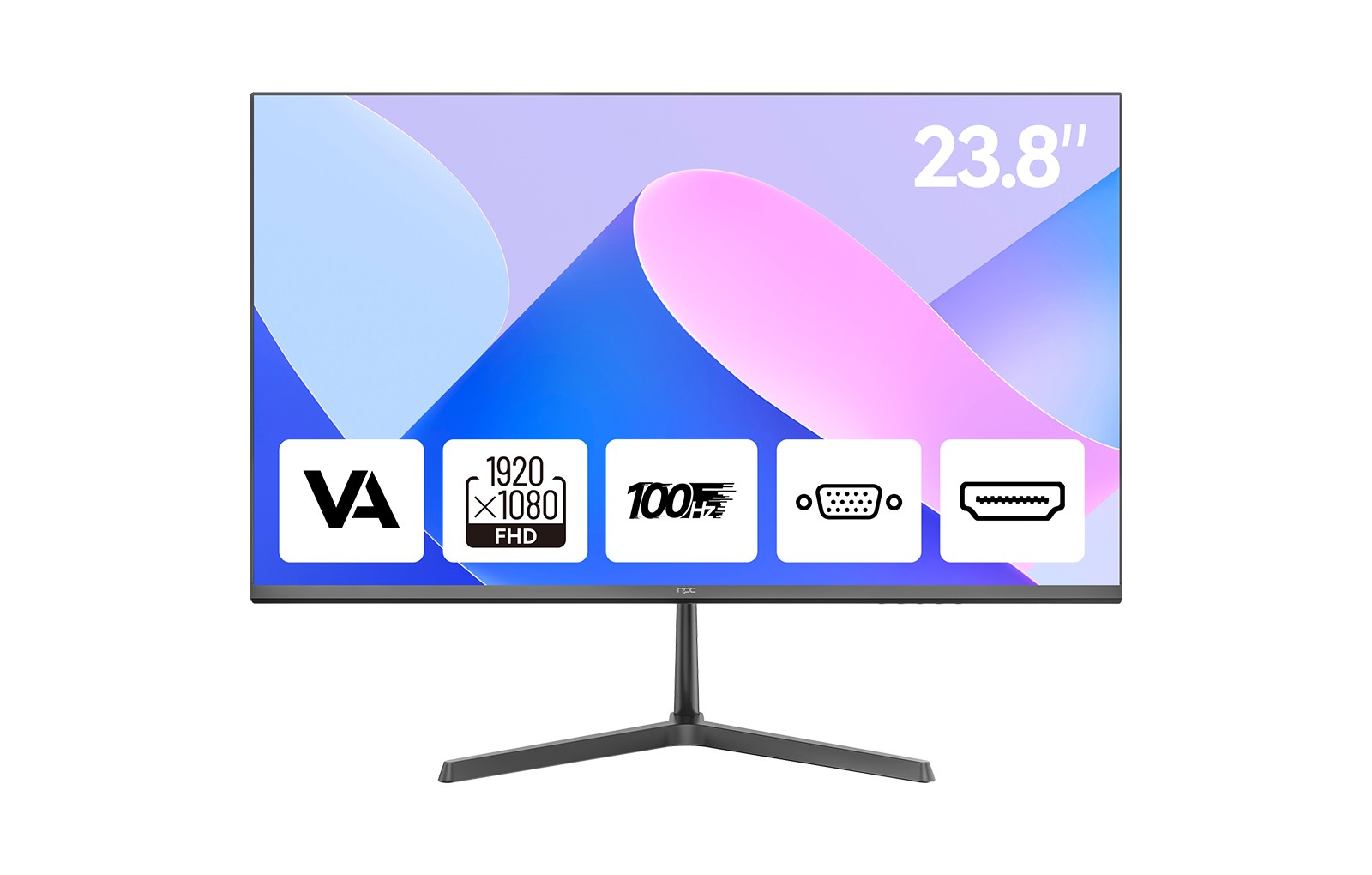
Why Auto-Brightness Matters in Dark Offices
The human eye is remarkably adaptive, but it struggles when localized light sources—like a monitor—clash with ambient lighting. Scientific studies in ergonomics suggest that maintaining a brightness level that matches your environment can reduce "near-point accommodation" stress, which is the eye's effort to maintain focus.
In a dark office, a standard monitor setting of 300–350 nits can feel like looking directly into a flashlight. Auto-brightness controls solve this by using ambient light sensors to detect room conditions and instantly dimming the backlight to a comfortable level. This not only protects your vision but also improves the perceived contrast and color depth of your work.
How to Set Auto-Brightness Controls
Depending on your hardware and operating system, there are several ways to automate your display settings:
l Windows Adaptive Brightness: If your PC has a built-in light sensor, go to Settings > System > Display. Under "Brightness and color," check the box for "Change brightness automatically when lighting changes."
l OSD (On-Screen Display) Settings: Many professional monitors have a built-in "Eco" or "Eye Care" mode within their own hardware menu. Using the buttons on the monitor, navigate to the Picture or System settings to enable "Auto-Brightness" or "Ambient Detection."
l Night Light/Blue Light Filters: While not the same as brightness, scheduling a "Night Light" mode (available in Windows and macOS) shifts your screen to warmer tones as the sun goes down, which reduces the harshness of the light in dark rooms.
Enhancing Your Workspace with NPC
At NPC, we understand that professionals and wholesalers alike require displays that prioritize both performance and user comfort. Our dedicated line of office computer monitors is engineered to meet the demands of modern workspaces, whether you are managing a bright corporate floor or a focused, low-light home studio.
For those seeking a versatile and eye-friendly solution, we recommend our NPC 23.8-inch Office Monitor (Model MF2408-U). This display features a crisp Full HD 1920x1080p resolution and a smooth 100Hz refresh rate, providing a flicker-free experience that reduces motion blur during long work sessions. Designed with a sleek, minimalist aesthetic, it supports VESA wall-mounting and includes both HDMI and VGA interfaces to ensure seamless compatibility with your existing hardware. At NPC, we are committed to providing high-quality, cost-effective display technology that empowers your daily productivity without compromising your well-being.


