








A common question we encounter involves enhancing the graphical capabilities of a personal computer. For users of integrated systems like an all in one computer i5, this query presents unique challenges and opportunities. Unlike traditional desktop towers, the compact design of these machines requires a different approach to hardware upgrades. We will explore the practical methods available for improving graphical performance, focusing on solutions that align with the integrated nature of such devices.
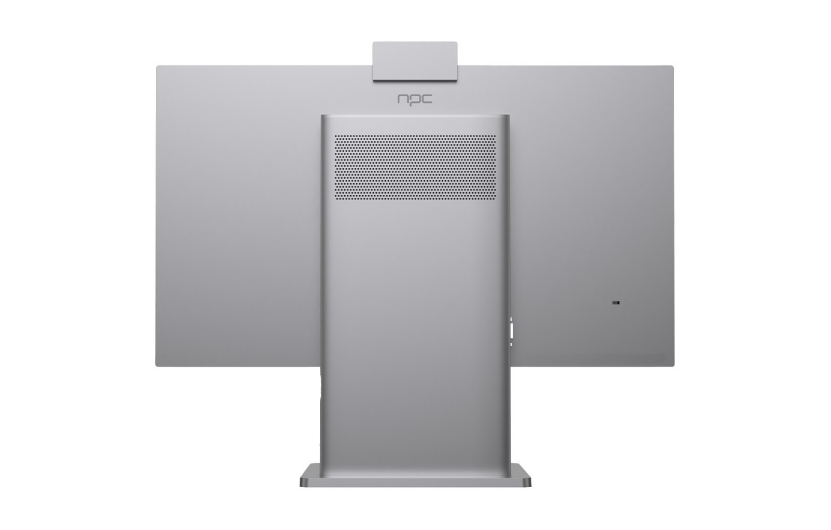
Understanding the Integrated Design Constraint
The first, most critical point is recognizing the inherent limitation of most all-in-one PCs. Models like an all in one computer i5 are engineered for space efficiency and a clean aesthetic, which typically means the core components—the processor, RAM, and graphics—are integrated onto the motherboard or are not intended for user replacement. The "i5" designation refers to the central processor, which often includes integrated Intel graphics. This integrated graphics unit is soldered in place and cannot be physically swapped like a desktop graphics card. Therefore, a standard internal GPU upgrade is usually not a feasible path for these systems.
Leveraging External Hardware Solutions
For users seeking a significant boost in graphical power, external GPU (eGPU) enclosures have become a viable alternative. This technology allows you to connect a full-sized, powerful desktop graphics card to your computer via a high-speed interface, typically Thunderbolt. If your all in one computer i5 is equipped with a compatible Thunderbolt port, this can be an effective way to add dedicated graphics performance for tasks like gaming, video editing, or 3D rendering. It is essential to verify your specific model's port specifications and compatibility with eGPU hardware before investing in this solution.
Optimizing Through Software and Drivers
When hardware changes are limited, ensuring optimal software performance is key. The most impactful step is maintaining up-to-date graphics drivers. Manufacturers release driver updates to improve stability, fix bugs, and sometimes enhance performance in specific applications. For systems using integrated Intel graphics, these updates are managed through Intel's support channels or the OEM's website. Additionally, within your computer's operating system, you can adjust settings for individual applications to prioritize performance over power savings, which can yield smoother operation in some scenarios.
In review, upgrading graphics in an integrated system revolves around external solutions and software optimization rather than internal component swaps. The design philosophy behind devices like an all in one computer i5 prioritizes a unified, reliable user experience from the outset. This integrated approach is a hallmark of the NPC product lineup. The engineering for NPC All-In-One PCs focuses on delivering balanced performance suitable for professional and personal use within a sophisticated form factor. We at NPC build our systems with this harmony in mind, ensuring that for most users, the provided graphics solution meets the demands of everyday productivity and multimedia without requiring modification.


