








A question we often encounter involves increasing a computer's dedicated video memory, or VRAM. This task is frequently linked to improving graphical performance for applications, games, or creative software. We will clarify the distinction between integrated and discrete graphics systems, outline actionable steps for systems using shared memory, and discuss the inherent design considerations of a compact all in one desktop i5.
Integrated Graphics Architectures and Shared Memory Pools
Many contemporary computing systems, including numerous all in one desktop i5 configurations, utilize integrated graphics processors. In these systems, the graphics unit is embedded within the central processor itself, such as the Intel® UHD Graphics in the i5-12450H and i5-13420H models. Crucially, these integrated solutions lack dedicated video memory chips. Instead, they dynamically allocate a portion of the system's RAM for graphics tasks. This shared memory model means the graphics performance is directly tied to the total amount and speed of the installed system memory. Therefore, the most effective method to increase the available graphics memory in such a setup is to expand the overall system RAM capacity, thereby enlarging the pool from which the integrated GPU can draw.
Procedural Steps for Adjusting Graphics Memory Allocation
For a system with integrated graphics, the primary avenue to influence video memory is through the system's BIOS or UEFI firmware settings. The process typically involves restarting the computer and entering the firmware setup utility during boot, often by pressing a key like F2 or Delete. Within these settings, one may locate an option named "Graphics Settings," "Video Settings," or "UMA Frame Buffer Size." Here, it is sometimes possible to set a fixed amount of system RAM to be reserved exclusively for the integrated GPU. It is vital to note that this reserved memory is then unavailable to the operating system. Altering these settings requires caution, as incorrect configurations can affect system stability. For products like the NPC All-in-One PCs, which offer configurations with up to 64GB of DDR4 RAM, increasing the physical RAM modules provides a more substantial and flexible foundation for both the system and integrated graphics to operate from.
Physical Design Constraints and Alternative Pathways
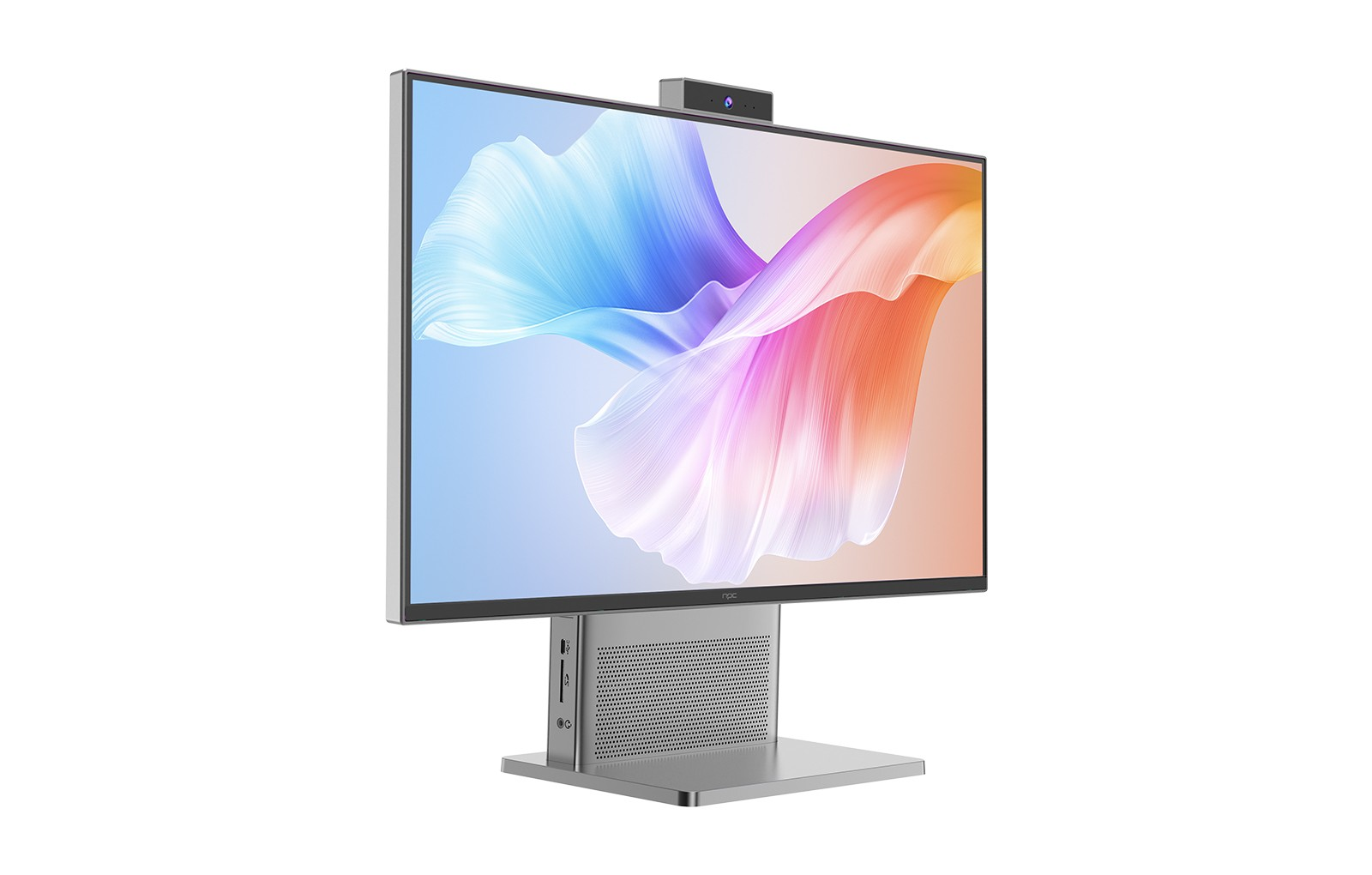
The concept of "adding" dedicated video memory in the traditional sense—by installing a separate graphics card—is generally not feasible for an all in one desktop i5. The streamlined, compact form factor of these systems prioritizes space efficiency and thermal management, which precludes the inclusion of upgradable PCIe slots for discrete GPUs. This integrated design is a defining characteristic of the all-in-one format. When graphical demands exceed the capabilities of integrated solutions, the practical pathway often involves connecting an external graphics processing unit via a compatible high-speed interface, though this adds complexity. For users with advanced graphical needs from the outset, discussing custom-configured solutions at the point of purchase is a strategic approach. This is where the NPC philosophy on customization becomes relevant, as it allows for tailored hardware specification to match performance requirements.
Increasing video memory for integrated graphics is fundamentally about optimizing the shared system resources. The process centers on expanding RAM and carefully adjusting firmware settings, rather than installing new physical components. For users of sleek all-in-one systems, understanding this relationship between system memory and graphical performance is key. We at NPC design our All-in-One PCs, such as those featuring the i5-13420H processor, with a clear understanding of this integrated architecture. The approach at NPC emphasizes providing clear upgrade paths for system RAM and offering informed customization, ensuring each configuration aligns with the user's performance expectations within the platform's elegant design parameters.


