








In the fast-evolving world of creative technology, choosing the right connection standard can significantly impact productivity. For professionals engaged in video editing and graphic design, understanding the distinctions between USB-C and Thunderbolt can be crucial. These technologies are not just about connecting devices but enabling workflows that demand high-speed data transfer and high-quality visuals. This article explores the differences, advantages, and potential drawbacks of USB-C and Thunderbolt, particularly through the lens of their use with professional video editing monitors.
Understanding USB-C: Versatile and Accessible
USB-C has emerged as the universal standard for numerous devices, including laptops, tablets, and external monitors. The design simplicity of USB-C allows for reversible connections, making it user-friendly and reducing wear on ports. For creative professionals, USB-C supports data transfer speeds of up to 10 Gbps, which is adequate for most tasks including image editing and casual video production.
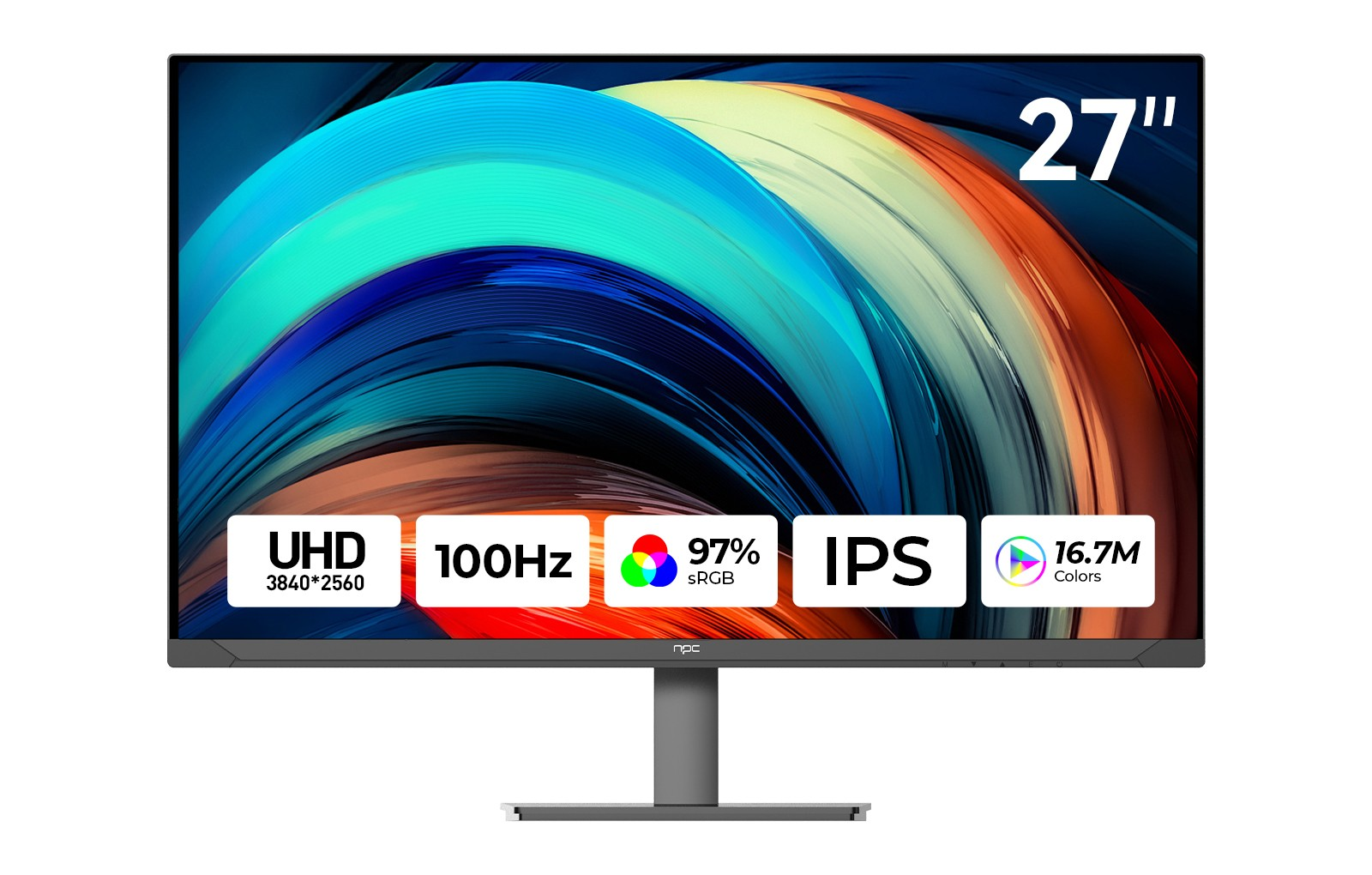
When paired with a professional video editing monitor, USB-C can deliver excellent visual clarity. Monitors like the NPC-MU2707-K, with a 4K resolution and broad color gamut, benefit from this versatile connectivity. Furthermore, USB-C also supports power delivery features, allowing users to charge their devices while working, which can be advantageous in mobile settings.
Despite its many benefits, USB-C may have limitations in bandwidth, particularly when dealing with high-resolution video files and complex projects that require multiple data streams. For professionals working with heavy applications or multiple 4K video feeds, these limitations could be significant.
Thunderbolt: High-Speed Connectivity
Thunderbolt technology, especially in its latest iterations (Thunderbolt 3 and 4), significantly outperforms traditional USB-C connections in terms of speed and capabilities. Offering data transfer rates of up to 40 Gbps, Thunderbolt can handle multiple 4K video streams simultaneously without lag, making it the preferred or necessary choice for high-end video editing tasks.
For creative professionals using advanced software, Thunderbolt connections provide the bandwidth necessary for real-time video processing and playback. Coupling Thunderbolt with a professional video editing monitor like the NPC-MU2707-K can ensure that even the most demanding projects run smoothly, with minimal latency. Additionally, Thunderbolt supports daisy-chaining multiple devices, allowing for a more organized workspace without sacrificing performance.
However, the higher cost of Thunderbolt-equipped peripherals may be a consideration. For professionals who need the absolute best performance, investing in Thunderbolt technology could be worthwhile, but it may not be necessary for every creative workflow.
The Trade-offs: Which One to Choose?
Choosing between USB-C and Thunderbolt hinges on specific professional needs. For graphic designers and video editors who often handle large files and require high-quality displays, Thunderbolt can provide significant advantages. The ability to transfer large files quickly and manage multiple high-resolution streams could justify the investment.
Conversely, for professionals who work primarily with standard-definition or lower-resolution video, USB-C might be sufficient. Its widespread adoption and lower cost make it an appealing option, particularly for those looking to connect their devices without requiring cutting-edge technology.
Ultimately, the decision should be based on the nature of the work, budget constraints, and future-proofing considerations. For those who frequently engage in professional video editing, aligning the right connections with their hardware, such as the NPC-MU2707-K monitor, is essential for achieving optimal results.
Choosing the Right Connection for Your Work Style
In navigating the choice between USB-C and Thunderbolt, creative professionals must assess their workflows and the demands of their projects carefully. While USB-C offers versatility and accessibility for a broad range of uses, Thunderbolt delivers exceptional speed and efficiency for intricate video editing tasks. With the NPC-MU2707-K professional video editing monitor, users can leverage the appropriate connection type based on their specific needs, ensuring that they are equipped to handle the complexities of modern creative work. Select the connection that best aligns with your needs, and support your work with the right technology.


