








Color uniformity is a key aspect of visual displays, particularly for professionals in video editing. It refers to the consistent reproduction of colors across the entire screen, ensuring that no areas appear darker or more saturated than others. This article will explore the concept of color uniformity and provide a framework for effectively testing it, especially for those using professional monitors for video editing.
Understanding Color Uniformity
Color uniformity is essential for achieving accurate and reliable color grading in video production. When a monitor exhibits poor color uniformity, it can lead to discrepancies in the final output, causing certain hues and contrasts to appear differently than intended. This inconsistency may affect the viewer's perception of the video, undermining the editor's efforts to create a cohesive look.
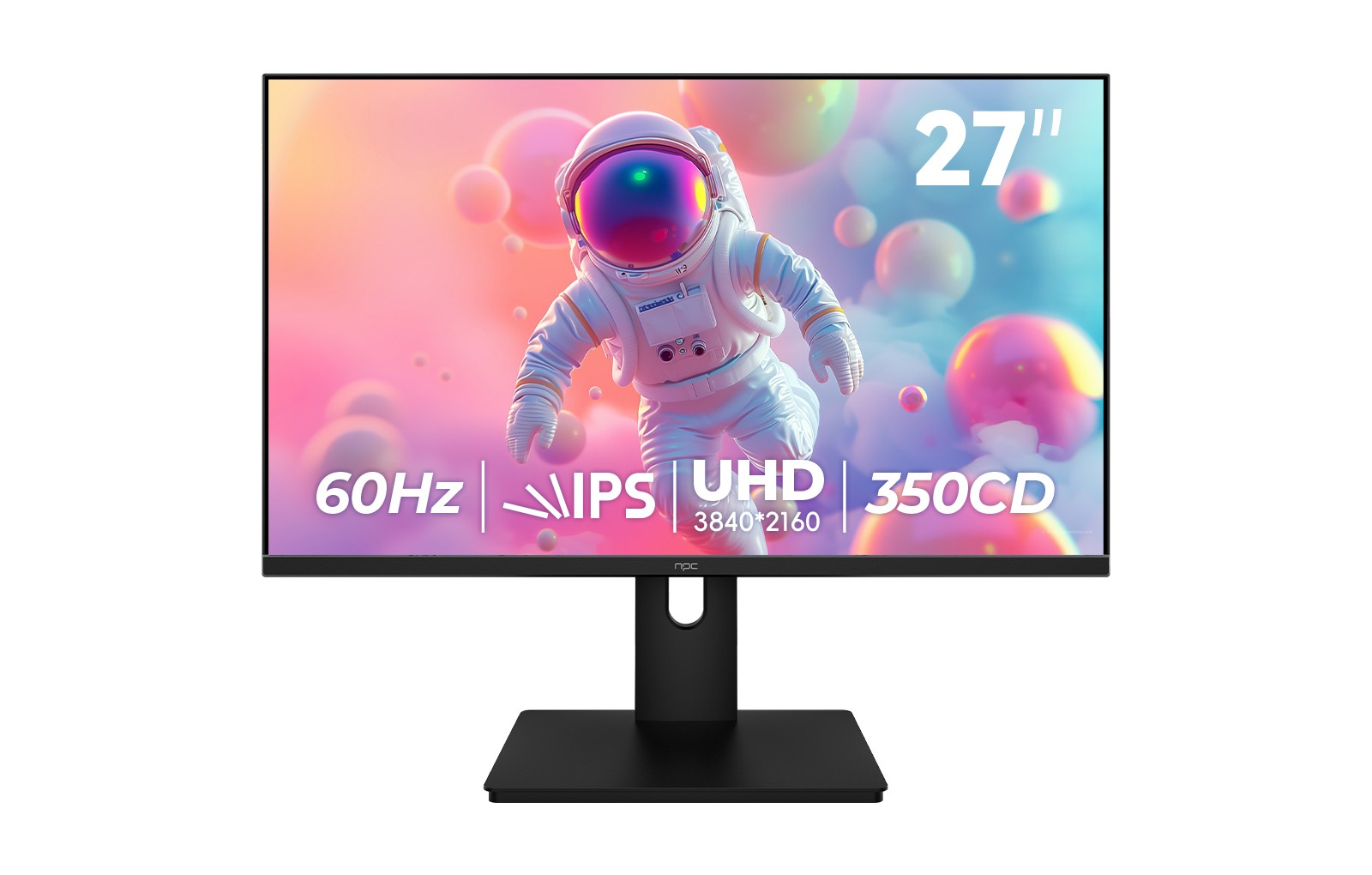
Professional monitors for video editing, such as the NPC MU270A, are designed to deliver superior color accuracy and uniformity. With a 4K resolution and DCI-P3 color coverage, these monitors offer a pristine viewing experience, allowing editors to maintain a consistent visual narrative throughout their projects.
Tools and Methods for Testing Color Uniformity
To ensure the monitor delivers optimal color uniformity, several tools and methods can be employed:
Color Calibration Tools: Use hardware calibration devices like colorimeters or spectrophotometers. These tools measure color output across different areas of the screen, allowing for adjustments to improve and optimize uniformity as much as the hardware allows. Regular calibration is essential, especially if the monitor is being used for critical color work.
Test Patterns: Utilize white and grayscale test patterns to assess uniformity. Display these patterns at various brightness levels and evaluate the screen for any discrepancies in color, brightness, or contrast. This method can help identify specific areas that may require calibration or adjustment.
Visual Inspection: While less precise than other methods, visually inspecting the monitor using reference images can be useful. Compare the display against a known reference image that contains a wide range of colors and tones. Observing how the monitor reproduces these elements in different areas can offer insights into its uniformity.
Adjusting for Color Uniformity
Once testing is complete, any identified discrepancies can be addressed through adjustments. Professional monitors for video editing often come equipped with built-in calibration settings, allowing users to tweak color balance, brightness, and contrast across the screen. It is crucial to make these adjustments while referencing known color standards to achieve the best possible outcome.
Additionally, ambient lighting can significantly impact perceived color uniformity. Ensuring a controlled lighting environment will help mitigate external influences that could lead to misinterpretation of color uniformity results.
Achieving Optimal Color Performance
Understanding and testing color uniformity is vital for video editors who rely on accurate colors to tell their stories. By employing rigorous testing methods and utilizing professional monitors for video editing, such as the NPC MU270A, editors can ensure that their work maintains a high standard of quality and consistency.
Establishing color uniformity not only improves the editing process but also enhances the final product's overall visual integrity. It is essential for ensuring that colors are represented accurately across various viewing platforms, preserving the intended color design and consistency of the edit.
In summary, testing and achieving color uniformity is central to the workflow of any video editor. By utilizing the right tools and professional monitors designed for precision, such as those offered by NPC, you can ensure that your final product maintains the color consistency and accuracy central to professional video work.


