








In the realm of photography and digital media design, color accuracy is fundamental. A well-structured dual monitor setup can enhance workflow efficiency and ensure color consistency across projects. This article outlines the steps and considerations necessary to establish a successful dual monitor color management workflow tailored for professional monitors for photography.
Importance of Dual Monitors in Color Management
Utilizing dual monitors provides photographers with an expansive workspace, allowing for better organization and visibility of tools. A primary monitor is typically used for editing and color grading, while the secondary monitor can display reference images, tools, and other important metadata. By employing professional monitors for photography that support wide color gamuts, photographers can evaluate a broader range of colors and achieve greater fidelity during editing.
These professional monitors are calibrated to deliver accurate color representations, eliminating issues that may arise from using standard displays. Such accuracy is crucial for ensuring that the colors seen during the editing process match those intended for the final output, be it for print or digital formats.
Steps to Set Up Your Dual Monitor Workflow
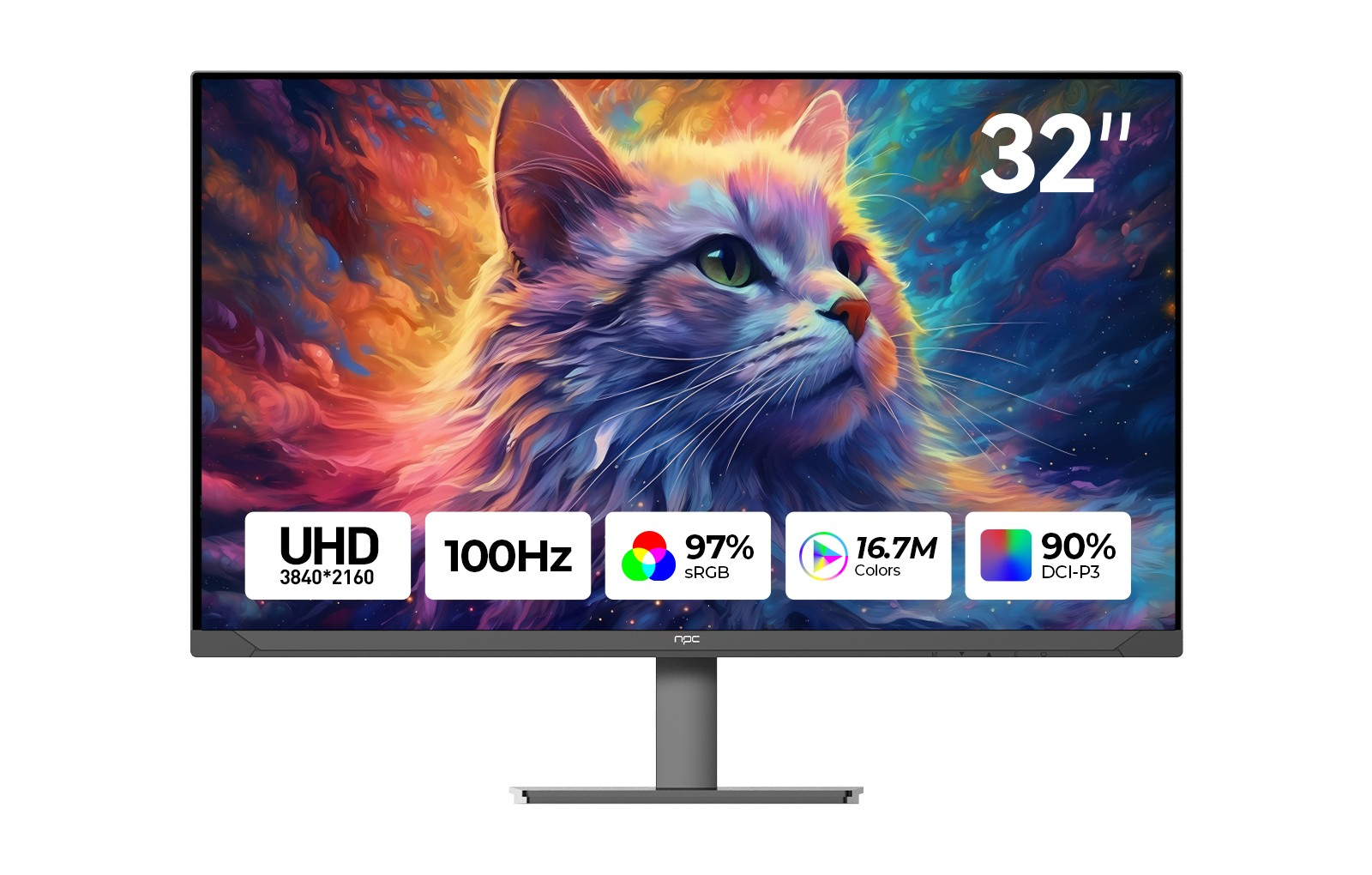
Choose the Right Monitors: For optimal results, select professional monitors for photography that provide high resolution and excellent color accuracy. The NPC MU3207-K, for instance, boasts a 3840x2160 resolution and is capable of displaying 97% of the sRGB color gamut and DCI-P3, making it an ideal choice for photographers who require precise color grading.
Calibration: Calibration is fundamental to maintaining color accuracy in a dual monitor setup. Use calibration tools or software to ensure both monitors display colors as intended. Regularly recalibrating ensures that any drift in color representation is corrected, maintaining consistency across monitors.
Color Profiles: Implementing appropriate color profiles is essential. Both operating systems and photography software allow users to assign specific color profiles to each monitor. This ensures that the same color space is adhered to, thus achieving uniformity in color rendering. Make sure that the profiles used align with the professional monitors for photography to maximize their capabilities.
Managing Color Accuracy Throughout the Workflow
With dual monitors properly set up, managing color accuracy becomes a straightforward process. During the editing phase, photographers can leverage the primary monitor for detailed alterations while using the secondary monitor for comparison purposes. This simultaneous setup not only increases productivity but also reduces the likelihood of color mismatches.
As edits are made on the primary monitor, which reflects the correct colors and tones thanks to its professional-grade technology, the secondary monitor can serve as a reference point. A correctly calibrated dual monitor setup will ensure that the colors viewed on both screens are harmonized, facilitating better decision-making during the editing process.
Ensuring Consistent Color Across All Media
Achieving consistent color across all mediums is essential for professionals in photography. By effectively using dual monitors, paired with the advanced features of professional monitors for photography like the NPC MU3207-K, photographers can ensure consistent color reproduction from development to final output.
By adhering to these practices, you can maximize the benefits of a dual monitor setup. Color accuracy will improve, leading to better outcomes in your photography projects.
As you navigate the complexities of color management in photography, NPC is dedicated to providing high-performance professional monitors that enrich your workflow and enhance the visual quality of your work, ensuring that colors are rendered accurately, enhancing every image you create.


