








Setting up your good gaming monitor correctly is an important step toward achieving better performance and enhancing the overall gaming experience. Whether you're using a high-end display or a budget gaming monitor, proper configuration can optimize your visuals and responsiveness. This guide outlines the essential steps for maximizing your gaming monitor's performance.
Choose the Right Resolution and Refresh Rate
The first step in setting up your gaming monitor is selecting the appropriate resolution and refresh rate. For most gamers, a Full HD resolution of 1920×1080 is standard, especially for budget gaming monitors. This resolution provides clear images and keeps hardware requirements manageable for most gaming systems.
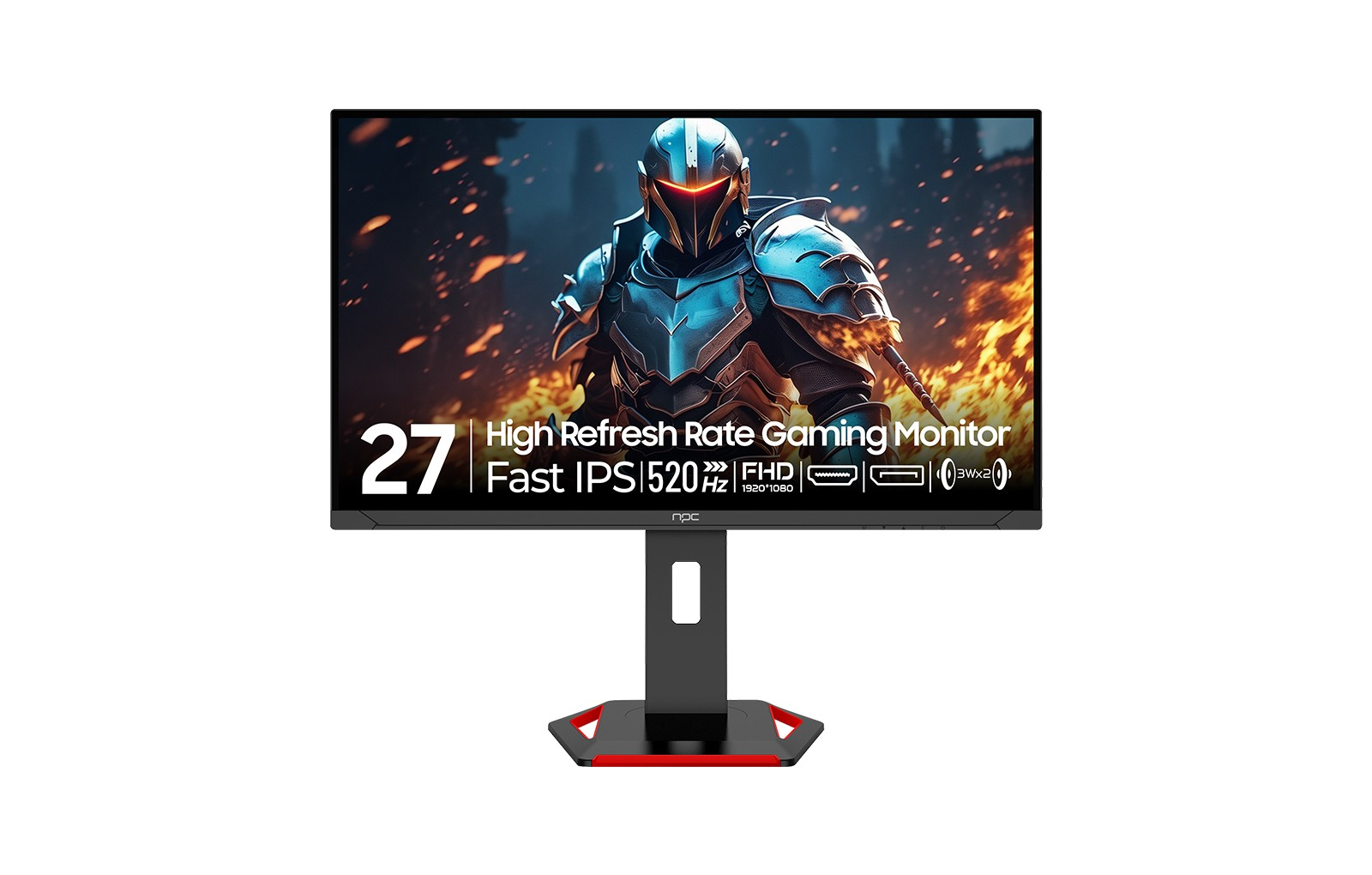
In addition to resolution, good gaming monitor refresh rate plays a significant role in performance. Higher refresh rates, such as the 520Hz supported by models like the NPC MD2733-K8, can dramatically improve the fluidity of gameplay. A higher refresh rate allows for smoother motion, making fast-paced games more enjoyable and responsive. Ensure that your graphics card can support the chosen refresh rate to maximize performance.
Optimize Your Monitor Settings
Once you've chosen the resolution and refresh rate, the next step is to adjust your monitor settings for optimal performance. Many budget gaming monitors come with built-in presets tailored for different types of games. It's beneficial to experiment with these modes, such as FPS, RTS, or RPG settings, to find the one that suits your gameplay style best.
Additionally, consider fine-tuning brightness, contrast, and color settings using calibration tools. This not only improves visibility during gameplay but also enhances the overall aesthetic experience. Proper color calibration helps in recognizing potential threats and important details, which can be crucial in competitive gaming.
Positioning and Connectivity
The physical setup of your gaming monitor can also impact performance. Ensure that your monitor is positioned at eye level to reduce strain and facilitate a better viewing angle during long gaming sessions. If wall mounting, ensure it's securely placed for stability.
Moreover, the connectivity of your monitor is vital. Using HDMI or DisplayPort connections can provide better image quality compared to older cables. Ensure that you’re using the appropriate port for your monitor's specifications to retain the optimal refresh rate and resolution. For budget gaming monitors, checking the cable type can make a notable difference in image quality and performance.
Enhancing Your Experience: The Right Monitor Makes a Difference
When optimizing your gaming setup, consider how additional features can enhance your gaming experience. Many feature-rich gaming monitors, including some value-oriented models, like the NPC MD2733-K8, come with eye protection functions and built-in speakers, contributing to both comfort and convenience.
For gamers on a budget, investing in a monitor like the NPC MD2733-K8 can deliver strong gaming performance without excessive costs. The combination of high refresh rates, effective color accuracy, and comfortable viewing angles ensures that even entry-level gamers can enjoy an engaging and competitive gaming environment.
By paying attention to these setup details, you can ensure your monitor performs as intended. By following these guidelines on resolution, settings, positioning, and connectivity, you can create a customized and high-performing gaming space tailored to your preferences. Remember, while additional gaming peripherals and hardware can enhance your experience, the foundation lies in the proper setup of your monitor.
As you optimize your gaming environment, consider the NPC MD2733-K8 for a cost-effective solution that doesn't compromise on performance, ensuring your gaming sessions are both enjoyable and immersive.


