








In today’s fast-paced digital environment, efficiency is key for professionals managing multiple devices. A KVM (Keyboard, Video, Mouse) switch is an valuable that allows users to control multiple computers from a single set of peripherals, streamlining workflows and enhancing productivity. This article will explore what a KVM switch is, its benefits, and how it can save time for multi-device users.
Understanding KVM Switches
A KVM switch is a hardware device that enables users to connect several computers to one keyboard, monitor, and mouse setup. By allowing seamless switching between multiple systems, KVM switches provide a convenient solution for those who need to work with more than one computer at a time. This is particularly useful in environments where multiple operating systems are in use or when users prefer to dedicate a computer for specific tasks.
KVM switches come in various configurations, allowing users to connect two or more computers. They can support a variety of connections, including HDMI, USB, and VGA, which can cater to different devices, including desktops and laptops. By consolidating controls to a single interface, users can avoid the clutter of multiple keyboards and mice, which not only saves physical space but also reduces setup complexity, allowing for a more organized workspace.
The Time-Saving Benefits of KVM Switches
For multi-device users, the ability to switch between computers quickly can significantly enhance productivity. Instead of wasting time disconnecting and reconnecting peripherals for each device, KVM switches enable instant transitions. For instance, a graphic designer might switch between a CAD system and a rendering computer without interrupting their workflow. This time-saving capability is crucial in high-pressure environments where every second counts.
Moreover, many KVM switches offer features such as hotkeys or push-button switching, allowing users to toggle between devices seamlessly. This functionality not only aids in multitasking but also reduces the risk of errors that might occur from manually connecting and disconnecting devices. As a result, employees can focus on tasks at hand rather than dealing with technology.
Enhancing the Home Office with KVM Switches
In recent years, home office setups have evolved significantly. As remote work becomes more prevalent, having an efficient workspace is essential. A KVM switch can significantly improve the workflow for individuals working from home, particularly those who rely on a computer monitor for home office productivity. With a KVM switch, users can integrate multiple devices into their setup, ensuring that they utilize their monitor’s screen real estate effectively.
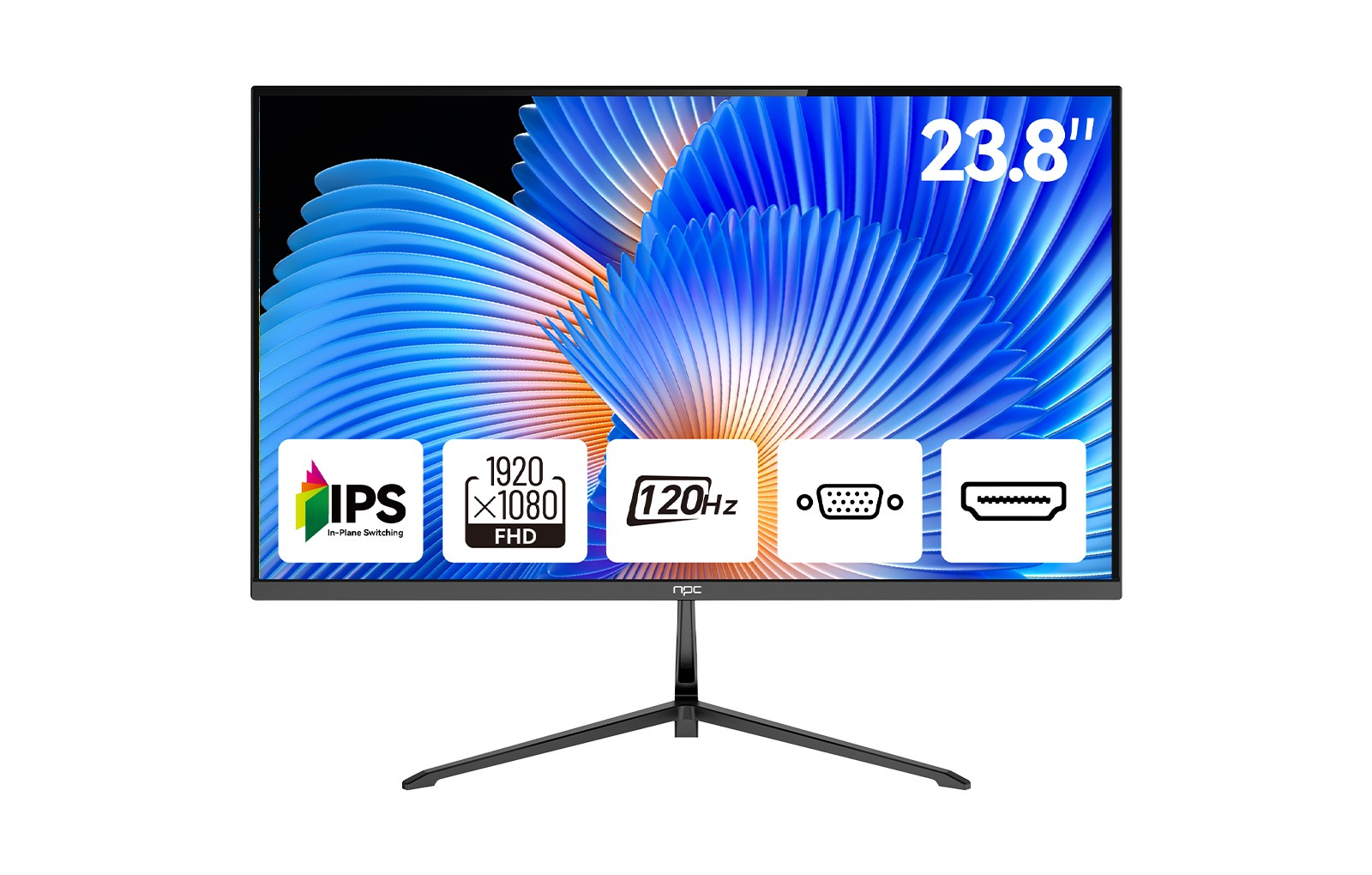
Combining a KVM switch with a high-quality computer monitor for home office use, like the NPC 23.8-inch office monitor, enhances the visual experience and overall efficiency. The NPC monitor features an IPS Full HD 1920*1080p resolution and a 120Hz refresh rate, making it well-suited for clear graphics and smooth transitions between applications. With its ergonomic design and eye-care functions, this monitor complements the use of a KVM switch, ensuring a comfortable and effective work environment.
Optimizing Your Workspace with NPC
By integrating a KVM switch into your multi-device setup, you can significantly enhance your home office experience. Solutions like the NPC MF2456-V monitor not only provide the necessary display quality but also align with the efficiency that a KVM switch offers. Whether you’re multitasking between different applications or operating multiple computers, this combination helps create a functional and productive workspace.
In conclusion, utilizing a KVM switch offers considerable time-saving and organizational benefits for multi-device users. With the right equipment, including a reliable computer monitor for home office tasks, users can create an optimized environment that fosters productivity and efficiency. Discover how the NPC MF2456-V monitor can enhance your workspace alongside a KVM switch, ensuring you maximize every moment of your workday.


