








In today’s fast-paced work environment, maintaining an organized and efficient workspace is essential for productivity. One often-overlooked solution is the built-in USB hub found in many office computer monitors. This feature can significantly reduce clutter and optimize your workspace. Let's explore how to leverage a built-in USB hub effectively.
Understanding the Benefits of a Built-in USB Hub
A built-in USB hub in office computer monitors allows for convenient access to multiple USB ports directly on the monitor. This means you can connect various devices like keyboards, mice, external storage, and other peripherals without having to reach behind your desk or on the floor for your computer's main USB ports. The result is a more streamlined workspace where important devices are easily accessible, minimizing time spent spent dealing with tangled cables or searching for ports.
By positioning your office computer monitor on your desk, you can centralize your connections. Rather than having USB devices scattered across different locations, the hub enables a consolidated workspace. This not only improves organization but also enhances your overall work experience.
Cable Management and Organizing Workspaces
One of the primary advantages of using a USB hub is improved cable management. Cables that run from your office computer monitor to other devices can create visual clutter and even safety hazards. With a built-in hub, you can use shorter cables that run directly to your monitor. This approach keeps longer cables hidden and reduces tangling, giving your workspace a clean and professional appearance.
Additionally, color-coding cables or using cable ties can further enhance organization. By integrating the USB hub effectively, you can create a workspace that is visually appealing and conducive to productivity. A tidy environment not only looks better but also helps you feel more focused and less distracted.
Choosing the Right Monitor with USB Hub Features
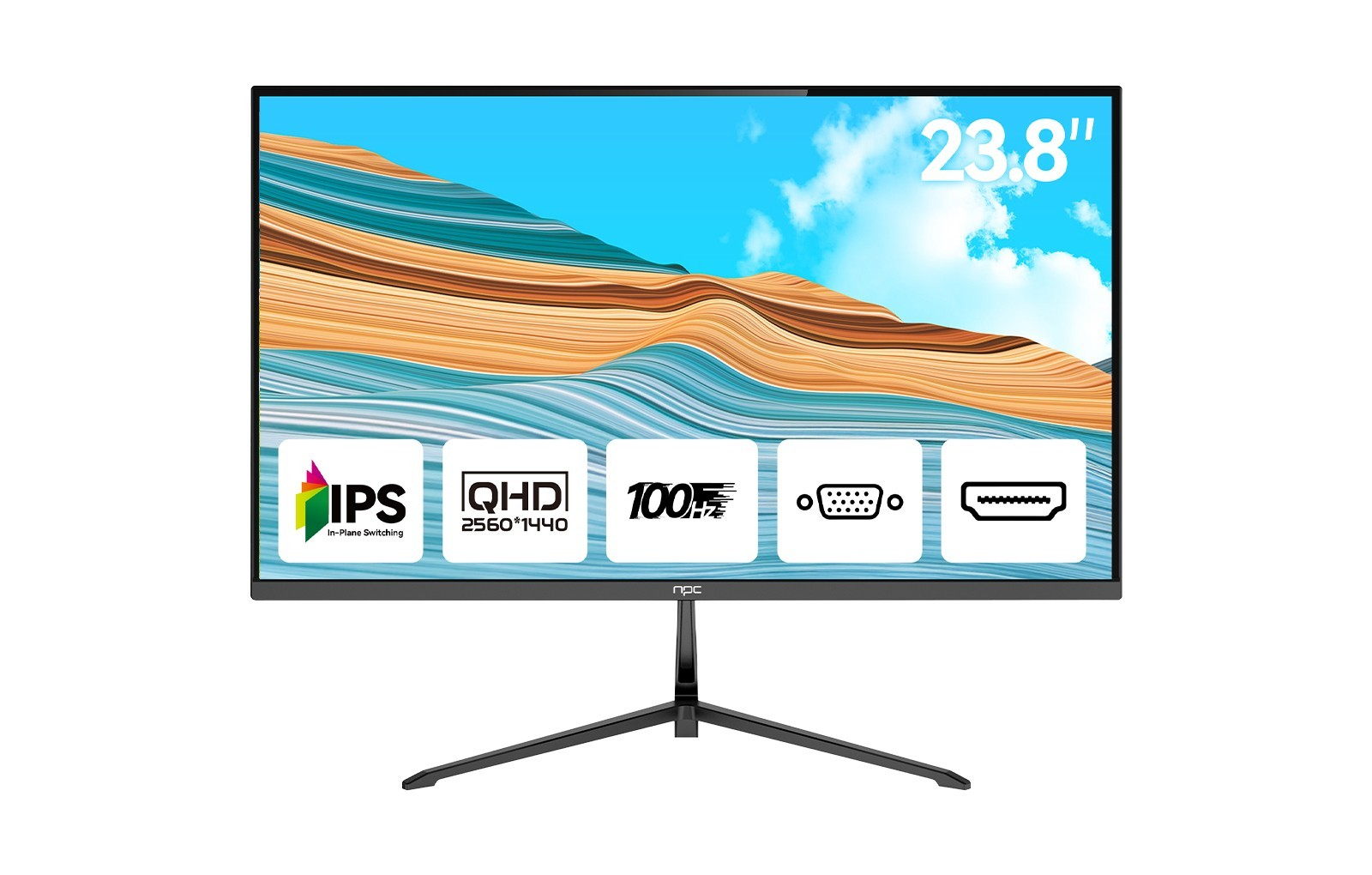
When selecting an office computer monitor, it's important to consider models equipped with built-in USB hubs. For instance, the NPC 23.8-inch office monitor, model MQ2456-V, not only provides an impressive QHD resolution of 2560*1440 at a 100Hz refresh rate, but also includes USB hub functionality. With HDMI and VGA interfaces, this monitor offers versatility while maintaining a borderless design that maximizes screen real estate.
Incorporating a monitor with these features allows for both functional utility and aesthetic appeal. You can keep your desk clear while still having all necessary peripherals at your fingertips. By choosing a monitor that meets your professional needs, you’re ensuring a workspace that is not only efficient but also comfortable.
Enhancing Productivity with a Streamlined Workspace
A cleaner workspace often contributes to enhanced productivity. By utilizing the built-in USB hub of your office computer monitor, you simplify the way you interact with your devices, allowing for a more engaged and focused work experience. This reduction in physical clutter can also have a psychological impact, leading to clearer thinking and better decision-making.
ý
As you implement these strategies, consider how a consolidated approach to device connectivity can help you create not just a cleaner workspace, but also an environment that nurtures creativity and efficiency.
NPC: Committing to Workspace Efficiency
At NPC, we are dedicated to providing high-quality office computer monitors such as the MQ2456-V, designed not only to deliver excellent display performance but also to enhance workspace organization. By integrating advanced features like built-in USB hubs, we support your journey towards a more efficient and clutter-free work environment.


