








When setting up a computer monitor office environment, one key consideration that often shapes comfort and productivity is pixel density, or PPI. This factor determines how sharp and clear visuals appear on the screen. At NPC, we know that choosing the right PPI is not just about numbers—it’s about matching your monitor to how you work every day. A well-balanced PPI can make text easier to read, images more precise, and long hours in front of a screen far more comfortable.
Understanding What PPI Really Means
PPI, or pixels per inch, reflects the level of detail a monitor can display. It affects everything from how crisp your spreadsheets look to how realistic images appear. In an office setting, too low a PPI can make text appear rough, while too high a PPI may make icons and words too small to view comfortably. In our experience, achieving the right balance matters more than aiming for extremes. The computer monitor office setup should help users focus easily without needing to strain their eyes. That’s why at NPC, we aim to design displays that deliver clarity, smoothness, and balance across every task.
Finding the Right Match for Your Work
When choosing a monitor, the screen size, resolution, and your working distance all play a role in how comfortable the PPI feels. For instance, those who edit visuals or manage detailed layouts may prefer higher resolutions to see every fine detail. Meanwhile, employees working with text or spreadsheets benefit more from a display that offers both clarity and gentle brightness. In a computer monitor office, it’s important to find a monitor that aligns with your daily habits rather than just focusing on specifications. At NPC, we build products that make that process simple—pairing visual precision with smooth performance.
The Role of Refresh Rate in Everyday Comfort
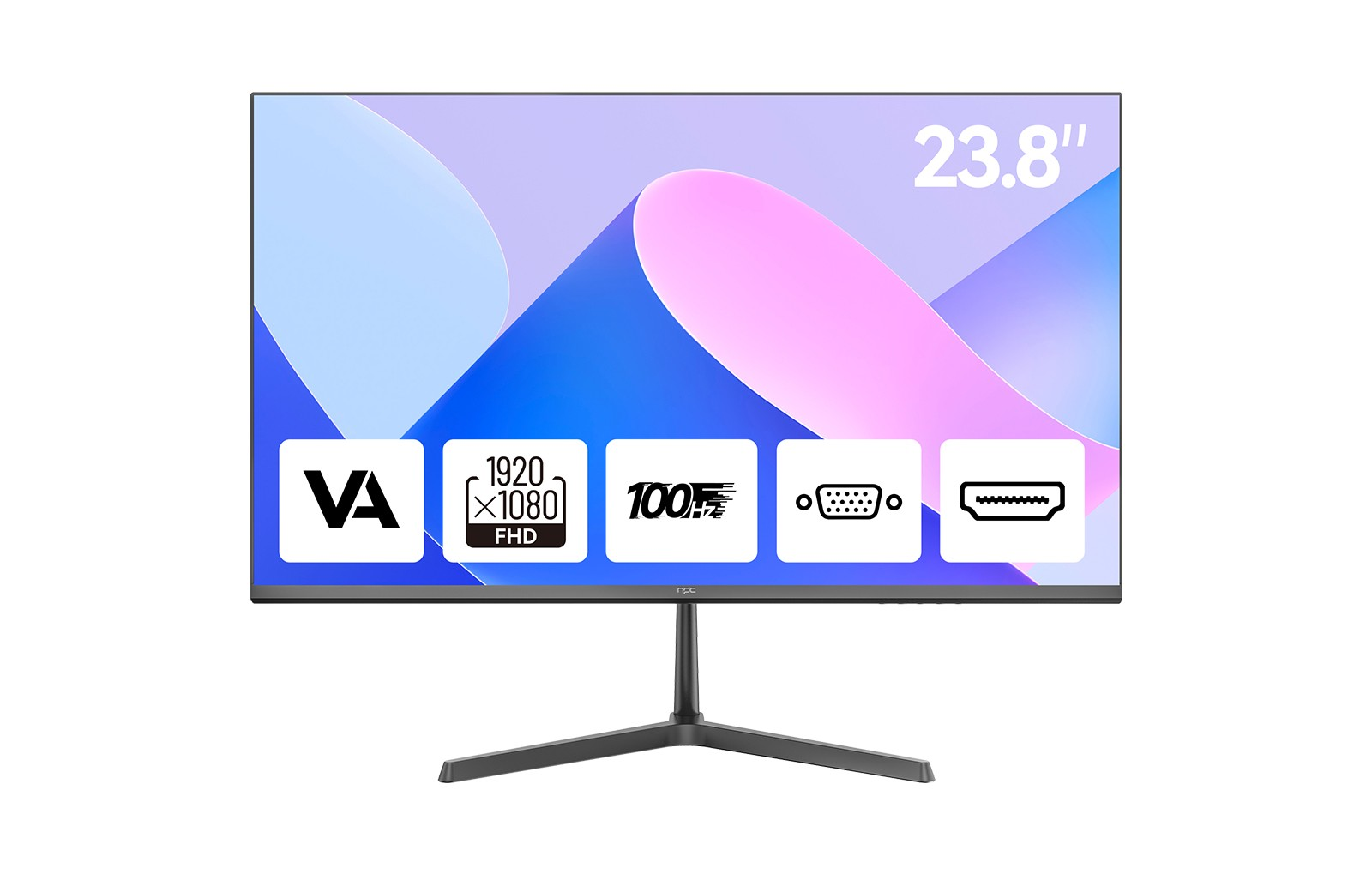
Apart from PPI, refresh rate contributes significantly to how seamless your experience feels. The NPC-MF2408-U monitor, for example, features a 100Hz refresh rate that keeps motion fluid and consistent. This means less flicker when scrolling through large files, fewer distractions during video calls, and an overall more responsive display. For professionals spending hours at their desks, these qualities help maintain productivity and reduce visual fatigue.
Conclusion: Creating a Balanced Workspace with NPC
At NPC, we design displays that merge modern performance with visual comfort. Our monitors combine thoughtful engineering, balanced pixel density, and reliable refresh rates that keep your workflow smooth and efficient. Whether your workspace requires clear text rendering or precise color display, our computer monitor office series provides practical, dependable solutions for businesses and individuals alike. With attention to both technical quality and user experience, NPC continues to support professionals who value clarity, comfort, and consistency in their daily work.


