








When setting up a computer monitor for home office, one of the most overlooked yet important decisions is choosing the right connection type. Different cables can affect display performance, refresh rate, and even convenience. At NPC, we understand that whether users are working from home or managing multiple screens in a professional setting, selecting the right port can enhance both productivity and visual comfort.
Understanding HDMI for Home Office Use
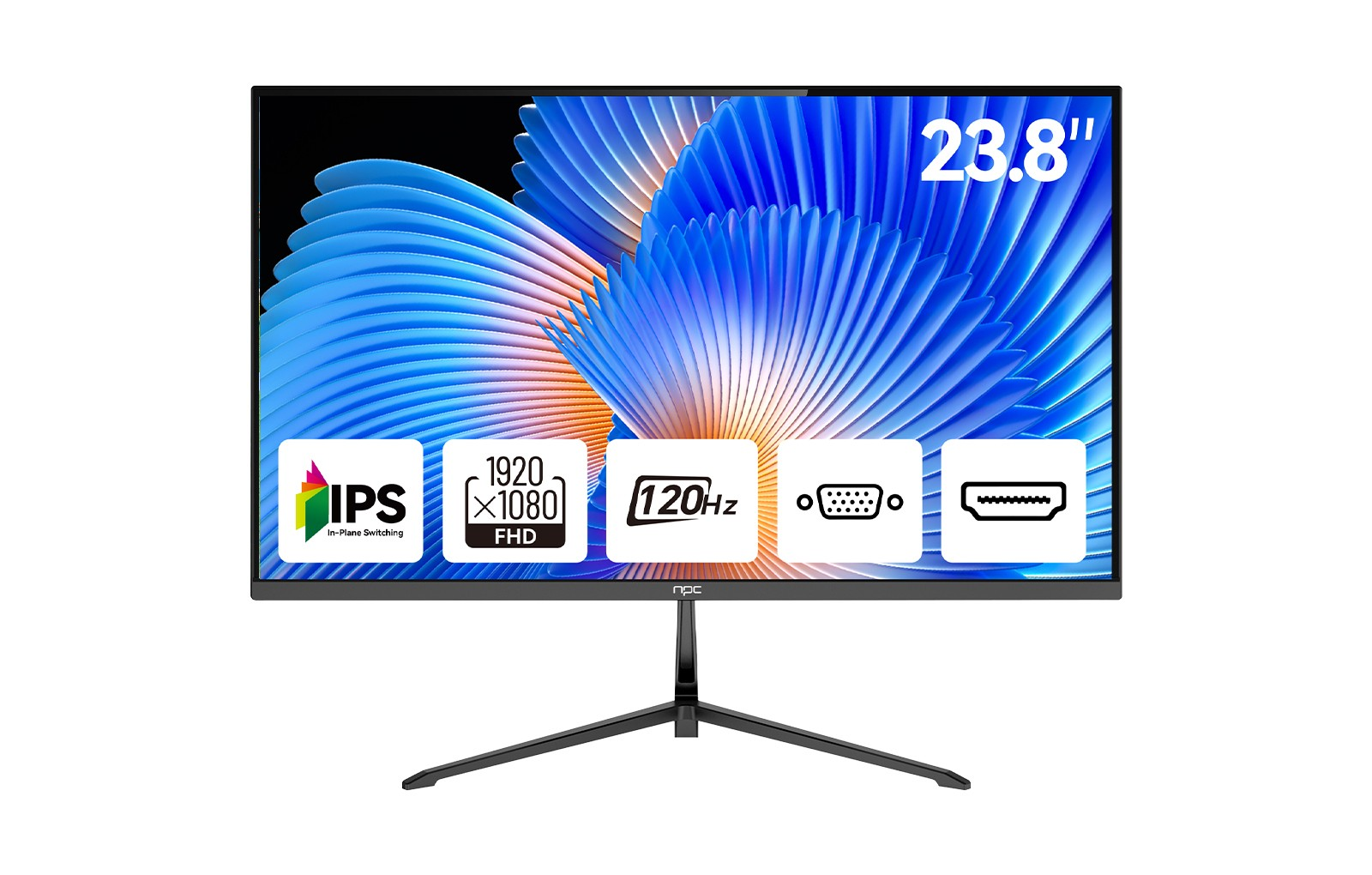
HDMI (High-Definition Multimedia Interface) is perhaps the most familiar choice for a computer monitor for home office setup. It supports both video and audio in one cable, which makes it practical for connecting laptops, PCs, or even entertainment devices. For most users, HDMI 2.0 or higher is sufficient to transmit 1080p or 4K visuals smoothly at standard refresh rates. At NPC, our monitors, including the NPC-MF2456, integrate HDMI to ensure compatibility with a wide range of devices. HDMI cables are affordable and easy to find, making them a convenient default choice for simple office environments.
The Advantages of DisplayPort Connections
For users seeking higher refresh rates and more advanced features, DisplayPort is an appealing option. It supports higher bandwidth than HDMI, allowing smoother motion for activities such as video editing or multitasking across multiple screens. In modern computer monitor for home office configurations, DisplayPort helps deliver stable and sharp visuals, especially when users work with large spreadsheets or creative software. Many NPC monitors are designed to accommodate both HDMI and DisplayPort, giving flexibility to professionals who need top-quality image consistency and multitasking capability in their daily work.
USB-C: The Modern All-in-One Connector
In recent years, USB-C has transformed connectivity for both laptops and monitors. A USB-C cable can transmit video, audio, data, and even power through a single connection. For remote professionals using compact laptops or tablets, this simplifies cable management and keeps desks clean and organized. USB-C also allows easy switching between devices without needing additional adapters. While not all setups require USB-C, it’s becoming increasingly common in modern computer monitor for home office arrangements. As technology continues to evolve, NPC recognizes the importance of adopting such multifunctional interfaces across its display lineup.
Choosing the Best Connection for Your Needs
When choosing between HDMI, DisplayPort, and USB-C, the decision should depend on the specific work scenario. For basic office use, HDMI remains reliable and accessible. For multitasking and high-refresh displays, DisplayPort offers superior stability. For those seeking simplicity and fewer cables, USB-C delivers an efficient, modern solution.
At NPC, we design monitors that accommodate these varying preferences. Our NPC-MF2456 23.8-inch office monitor demonstrates this balance — featuring an IPS Full HD 1920×1080p display, 120Hz refresh rate, HDMI and VGA interfaces, VESA wall-mount support, borderless frame, and eye-care functions. It is built to enhance viewing comfort while maintaining versatile connectivity.
Conclusion
In summary, NPC continues to provide display solutions tailored to diverse professional environments. Whether customers are upgrading their computer monitor for home office or sourcing monitors for business use, we aim to deliver reliable, well-engineered products that combine modern design, ergonomic function, and flexible connectivity.


