
In today’s modern workplaces, productivity often begins with visual comfort and efficiency. The choice between a 16:9 and a 21:9 monitor may seem subtle, but it can significantly affect how we work and view content. At NPC, we constantly evaluate how display formats influence focus, task management, and the overall user experience. Choosing a good office monitor involves more than just resolution—it’s about selecting the right tool that matches workflow demands and enhances performance.
Understanding the Difference Between 16:9 and 21:9
The 16:9 aspect ratio has long been the standard for most monitors and televisions. It’s familiar, versatile, and suitable for general office tasks such as document editing, web browsing, and video conferencing. However, the rise of the 21:9 ultrawide format has redefined the way professionals approach multitasking. The extra horizontal space enables multiple windows to be displayed side by side without needing a dual-monitor setup. For data analysts, designers, and developers, this wider perspective means less window switching and more uninterrupted concentration.
At NPC, we have observed that professionals who use 21:9 monitors often report smoother workflows when working across large spreadsheets or multiple editing tools. Still, the best choice depends on specific job requirements. For instance, a good office monitor with a 16:9 format remains ideal for compact spaces and standard office applications, while 21:9 is better suited for creative or technical users who value screen real estate.
How Aspect Ratio Affects Eye Comfort and Efficiency
Visual fatigue is a major consideration when evaluating productivity. Extended working hours in front of screens can cause eye strain, especially if the monitor’s brightness, contrast, or aspect ratio does not align with the user’s environment. A 21:9 monitor distributes workspace more naturally across the visual field, reducing the frequency of head and eye movements. On the other hand, 16:9 displays can concentrate focus in the center of the screen, which some users find easier for reading and writing tasks.
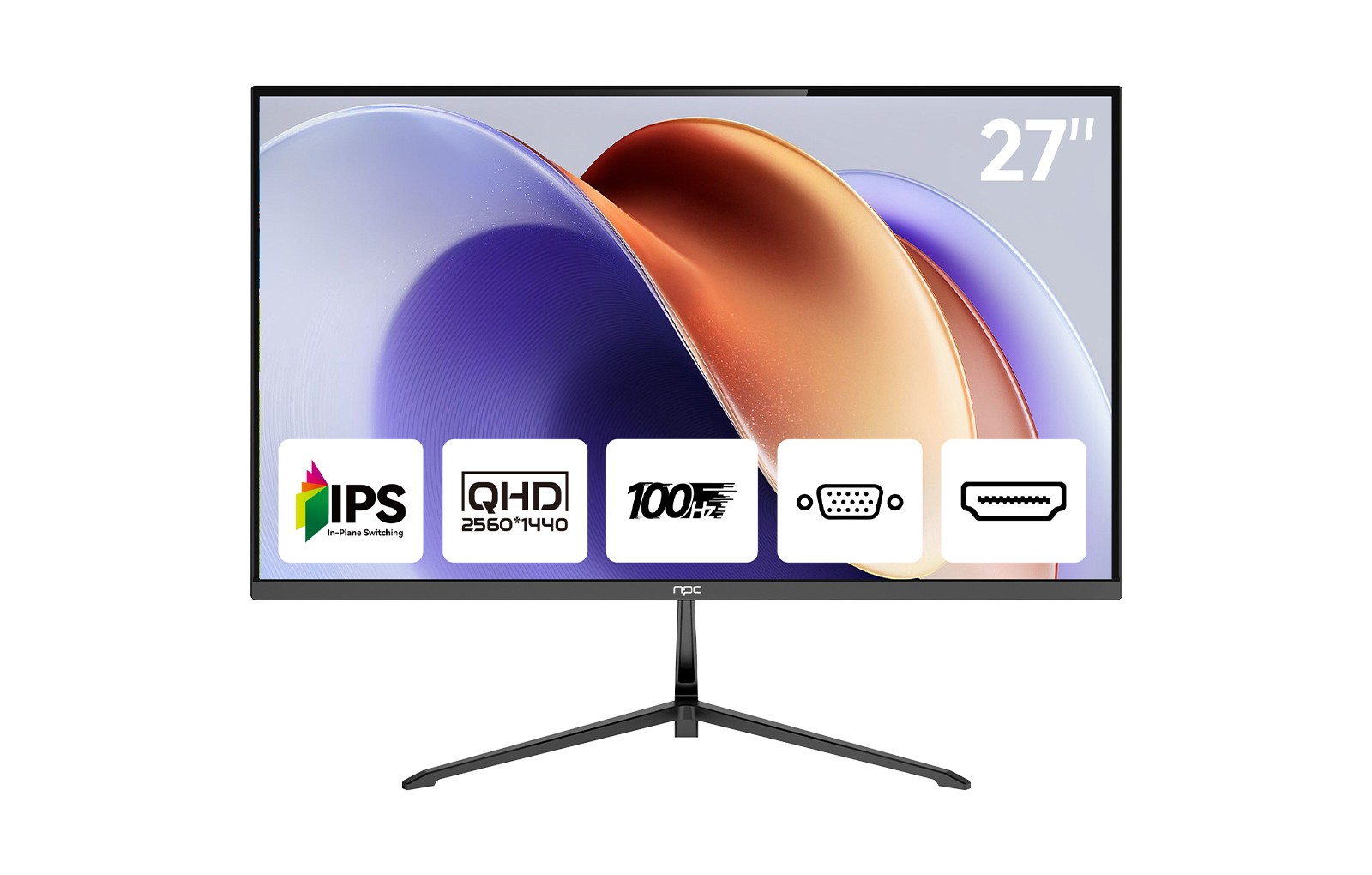
When paired with advanced screen technology such as QHD resolution and flicker-free panels, a good office monitor can make long sessions more comfortable. For example, NPC’s MQ2756 Ultra High Definition QHD screen provides ultra-fine image detail and color balance, giving office users clarity without strain. Its precision display ensures that every document, graph, and presentation appears crisp and accurate—an essential feature for consistent professional performance.
Balancing Productivity and Practicality
The decision between 16:9 and 21:9 is not about superiority—it’s about matching the right aspect ratio to the user’s working environment. A 21:9 display benefits multitasking and immersive viewing, while 16:9 remains compact and energy-efficient. In either case, choosing a good office monitor from NPC means investing in a product designed for both efficiency and comfort.
At NPC, we combine advanced display technology with ergonomic design to support the diverse needs of office professionals, business users, and digital creators. Our monitors—such as the MQ2756 series—feature high-resolution panels, vivid color accuracy, and sleek designs suitable for both work and entertainment. We continue to refine our display solutions to help users maximize productivity through comfort, clarity, and innovation.
Conclusion
In the end, productivity is not defined solely by aspect ratio but by how seamlessly the screen integrates into your daily workflow. NPC remains committed to offering reliable, visually refined, and efficient monitors that adapt to the way you work—bringing clarity and focus to every task.