








When it comes to smooth gameplay, few things are more frustrating than input lag — that small but noticeable delay between pressing a key or moving your mouse and seeing the result on screen. As display specialists at NPC, we understand how important responsiveness is for gamers. Whether you’re playing competitively or just enjoying your favorite titles, reducing input lag can significantly improve your overall experienc e, especially during a gaming monitor sale when many users are upgrading their setups.
Optimize Display Settings for Faster Response
One of the simplest ways to minimize input lag is to adjust your monitor’s display settings. Features like motion smoothing, image enhancement, or post-processing effects can increase latency by forcing the monitor to perform additional image processing. We always recommend turning off these unnecessary options to improve real-time performance. Additionally, enabling game mode on your monitor can help, as it’s specifically designed to reduce lag. During a gaming monitor sale, many monitors now include this feature, making it easier than ever to achieve smoother gameplay right out of the box.
Use the Right Connection and Refresh Rate
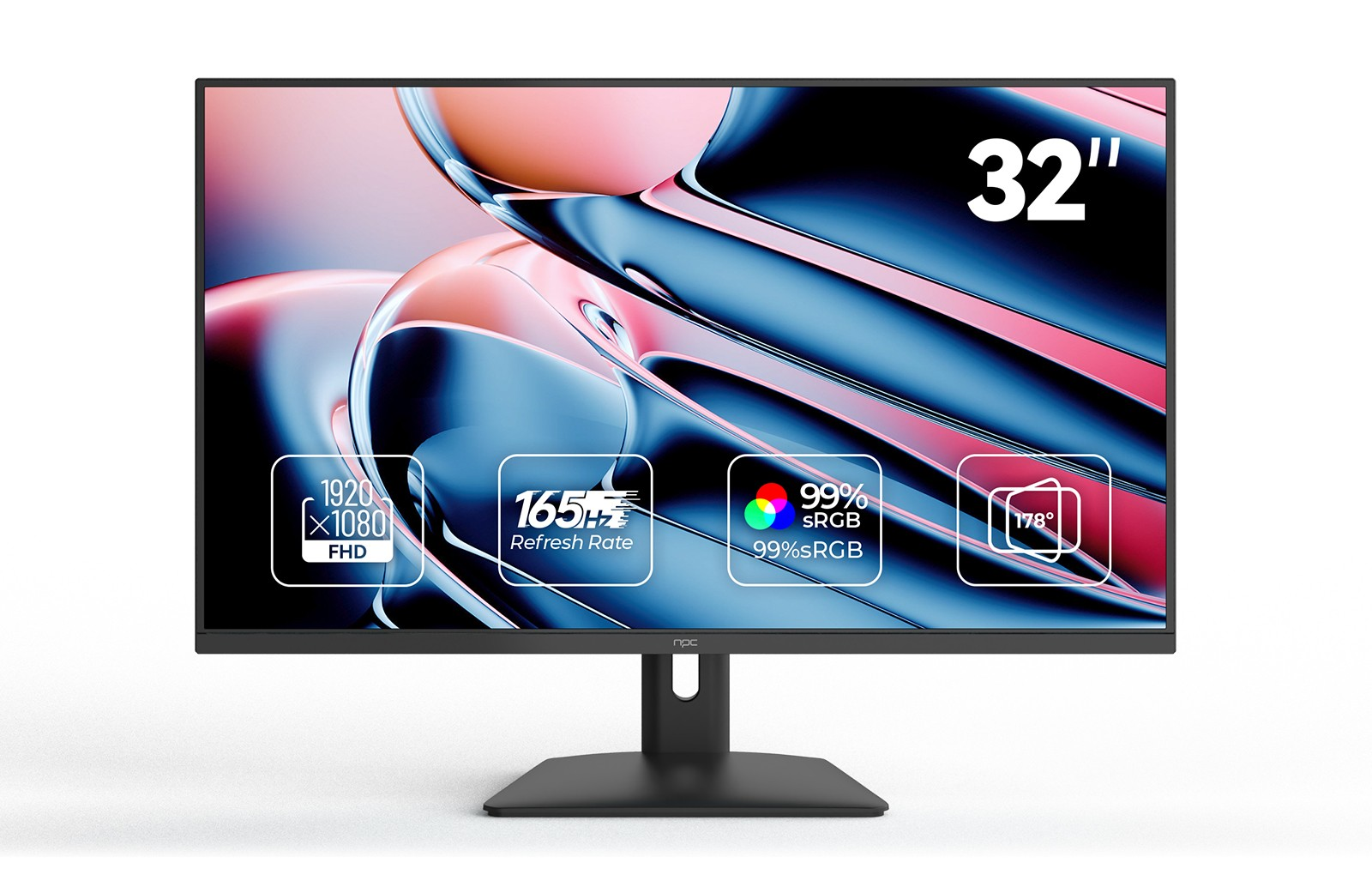
The type of connection you use also plays a crucial role in input lag. HDMI and DisplayPort cables transmit data differently, and using a high-quality cable helps ensure faster signal delivery. When connecting a gaming monitor, always select the port and cable that support the highest refresh rate your system can handle. For instance, our NPC-MF3208 monitor supports 165Hz, which allows smoother visuals and quicker response times. This NPC 32-inch model features a VA panel with Full HD 1920×1080 resolution and offers both HDMI and VGA interfaces, giving users flexibility in setup.
Adjust System and Game Settings
Your conputers’s settings also influence how quickly inputs are registered. Lowering graphics settings such as shadows or anti-aliasing can boost frame rates, making gameplay feel more responsive. Ensuring your GPU drivers are up to date, closing background applications, and enabling high-performance power mode can all help reduce delay. We’ve noticed many gamers experience an instant improvement in input response when combining optimized settings with a capable display purchased during a gaming monitor sale.
Experience Smooth Gameplay with NPC Displays
At NPC, we design monitors that balance performance, comfort, and functionality. The NPC-MF3208 is a perfect example — not only does it deliver a 165Hz refresh rate for fluid motion, but it also includes eye-care features, an ergonomic tilt adjustment, and a borderless design suitable for both gaming and office work. Supporting VESA wall mounting, it offers flexibility for different spaces and preferences.
Conclusion
Reducing input lag doesn’t require complex tools — it’s about understanding your hardware, adjusting the right settings, and choosing the right display. For gamers and traders exploring opportunities during a gaming monitor sale, our NPC products provide a reliable blend of speed, quality, and comfort. Whether you’re setting up for competitive gaming or building a home office that doubles as a gaming space, monitors like the NPC-MF3208 help you experience every action exactly when it happens.


