








Few things are more frustrating for gamers than sudden frame drops in the middle of an intense battle or a high-speed race. As gamers ourselves at NPC, we understand how vital smooth visuals and responsive performance are to a satisfying gaming experience. While frame drops can be caused by various factors, the good news is that there are several easy steps you can take to fix them quickly and keep your games running smoothly.
Check Your Console’s Performance Settings
One of the first things we recommend is reviewing your console’s performance settings. Many modern consoles allow players to toggle between visual quality and performance modes. Choosing the performance mode prioritizes smoother gameplay, often resulting in a higher and more stable frame rate. Make sure your console is running the latest system software updates — outdated firmware can sometimes cause unnecessary slowdowns. We’ve also found that keeping your console’s storage clear and closing background applications can help free up system resources, reducing the likelihood of frame drops.
Optimize Display and Refresh Rate Settings
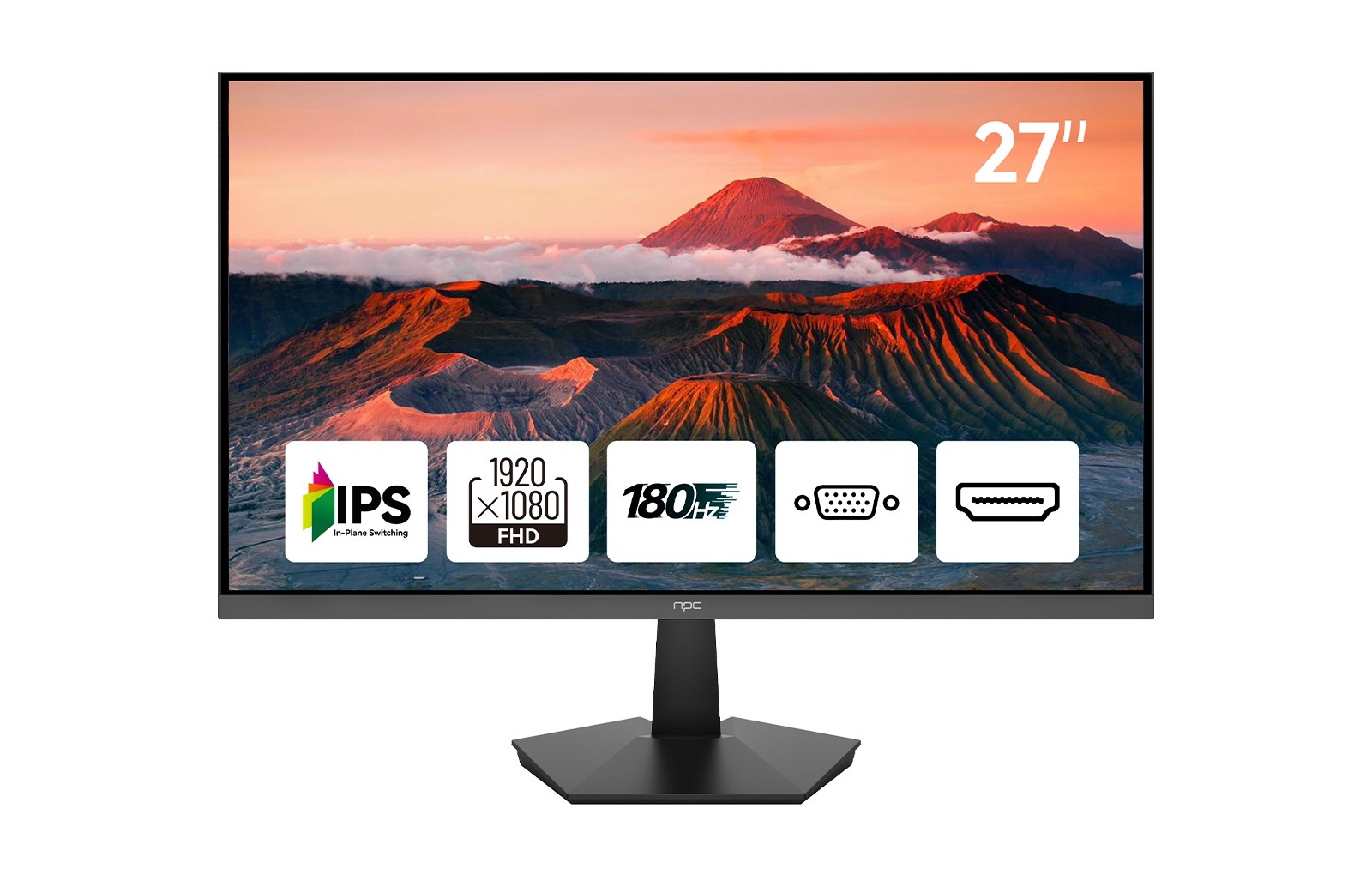
Your display setup plays an equally important role in achieving smooth gameplay. If you’re looking to improve your experience, upgrading through current gaming monitor deals can make a big difference. Monitors with higher refresh rates, such as 144Hz or 180Hz, help minimize screen tearing and motion blur. Our NPC-MF2708-A, a 27-inch Full HD (1920×1080) IPS gaming monitor, supports up to 180Hz refresh rate, 97% sRGB, and DCI-P3 color gamut for vibrant and consistent visuals. It also features HDR10 technology and VESA compatibility, making it an excellent choice for console and PC gamers alike. Adjusting your monitor’s refresh rate to match your console output ensures synchronization and prevents frame mismatch issues.
Keep Your Hardware Cool and Well-Maintained
Overheating is another common reason for frame drops. Consoles can throttle performance when internal temperatures rise too high. We recommend keeping your console in a well-ventilated space and cleaning dust from its vents regularly. Simple maintenance steps like these can prevent thermal slowdowns that impact frame rate. When paired with a responsive display from current gaming monitor deals, your setup can sustain longer gaming sessions without performance dips or lag.
Conclusion
Frame drops don’t have to ruin your game. By fine-tuning settings, maintaining your console, and choosing the right display, you can ensure smoother, more immersive gameplay. At NPC, we are dedicated to creating monitors that enhance your gaming and entertainment experiences. Our NPC-MF2708-A model combines performance, color accuracy, and durability in a sleek, ultra-thin design — perfect for both gaming and office use. Whether you’re a trader, distributor, or gamer exploring gaming monitor deals, NPC offers professional display solutions built for visual clarity and lasting reliability.


