








For those who rely on lightweight travel laptops for work or other activities on the go, understanding the essential ports is crucial for seamless connectivity and functionality. Let's explore the key ports that are important for a smooth computing experience.
Video Output Ports for External Displays
One of the most important ports on a laptop is the video output port. This allows users to connect their laptop to an external monitor or projector for a larger display or for presentations. Common video output ports include HDMI and DisplayPort. HDMI is widely used and compatible with a variety of displays, including televisions and monitors. It can transmit high-definition video and audio signals simultaneously.
DisplayPort offers higher bandwidth and is often preferred for connecting to high-resolution and high-refresh-rate monitors.
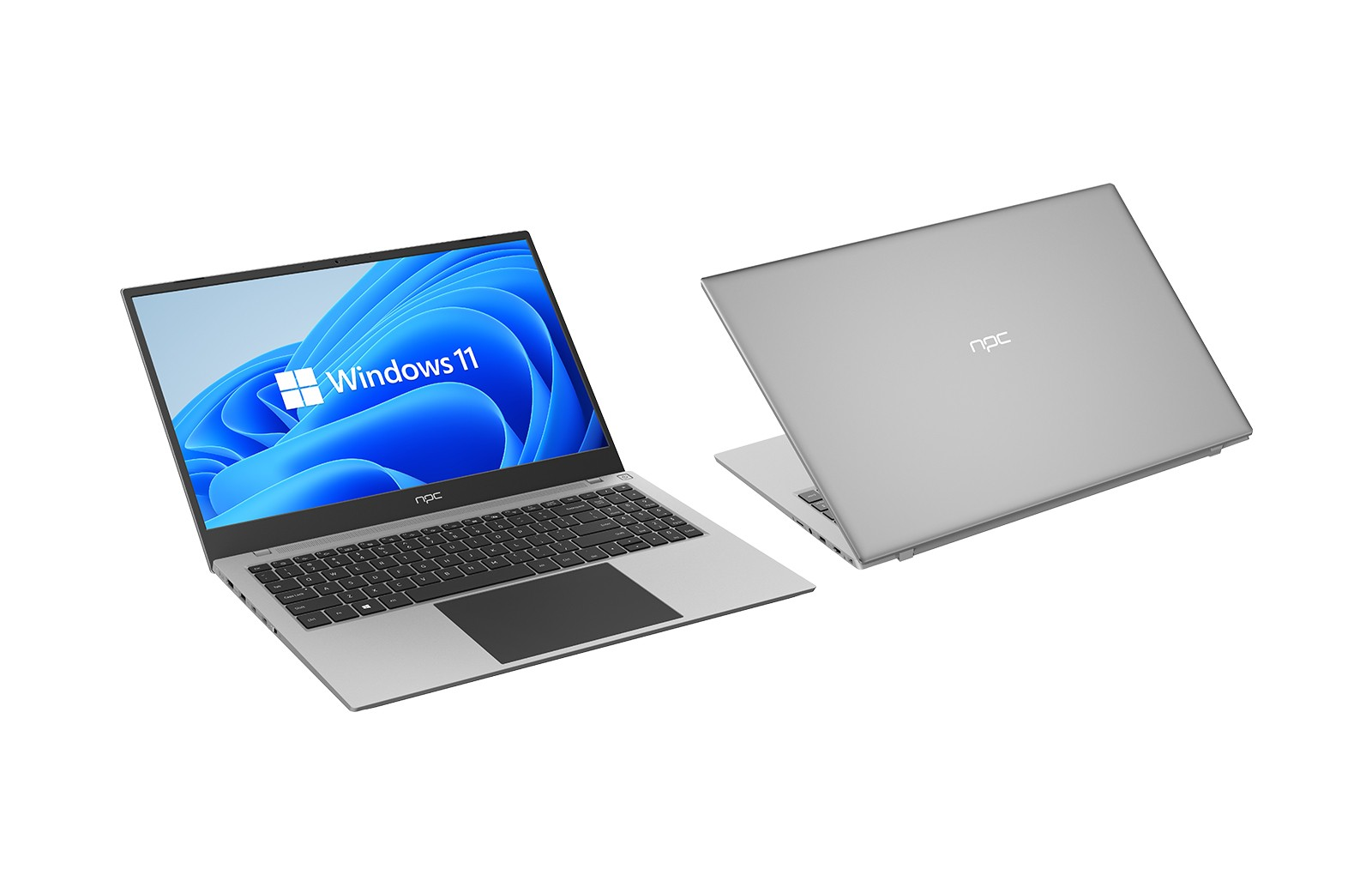
Additionally, VGA ports are still found on some older laptops and displays, although they are becoming less common. However, they may be necessary in certain situations where compatibility with older equipment is required. NPC laptops are designed to be flexible and compatible with a wide range of devices, ensuring that you can connect to the displays you need.
Data Transfer and Connectivity Ports
USB ports are essential for connecting a wide range of peripherals such as external hard drives, flash drives, mice, and keyboards. USB 3.0 and USB 3.1 ports offer faster data transfer speeds compared to older USB 2.0 ports. Some laptops also have USB-C ports that not only support data transfer but also provide power delivery and video output capabilities.
Ethernet ports are important for providing a stable and reliable wired network connection. While many laptops rely on Wi-Fi for wireless connectivity, an Ethernet port can be useful in situations where a stronger and more consistent connection is needed, such as in office environments or when the Wi-Fi signal is weak.
SD card slots or other memory card readers are useful for quickly transferring photos and videos from cameras or other devices. This is especially beneficial for those who work with media or need to access data from portable storage devices while on the go.
Power and Audio Ports for Convenience
The power port is obviously essential for charging the laptop's battery and providing power to the device. Different laptops may have different types of power ports, and it is important to have the correct power adapter and cable to ensure proper charging. Some laptops also support USB-C power delivery, which allows for charging through a USB-C port using a compatible power source.
Conclusion
In conclusion, the essential ports on a lightweight travel laptop play a crucial role in providing connectivity, data transfer, and functionality. By understanding the importance of these ports and ensuring that the laptop has the necessary ones for your specific needs, you can enhance your productivity and usability while on the go. When choosing a laptop of NPC, consider the availability and functionality of these ports to ensure a seamless computing experience in various situations. Regularly checking and maintaining the ports to ensure they are working properly can also help prevent connectivity issues and ensure smooth operation.


