








In the context of business and professional use of travel laptops, a reliable and stable WiFi connection is essential for staying connected and productive while on the go. However, when a laptop fails to connect to WiFi, it can disrupt work processes and cause frustration. Let's explore the possible reasons and solutions for this common issue.
Hardware Components and Signal Interference Factors
One of the first areas to examine when a laptop won't connect to WiFi is the physical hardware related to wireless connectivity. The WiFi adapter inside the laptop is a crucial component, and if it is damaged or malfunctioning, it may not be able to detect or connect to WiFi networks. This could occur due to physical damage from drops or impacts during travel, or it could be a result of a manufacturing defect or component failure over time.
Another hardware aspect to consider is the antenna. Many laptops have internal antennas that are responsible for receiving and transmitting the WiFi signal. If the antenna is damaged, weak, or disconnected, it can result in a poor signal reception, making it difficult or impossible for the laptop to connect to WiFExternal factors such as the laptop's position relative to the WiFi router, physical obstacles between them, or interference from other electronic devices can also affect the signal strength and quality.
Software and Configuration Settings Impact on Connectivity
Outdated or incorrect WiFi drivers are a common cause of connection problems. The drivers are the software that enables the laptop to communicate with the WiFi hardware. If the drivers are not updated or are not compatible with the operating system or the WiFi network, it can lead to issues such as failure to connect, slow connection speeds, or intermittent disconnections.
Incorrect network settings on the laptop can also prevent it from connecting to WiFThis includes issues such as incorrect IP addresses, DNS settings, or network authentication credentials. For example, if the laptop is configured to use a static IP address that is not within the range of the network or if the password for the WiFi network has been changed but not updated on the laptop, it will not be able to connect.
Software conflicts or interference from other applications or security software can also disrupt the WiFi connection. Some antivirus or firewall programs may block the WiFi connection if they misinterpret it as a security threat. Additionally, background applications or services running on the laptop may consume network resources and interfere with the connection process.
System and Network Infrastructure Considerations
The laptop's operating system can also contribute to WiFi connection problems. A problem with the operating system, such as a corrupted system file or a faulty update, can disrupt the network stack and prevent the laptop from connecting to WiFIn some cases, resetting the network settings or performing a system restore to a previous working state can resolve the issue.
The WiFi network itself may have problems. The router could be malfunctioning, overloaded with too many connected devices, or have incorrect settings. Rebooting the router or checking its configuration can often solve connection issues. It is also important to ensure that the WiFi network is configured correctly, with the appropriate security settings and channel selection to ensure optimal performance.
Conclusion
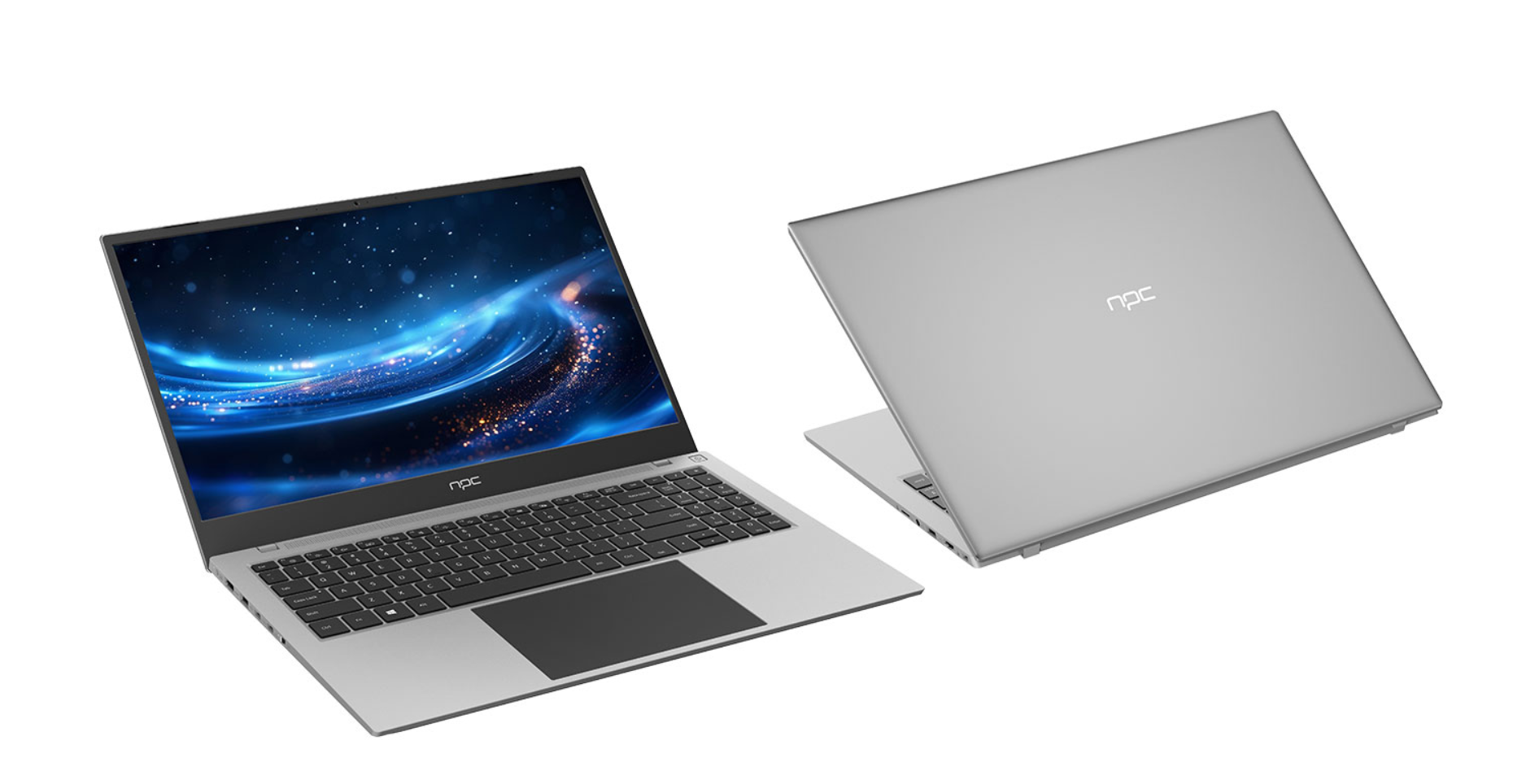
In conclusion, a laptop that won't connect to WiFi in a business or professional setting can be a significant obstacle to productivity. By understanding the potential causes, which range from hardware problems to software glitches and network infrastructure issues, it is possible to troubleshoot and resolve the problem. The NPC Swift 14 stands out as an invaluable laptop travel solution that meets the demands of any business professional. With its blend of portability, powerful performance, and cutting-edge security features, we are proud to deliver a product that not only enhances productivity but also meets the highest standards of excellence. At NPC, we are dedicated to supporting our customers every step of the way, ensuring that their journeys are as seamless as their work.


