







At NPC, we're passionate about empowering our customers with the knowledge and tools they need to maximize their gaming experience. As a leading provider of cutting-edge display solutions, we understand the importance of ensuring your gaming setup is optimized for the best possible performance. In this article, we'll guide you through the process of checking your monitor's resolution, with a focus on the ever-popular gaming 1080p monitor.
Unraveling the Mysteries of Gaming 1080p
In the world of gaming, the resolution of your monitor plays a crucial role in determining the quality and clarity of your visual experience. The gaming 1080p monitor, with its 1920 x 1080 pixel resolution, has long been a staple among gamers, offering a compelling balance of performance and affordability.
Understanding the Impact of Resolution
The resolution of your monitor directly impacts the level of detail and sharpness you'll experience in your games. A higher resolution, such as 1440p or 4K, can provide a more immersive and visually stunning experience, but it also places a higher demand on your system's hardware. The gaming 1080p monitor, on the other hand, offers a sweet spot, allowing you to enjoy smooth, responsive gameplay without overburdening your system.
Determining Your Monitor's Resolution
Knowing your monitor's resolution is essential for ensuring your gaming setup is optimized for the best possible performance. In Windows, you can easily check your monitor's resolution by navigating to the Display Settings menu. Here, you'll find a list of available resolutions, including the 1080p option.
For our Mac-using customers, the process of checking your monitor's resolution is equally straightforward. Simply navigate to the System Preferences, select the Displays option, and you'll be able to view and adjust the resolution settings for your connected displays, including the gaming 1080p monitor.
Unlocking the Full Potential of Gaming 1080p
Once you've confirmed your monitor's resolution, you can begin optimizing your gaming experience. This may involve adjusting in-game settings to ensure your games are running at the 1080p resolution, or even exploring display scaling options to ensure a crisp and clear image.
Pairing Your 1080p Monitor with the Right Hardware
To truly unlock the full potential of your gaming 1080p monitor, it's important to pair it with the appropriate hardware. This means ensuring your graphics card, CPU, and other components are capable of delivering a smooth, high-performance gaming experience at 1080p resolution.
NPC-LCD2405: The Pinnacle of Gaming 1080p
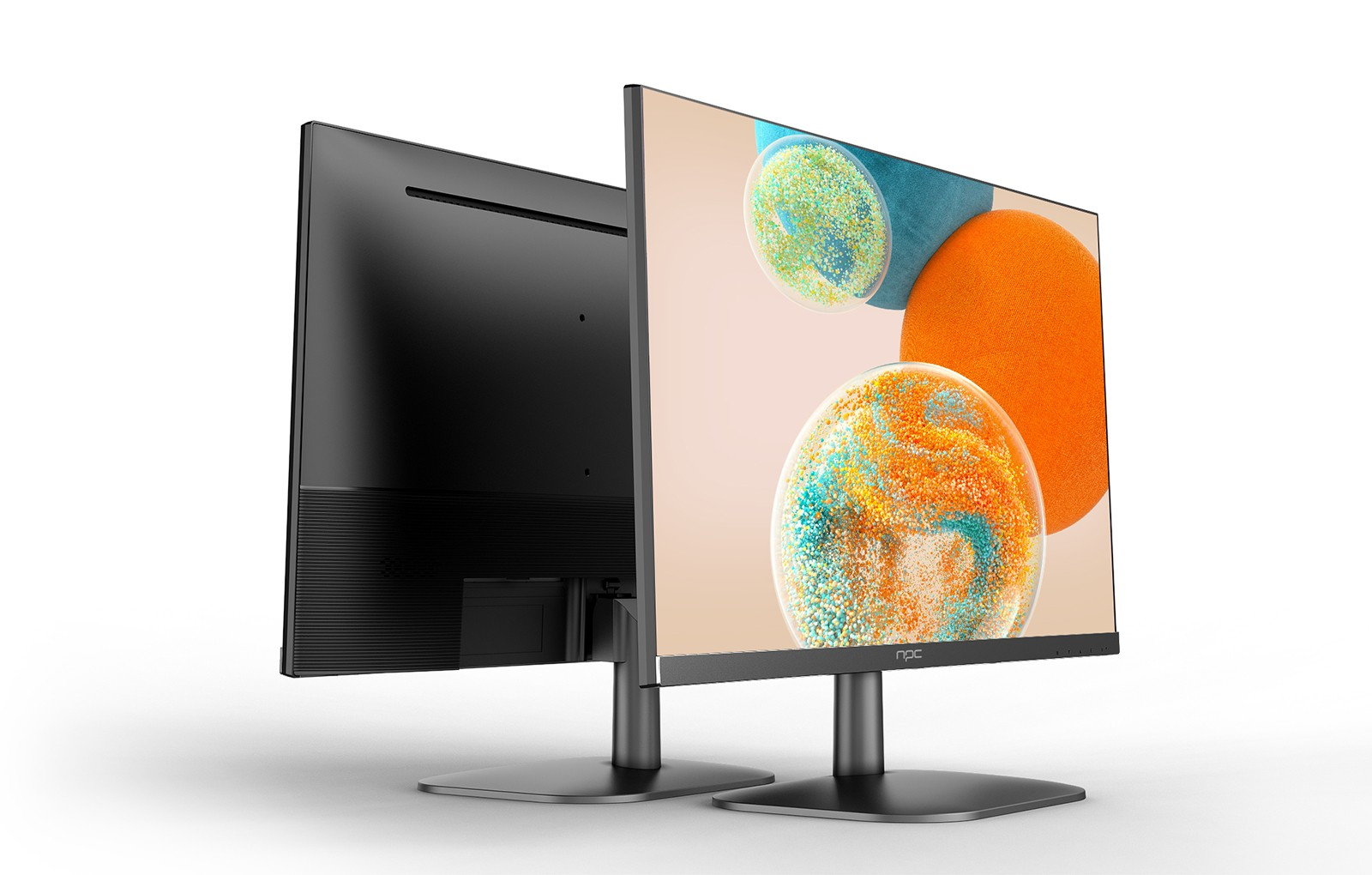
At NPC, we're proud to introduce our offering, the NPC-LCD2405, a 23.8-inch IPS LCD gaming monitor that redefines the gaming 1080p experience. Equipped with a stunning 1920x1080 resolution and a lightning-fast refresh rate of up to 240Hz, this gaming 1080p monitor ensures smooth, tear-free gameplay, even during the most intense gaming sessions.
The NPC-LCD2405 is designed to deliver exceptional image quality, with a wide 100% sRGB color gamut and native 8-bit color depth. This results in a captivating and lifelike visual experience, where every detail and color is rendered with stunning accuracy.
Conclusion
Understanding your monitor's resolution is a crucial step in optimizing your gaming experience. By ensuring your setup is configured for the best possible gaming 1080p performance, you can unlock a world of immersive and responsive gameplay. At NPC, we're committed to providing our customers with the tools and knowledge they need to elevate their gaming experience to new heights. Experience the ultimate in smooth, responsive, and visually stunning gaming 1080p with the NPC-LCD2405, the pinnacle of our gaming 1080p monitor offerings.


