







At NPC, we understand the importance of providing our customers with the best possible products and solutions to enhance their business operations. In this article, we will explore the crucial steps involved in changing the resolution on a monitor, with a specific focus on the benefits of using an FHD gaming monitor. We are dedicated to delivering high-quality technology solutions that cater to the diverse needs of our clients. Our team of experts has extensively researched and tested various monitor technologies to ensure that we can offer our customers the optimal viewing experience for their specific requirements.
Understand Your Monitor's Capabilities
Before delving into the process of changing the resolution, it is essential to understand the capabilities of your monitor. The resolution of a monitor refers to the number of pixels displayed on the screen, which directly impacts the clarity and sharpness of the image. FHD, or Full High Definition, is a widely-adopted resolution standard that offers a resolution of 1920 x 1080 pixels, providing a crisp and detailed visual experience.
Adjust the Resolution Settings
To adjust the resolution settings, begin by locating the control panel or system preferences on your operating system. In Windows, you can access display settings by right-clicking on the desktop and selecting "Display settings." On macOS, you can find these options in the Apple menu under "System Preferences" and then selecting "Displays."
Once you have accessed the display settings, you will typically see a list of available resolutions that your monitor supports. Choose the resolution that best suits your needs, keeping in mind that higher resolutions offer sharper images but may make text and icons appear smaller. Selecting a lower resolution can make items on your screen larger but may compromise image quality.
After selecting the desired resolution, apply the changes and observe how the display appears on your monitor. If the new resolution meets your expectations, confirm the settings to keep them, or revert to the previous configuration if needed. Experimenting with different resolutions can help you find the optimal setting for your viewing experience.
Optimize for the Best FHD Gaming Experience
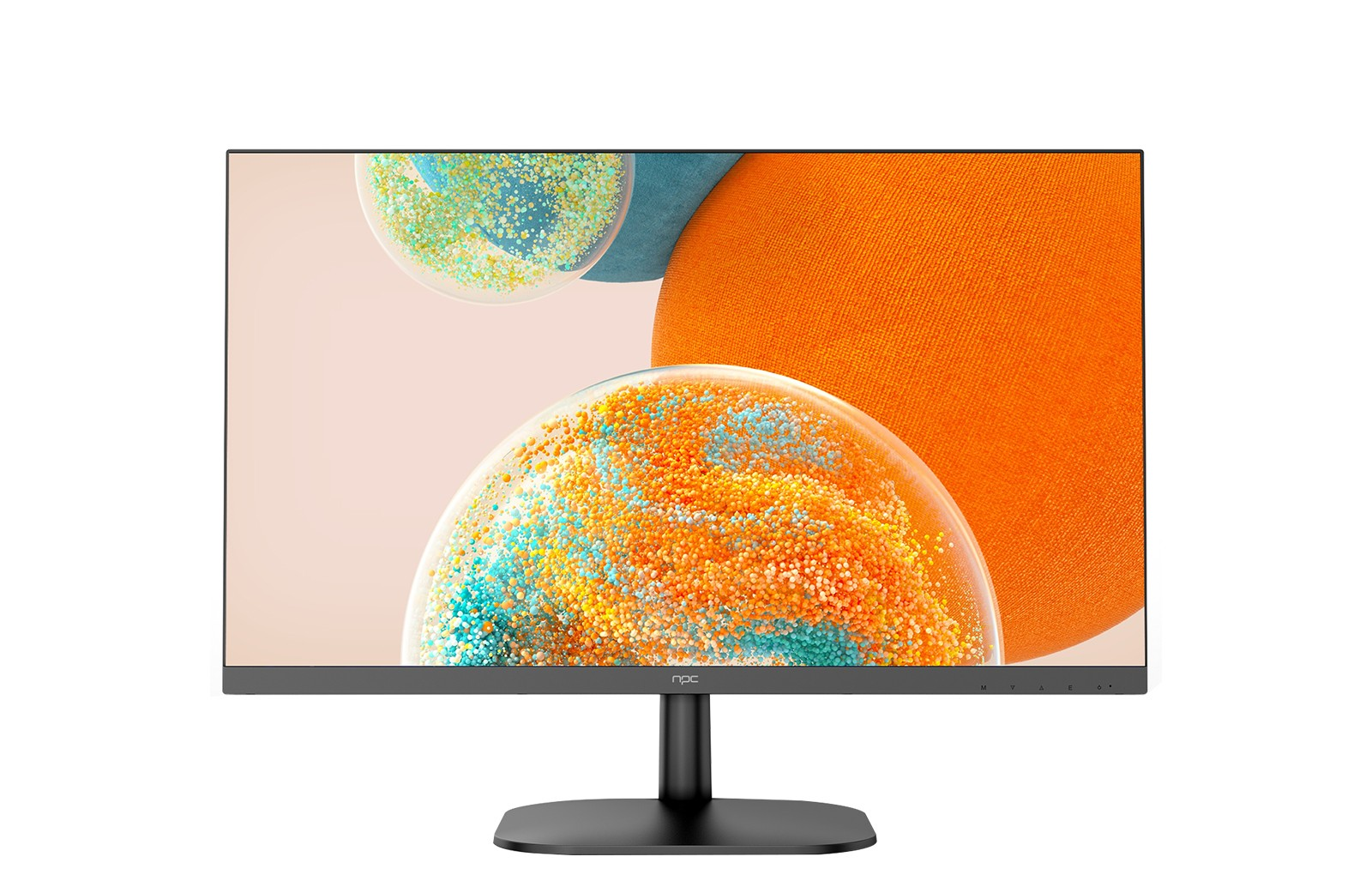
For those engaged in gaming or content creation, the FHD resolution offers a remarkable advantage. The NPC-LCD2405 FHD gaming monitor, for example, boasts a 1920 x 1080 resolution, ensuring that every detail is captured with exceptional clarity. The monitor's 100% sRGB color gamut and native 8-bit panel further enhance the visual experience, allowing users to immerse themselves in a vibrant and true-to-life color palette.
Conclusion
By understanding the importance of monitor resolution and taking the necessary steps to optimize your display settings, you can unlock the full potential of your devices and provide your customers with the best possible viewing experience. At NPC, we are committed to helping our wholesalers and traders stay ahead of the curve by offering cutting-edge technology solutions like the NPC-LCD2405 FHD gaming monitor. If you're interested in learning more about our FHD gaming monitor and how it can enhance your business operations, please don't hesitate to reach out to our sales team. We'll be more than happy to discuss the product's features and how it can benefit your customers.


