








When building or upgrading a PC, the graphics card decision significantly influences performance for work and play. This choice becomes particularly nuanced when considering a streamlined setup like an all in one desktop computer i5, where space and thermal design are fixed. We will outline a framework for selecting a graphics solution by assessing core tasks, understanding hardware synergies, and planning for future needs.
Evaluating Your Primary Computational Tasks
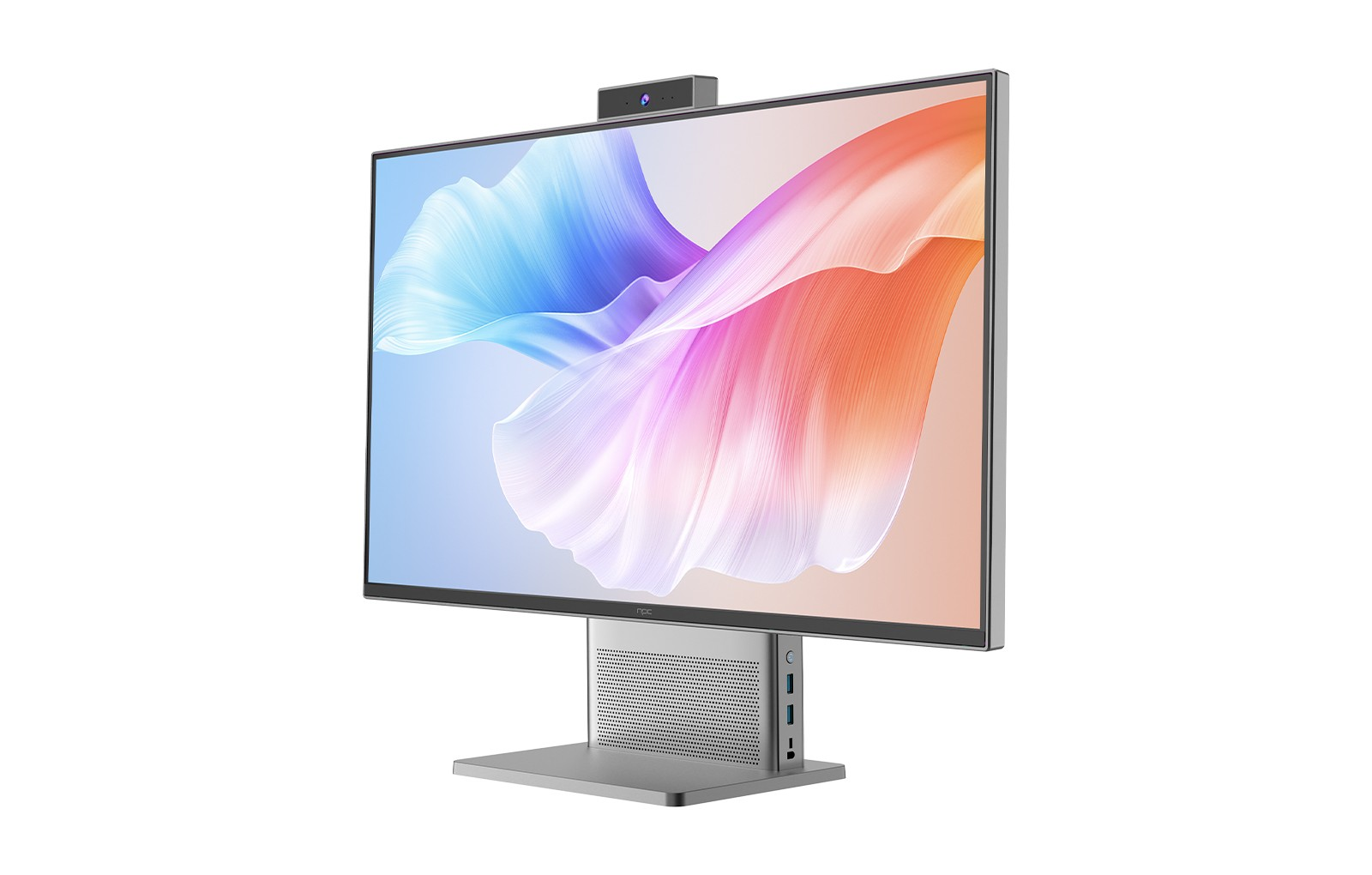
The first step is a clear analysis of your primary software and its demands. For general office productivity, web browsing, and video streaming, the integrated graphics processor (IGP) built into an Intel Core i5 CPU is typically sufficient. This is especially true in a well-configured all in one desktop computer i5, where the i5's efficient architecture handles these everyday tasks smoothly. However, requirements shift substantially for photo editing, 3D modeling, video rendering, or gaming. These applications rely on the parallel processing power of a dedicated Graphics Processing Unit (GPU) for realistic visuals and accelerated workflows. Matching the card's capability to your most demanding regular task prevents both underperformance and unnecessary expenditure.
Balancing Integrated and Dedicated Graphics Solutions
For many users, the line between integrated and dedicated graphics is the most practical consideration. Modern i5 processors include competent IGPs that support multiple displays and hardware-accelerated video decoding. In an all-in-one form factor, this integrated approach saves space and power. However, adding a discrete GPU, even a modest one, offloads graphical computations from the main CPU and system memory. This dedicated pathway often results in smoother performance in creative applications and allows for playable frame rates in more games. The decision here hinges on whether your activities benefit more from the neat, efficient package of an integrated system or the added graphical horsepower of a discrete card, acknowledging the physical and thermal constraints of an all-in-one chassis.
Considering Long-Term Performance Trajectories
Technology evolves, and software continuously demands more resources. A card that excels today may struggle with new applications or higher-resolution content in a few years. Considering a GPU with more video memory (VRAM) and a newer architectural design can extend the usable life of your system. This foresight is valuable in a fixed system like an all in one desktop computer i5, where internal upgrades are often limited. Investing in a more capable graphics solution upfront can delay the need for a complete system replacement, protecting your long-term investment. It involves researching not just current benchmark scores, but also the card's feature support for emerging rendering techniques and display standards.
Selecting a graphics card is an exercise in aligning hardware capability with specific, personal use cases over time. It requires balancing immediate performance desires with the physical realities of your chosen computer form factor. For organizations and individuals seeking a harmonized solution, partnering with a provider that understands these trade-offs is beneficial. As an established provider of PC technology since 2005, NPC designs systems with this balance in mind. Our global expertise allows us to configure NPC solutions, including robust all-in-one desktops, that pair capable i5 processors with appropriate graphical power, ensuring a reliable performance match for professional environments. Our global network supports these tailored configurations, making advanced computing both accessible and dependable


