








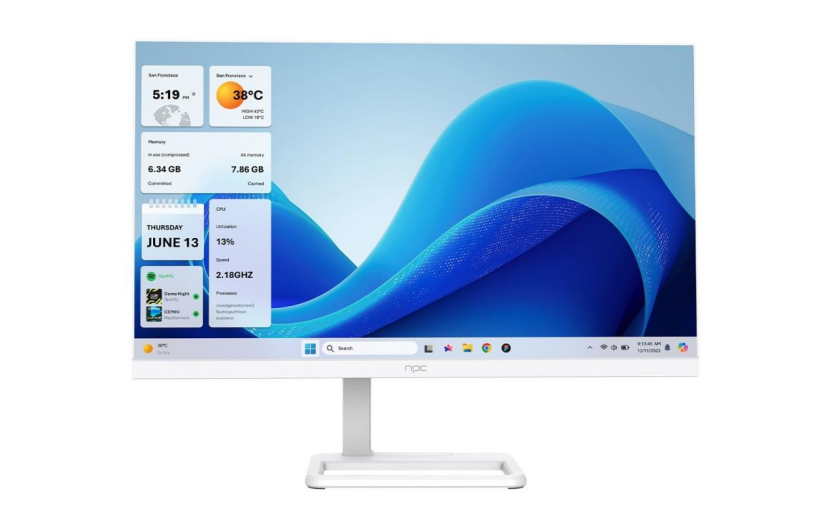
The NPC All in One PC AMD Ryzen 5 is expertly engineered for the modern workspace, providing a powerful blend of multi-core productivity and an elegant, space-saving form factor. However, its capabilities extend well beyond spreadsheets and video conferencing. Thanks to the highly capable integrated AMD Radeon™ Graphics, this AIO is ready to deliver a surprisingly smooth experience for casual and eSports gaming. The secret to unlocking this gaming potential lies entirely in optimization, specifically through AMD's powerful driver utility: the AMD Software: Adrenalin Edition.
Achieving peak performance on an integrated platform means making every hardware resource count, and the Adrenalin software provides the precise tools needed to manage frame rates (FPS) and input responsiveness. By mastering its core features, users can ensure their streamlined desktop delivers a consistent and enjoyable 1080p gaming session.
The Integrated Advantage: Preparation is Key
Before diving into the software's powerful adjustments, a foundational system setup is necessary. The integrated graphics system relies heavily on the main system memory; therefore, high-speed RAM is essential. The NPC All in One PC AMD Ryzen 5 is typically configured with 16GB of fast DDR4 RAM, which must be utilized efficiently. Users should begin by ensuring the AMD Radeon Software is running the latest stable drivers to benefit from AMD's continuous performance and stability improvements. Additionally, utilizing the Windows High Performance power plan and disabling unnecessary background applications via the Task Manager frees up critical CPU and memory resources for the game itself. This preliminary cleanup maximizes the shared pool of resources, giving the integrated graphics the headroom it needs to perform.
The Trio of Performance: Core Adrenalin Optimizations
Once the system is prepared, the AMD Software: Adrenalin Edition becomes the central hub for performance tuning. Its most impactful features are designed to mitigate the inherent limitations of integrated graphics—namely, the lack of dedicated video memory and raw processing power—by intelligently optimizing resolution and latency.
Radeon Super Resolution (RSR): The FPS Multiplier
RSR is the most critical feature for boosting raw frame rates. It functions by allowing the game to render at a lower, less demanding resolution (such as 720p) and then using a high-fidelity upscaling algorithm to intelligently stretch the final image to the AIO’s native 1080p display. This reduces the computational load on the integrated graphics while retaining a picture quality that is remarkably close to native 1080p, resulting in a significant and immediate boost in FPS. Activating RSR globally and then lowering the in-game resolution is a simple, effective technique that fundamentally changes the gaming experience on the All in One PC AMD Ryzen 5.
Radeon Anti-Lag: Minimizing Input Delay
In competitive eSports titles, winning often depends on the speed of reaction. Integrated systems can sometimes suffer from higher input lag because the powerful multi-core Ryzen CPU prepares frames faster than the integrated GPU can render them, creating a queue that increases latency. Radeon Anti-Lag strategically regulates the CPU’s work, preventing this queue from growing. By enabling Anti-Lag, the time between a mouse click or key press and the resulting on-screen action is minimized, providing a snappier, more competitive feel.
Radeon Image Sharpening (RIS): Restoring Visuals
When frame rates are prioritized, users must inevitably reduce texture and object detail in-game, which can make the image appear soft or muddy. RIS counteracts this by applying an intelligent, post-processing sharpening filter to the final image. This feature is particularly useful when RSR is active or when in-game textures are set to Medium or Low. By enabling RIS and adjusting the slider to a modest level (around 20%), the visual quality is restored without incurring the heavy performance penalties associated with traditional high-quality anti-aliasing methods.
Fine-Tuning Graphics Quality for Frame Rate Dominance
A few final adjustments within the Adrenalin software ensure the integrated graphics are configured for speed. Changing the Texture Filtering Quality from the default Standard setting to Performance prioritizes framerate over microscopic texture details. Furthermore, setting the Anti-Aliasing Mode to Use Application Settings allows the user to disable AA entirely in lighter games or use less demanding forms like FXAA within heavier titles, providing maximum FPS control. These global settings, when combined with the specific game optimizations, ensure a cohesive and high-performance profile for the NPC All in One PC AMD Ryzen 5.
Product Introduction: The NPC AIO
The NPC brand was established in 2005 with a clear vision: to deliver superior computing and display technology through efficient design and manufacturing. The NPC All in One PC AMD Ryzen 5 series is the realization of this goal, offering a powerful, streamlined desktop that excels in both professional productivity and casual entertainment. Featuring robust multi-core AMD Ryzen processors, ample high-speed RAM, and the versatile AMD Radeon Graphics, this AIO provides a reliable, future-ready computing platform housed within an elegant, space-saving display, representing exceptional value for any user.


