








In the quest for a visually engaging workspace, understanding the nuances of display technologies is essential. One key aspects of display quality is contrast, notably static and dynamic contrast. This article will explore the differences between these two contrast types, their implications for visual quality, and how they affect the choice of a home office computer screen.
What Is Static Contrast?
Static contrast ratio is measured from a single frame or image, comparing the luminance of the brightest white to the darkest black it can produce simultaneously. It is expressed as a ratio; for example, a static contrast ratio of 1000:1 means that the brightest white is 1000 times brighter than the darkest black. This measurement is crucial for ensuring consistent quality in various lighting conditions.
In practical terms, a higher static contrast ratio indicates better image quality, allowing for deeper blacks and brighter whites. This contributes to better clarity and can lead to a more comfortable viewing experience over long periods. Users can enjoy more vibrant images without straining their eyes, making it an essential feature for people working on tasks that require color accuracy and detail.
Understanding Dynamic Contrast
Dynamic contrast, on the other hand, refers to the display's ability to adjust contrast levels on the fly based on the content being shown. This means that the monitor can enhance contrast ratios for specific scenes, producing darker blacks during darker scenes and brighter highlights during lighter visuals. This adaptability can create more visually striking images, particularly in fast-paced video content or games.
However, while dynamic contrast ratios can appear impressive when advertised—often reaching numbers much higher than static contrast—they can sometimes mislead users. Dynamic contrast adjustments might not produce uniform quality across all scenarios, as content varies significantly. This variability can impact the viewing experience, especially in a home office computer screen where consistent image quality is vital for tasks such as graphic design or data analysis.
Choosing the Right Contrast for Your Home Office Monitor
When selecting a home office monitor, understanding the difference between static and dynamic contrast can help you make an informed decision. For users primarily engaged in everyday tasks, such as document editing, email communication, and browsing, a monitor with a good static contrast ratio can be sufficient. It provides the reliability needed for extended use without significant distractions.
On the other hand, if your work involves video editing, graphic design, or gaming, you might benefit from a monitor with a good dynamic contrast feature. This can enhance visual storytelling and provide a more immersive experience. However, it is essential to pair this feature with a respectable static contrast to ensure all content remains viewable and of high quality.
Enhance Your Workspace with NPC
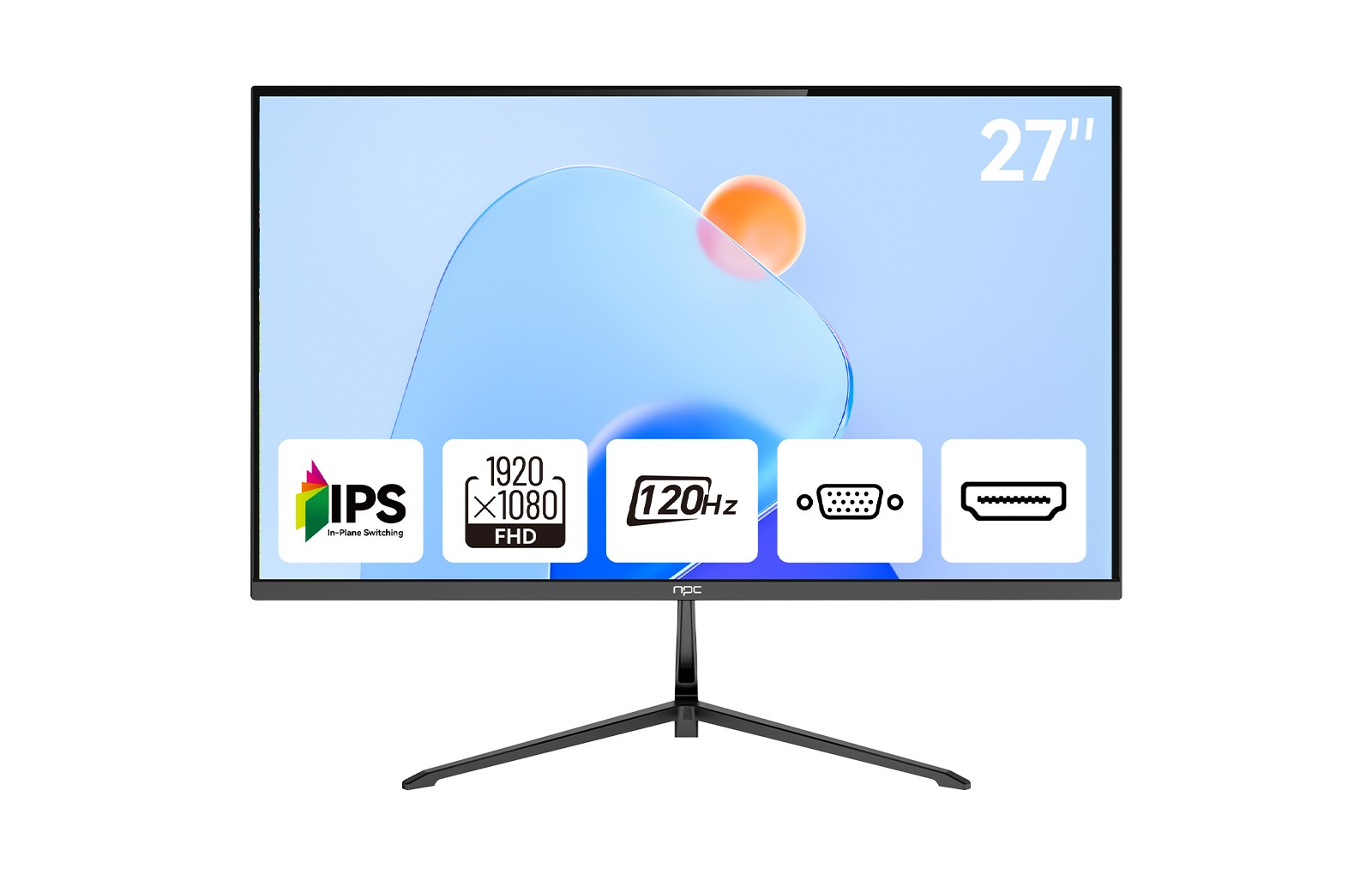
Choosing the right display for your home office can significantly impact your work performance and comfort. Selecting a monitor like the NPC MF2756-V, which features an IPS Full HD 1920*1080p resolution and a 120Hz refresh rate, can elevate your workspace. With its solid static contrast and ergonomic functions, it promotes a comfortable and consistent viewing experience that supports extended work sessions.
Understanding the differences between static and dynamic contrast can guide you in selecting a suitable home office monitor that meets your needs. Make an informed choice and optimize your workspace with NPC’s quality monitors designed for productivity and comfort.


