


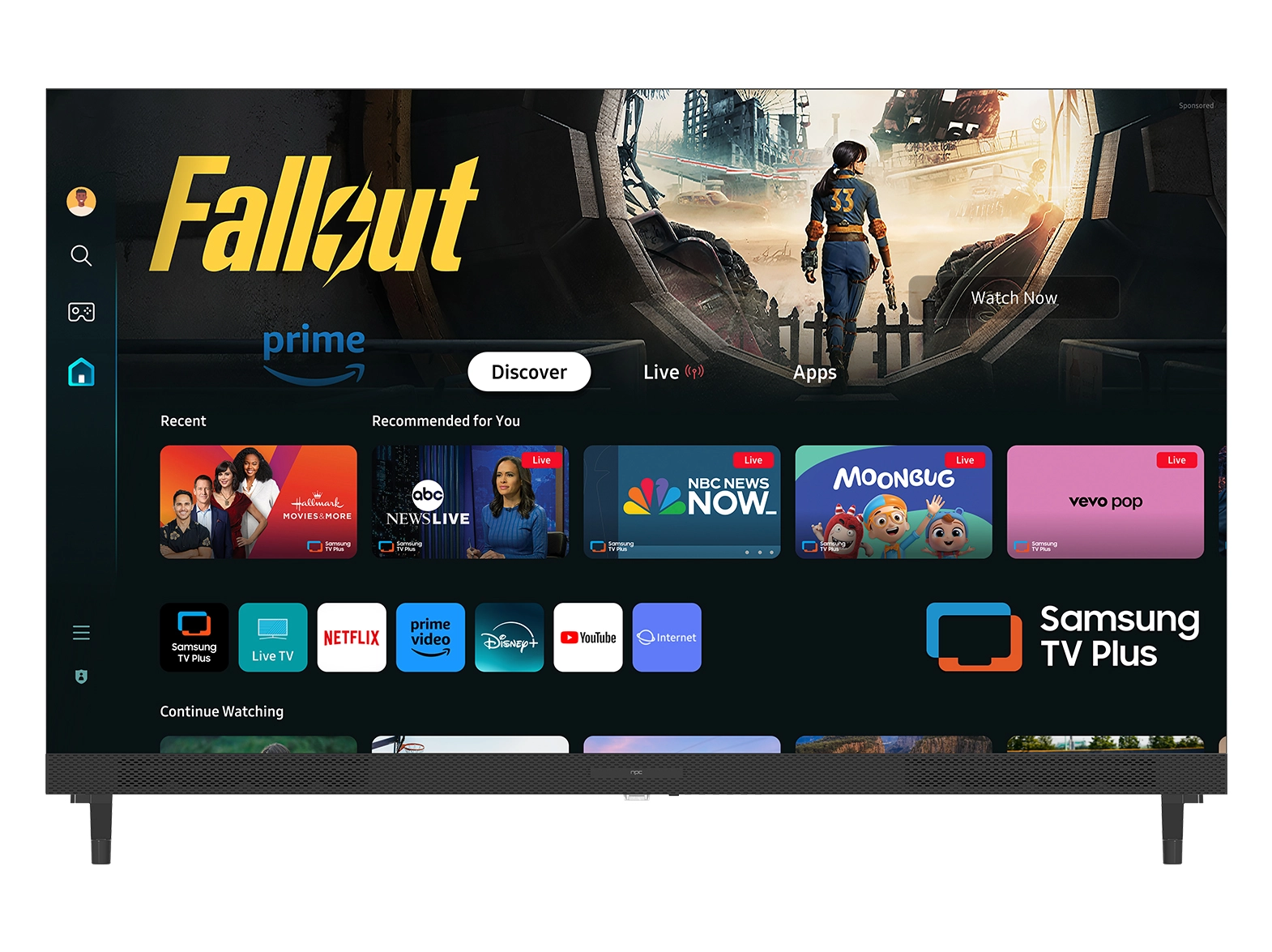





When choosing a television for commercial or business use, we know that many clients are not professional technicians but still want displays with reliable performance. One of the most important aspects of visual quality is color accuracy, as it directly affects how images appear in retail environments, meeting rooms, or hospitality settings. For those exploring options such as a 4k webos smart tv, there are practical ways to check whether a unit delivers natural and consistent colors without relying on advanced tools. At NPC, we have seen how clients benefit from straightforward evaluation methods that save both time and effort.
Simple Visual Checks That Matter
The first step to understanding color accuracy is by observing common visual content. On a 4k webos smart tv, you can easily play videos or images with familiar elements, such as natural landscapes or people’s faces. If the grass looks overly bright or the skin tones appear unnatural, it may suggest the colors are not balanced correctly. We often advise clients to compare the same content across multiple screens in a showroom. Even without instruments, differences in saturation, brightness, and shadow detail become visible, giving a clear indication of which model performs closer to reality.
Why Business Environments Need Consistency
In professional settings, displays are not just entertainment devices; they are tools for communication and presentation. Whether for digital signage, boardroom screens, or educational displays, consistency across multiple units is critical. A 4k webos smart tv makes this easier since its operating system supports settings that can be synchronized across devices. We often point out to our partners that accurate color ensures marketing content appears as intended, reducing the risk of misrepresentation. By checking side-by-side displays, businesses can identify products that minimize discrepancies and maintain reliable visual standards in bulk installations.
Practical Tips Without Technical Equipment
There are a few non-technical tricks we recommend when evaluating color accuracy. One is to display pure white and pure black backgrounds on the 4k webos smart tv. If the white screen looks tinted or the black screen appears gray, adjustments or a different model might be necessary. Another approach is to look at fine details in colorful images. If small differences between red and orange or blue and purple are difficult to distinguish, the display may not provide precise color rendering. These checks are simple enough for procurement teams, wholesalers, and distributors to apply without relying on calibration tools.
Conclusion
At the end of the day, evaluating color accuracy does not require technical training. By comparing natural content, testing with basic patterns, and observing consistency across multiple screens, businesses can make informed choices. At NPC, we design products that help clients simplify this process. Our 4k webos smart tv models are developed with attention to visual performance, operational stability, and adaptability for professional environments. As a company working with distributors, wholesalers, and global procurement teams, we continue to support partners who require reliable and flexible display solutions for large-scale commercial projects.


