








We are deeply committed to ensuring that gamers enjoy the best possible experience, both in terms of visual performance and seamless connectivity. The demand for high-speed, responsive gameplay has never been greater, and with the increasing popularity of online gaming, it’s essential for enthusiasts to have a home network capable of supporting their gaming needs.
Understanding Bandwidth and Latency
When it comes to online gaming, bandwidth and latency are critical factors that affect performance. We know that a stable connection with low latency is essential for smooth gameplay, especially when using a gaming 240 Hz monitor, which requires quick response times to maximize its capabilities. To optimize your home network, we recommend starting by measuring your current internet speed. Tools like speed tests can provide insights into your download and upload speeds as well as latency. If your current service isn’t meeting gaming demands, consider upgrading to a higher-speed plan that supports both bandwidth-intensive activities and multiple devices.
Prioritizing Gaming Traffic
Another effective strategy for optimizing your network for online gaming is to prioritize gaming traffic. Most modern routers come equipped with Quality of Service (QoS) settings that allow you to allocate bandwidth to specific applications or devices. By ensuring that your gaming device or PC is prioritized, you can reduce lag and improve connection stability. When your gaming 240 Hz monitor is connected to a prioritized internet connection, it can fully deliver its high refresh rate capabilities, providing a fluid and responsive gaming experience. Educate your customers about these settings and encourage them to configure their networks for optimal performance.
Connecting via Ethernet
While Wi-Fi offers convenience, a wired Ethernet connection is often the best choice for online gaming. We find that cable connections typically provide more stable speeds and lower latency than wireless connections, making them ideal for competitive gaming. Suggest to your customers that they connect their gaming systems directly to the router using an Ethernet cable to take full advantage of their gaming 240 Hz monitor's potential. Additionally, keeping the gaming setup as close to the router as possible helps to minimize signal interference and maintain consistent performance.
Conclusion
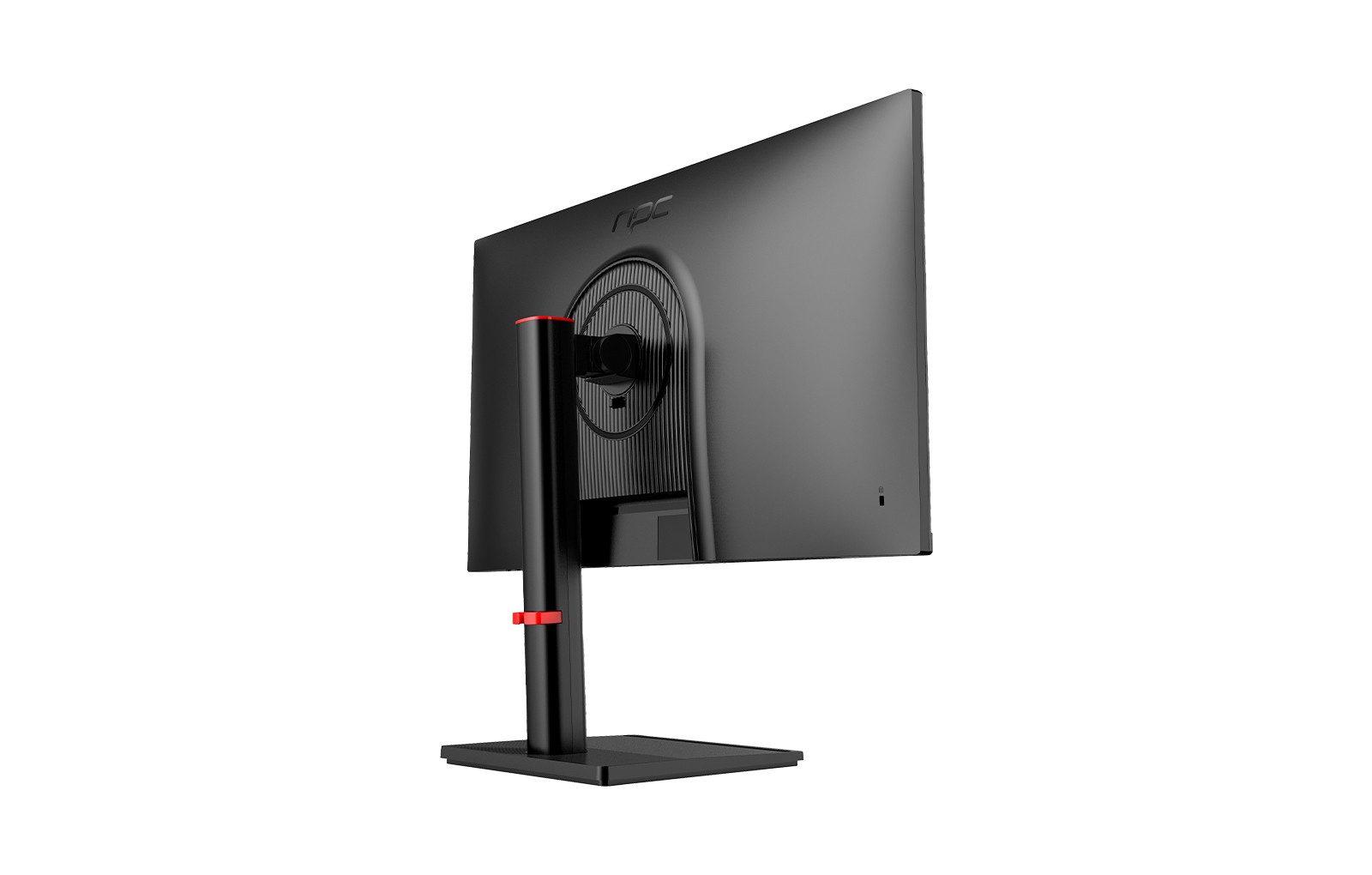
At NPC, we are dedicated to delivering advanced technology that elevates the gaming experience. Our gaming 240 Hz monitor is designed to provide stunning visuals and rapid response times, but it’s crucial that users pair it with an optimized home network for the best results. By focusing on bandwidth, prioritizing gaming traffic, and utilizing wired connections, gamers can enjoy smoother gameplay and reduced lag.


