








Our flagship offerings include advanced 240 Hz monitor gaming solutions, renowned for their exceptional refresh rates and unparalleled visual clarity, designed to meet the demands of professional gamers and casual players alike. In this article, we will delve into the importance of ergonomic configurations for extended computer use, a topic that is increasingly relevant in today’s screen-centric world. We recognize that long hours spent in front of a monitor can lead to physical strain and discomfort, which is why we advocate for a holistic approach that emphasizes both comfort and performance.
Ergonomics in Gaming
When gamers spend long hours in front of a screen, such as NPC's 240 hertz monitor gaming, having an ergonomic setup is crucial for their physical well-being. Poor posture can lead to discomfort and strain, ultimately affecting gameplay and overall enjoyment. We recommend starting with a chair that supports good posture. An adjustable chair with lumbar support helps maintain spinal alignment, reducing the risk of back pain. Furthermore, the height of the chair should allow the user’s feet to rest flat on the ground, promoting better circulation. Traders and OEMs can educate their customers about the importance of ergonomics, positioning their offerings as essential components for a better gaming experience.
Setting Up Your 240 Hertz Monitor Gaming for Comfort
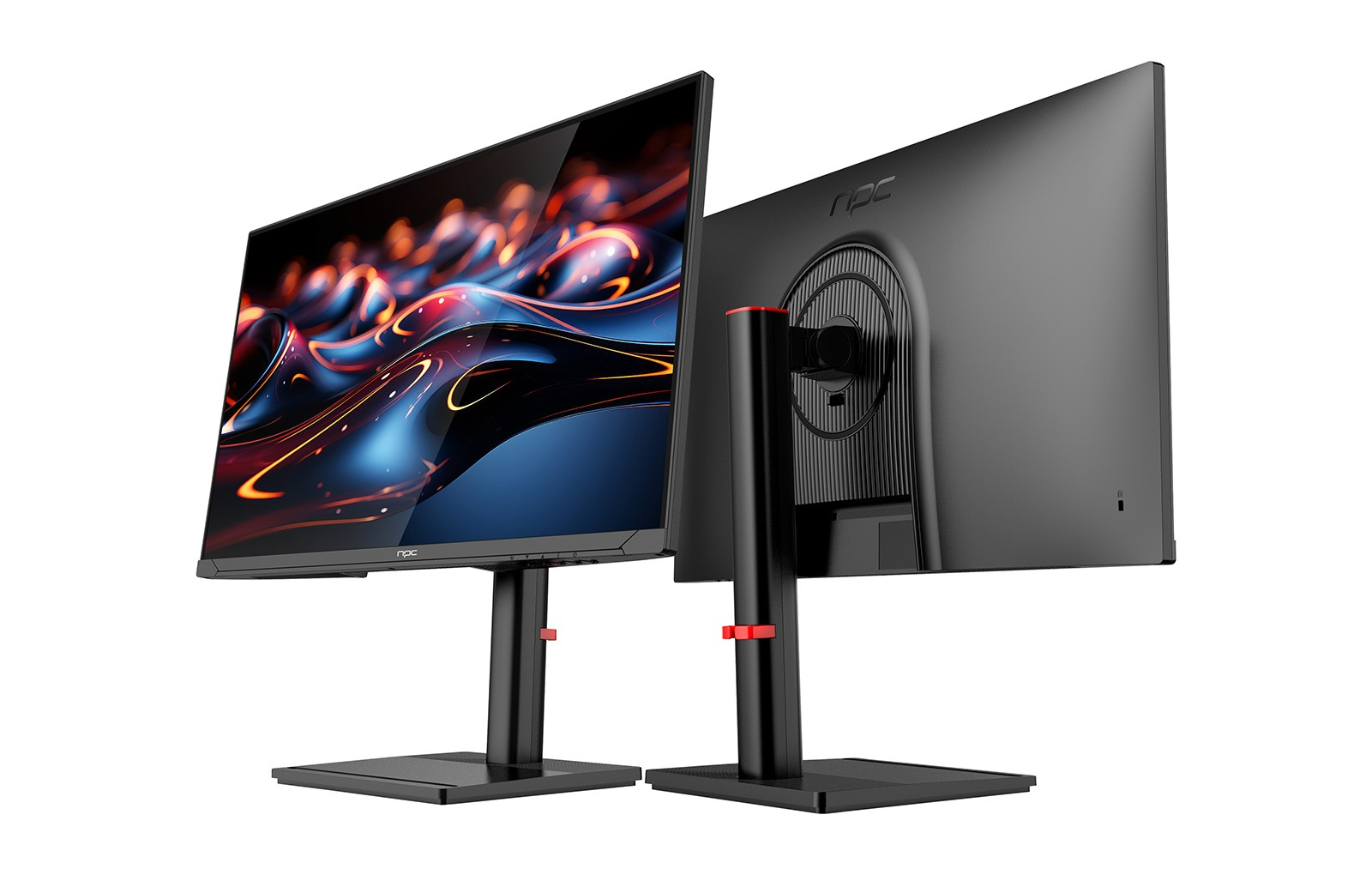
The placement of the 240 hertz monitor gaming is vital for maintaining an ergonomic setup. We advise positioning the monitor at eye level, approximately an arm's length away from the user. This prevents unnecessary strain on the neck and eyes, allowing gamers to focus on their performance without physical discomfort. Additionally, incorporating an adjustable monitor stand can help achieve the perfect viewing angle. It’s important for wholesalers to communicate these setup tips to their customers, emphasizing how an ergonomic arrangement enhances the capabilities of high-quality monitors like ours.
Utilizing Accessories to Enhance Ergonomics
In addition to proper seating and monitor placement, selecting the right accessories can further enhance an ergonomic setup. We recommend using keyboard trays, mouse pads with wrist support, and standing desks to promote healthier posture. A standing desk allows users to alternate between sitting and standing, reducing the risks associated with prolonged sitting. Pairing these accessories with a 240 hertz monitor gaming creates a comprehensive workspace that caters to gamers’ needs. By highlighting the benefits of ergonomic accessories, we empower our partners to offer a complete solution that boosts both comfort and game performance.
Conclusion
By providing guidance on establishing a well-planned ergonomic setup, you can empower your customers to create gaming environments that prioritize their comfort and health without compromising on performance. This holistic approach not only enhances their gaming experience but also fosters a lasting appreciation for the quality of your products. Ultimately, a smooth visual experience combined with ergonomic principles will keep gamers engaged and coming back for more.


