







Our mission at NPC is to enable gamers to achieve unprecedented levels of performance by providing them with state-of-the-art display solutions. As experts in the field, we understand that the pixel density (PPI) of a gaming monitor can significantly impact your overall gaming experience. In this article, we'll share five essential tips to help you choose the right pixel density for your gaming setup.
Tip 1: Understand the Importance of Pixel Density
Pixel density, measured in Pixels Per Inch (PPI), determines the level of detail and sharpness you can expect from your gaming monitor. A higher PPI means more pixels are crammed into the same physical space, resulting in a crisper and more detailed image. This is particularly important for 1080p, 1440p, and 4K gaming, where higher pixel densities can create a more immersive and visually stunning experience.
Tip 2: Consider Your Viewing Distance
The optimal pixel density for your gaming monitor depends on your viewing distance. Generally, the closer you sit to the screen, the higher the PPI should be to maintain a sharp and comfortable visual experience. For a typical gaming setup with a 24-inch to 27-inch monitor, a PPI range of 90-110 is often considered an ideal sweet spot.
Tip 3: Prioritize Pixel Density for 1080p Gaming
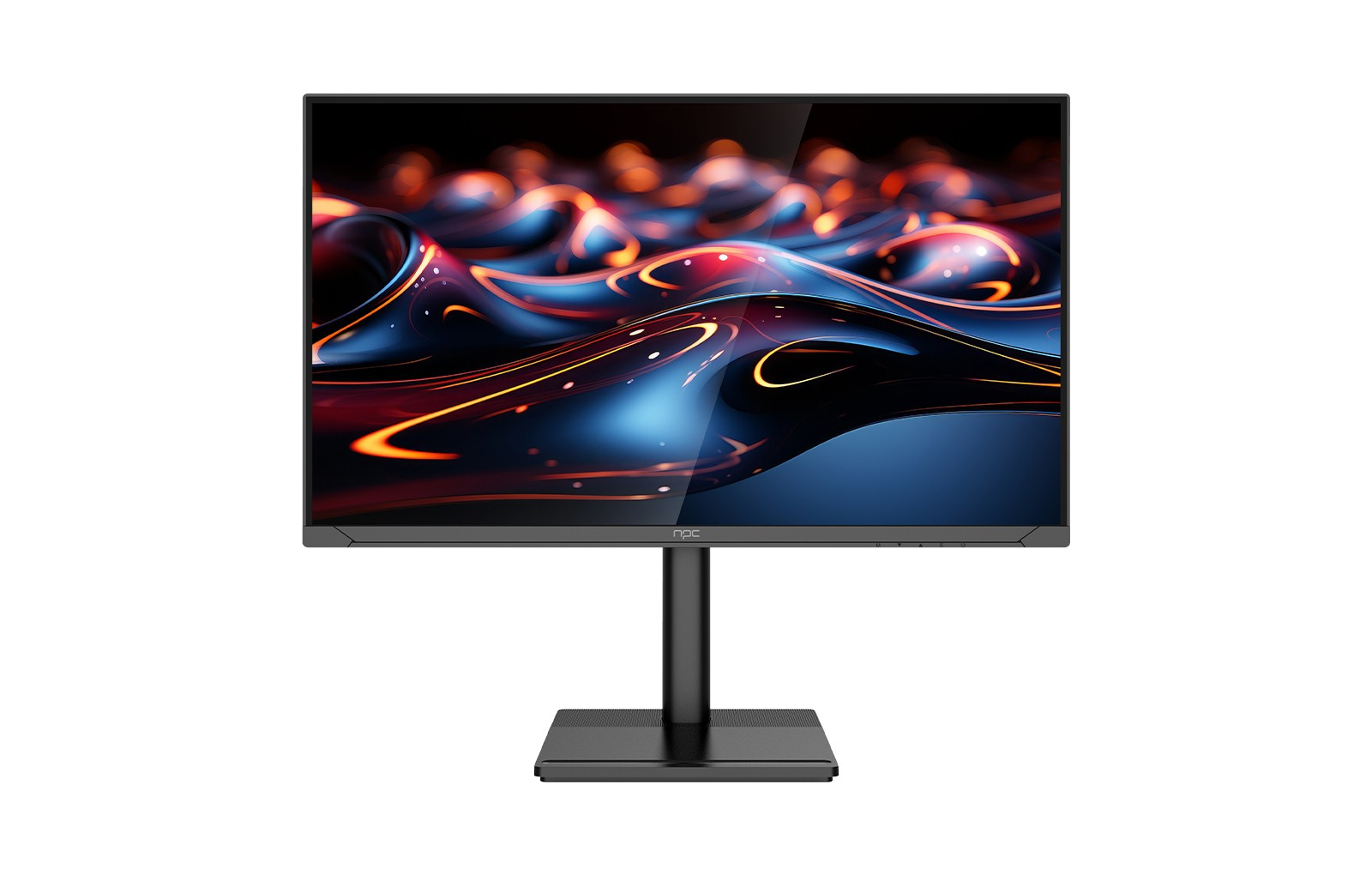
When it comes to 1080p gaming, pixel density becomes especially crucial. A lower PPI can result in a more pixelated or grainy appearance, which can detract from the overall visual quality. For an exceptional 1080p gaming experience, we recommend our NPC-WF2433-K4 gaming monitor, which boasts a 240 Hz refresh rate and a PPI of 92, ensuring crisp and detailed visuals.
Tip 4: Balance Pixel Density and Hardware Capabilities
Higher pixel densities, such as those found in 1440p and 4K gaming monitors, require more powerful hardware to drive the increased pixel count. When choosing the right pixel density, make sure your gaming rig can handle the demands of the resolution to avoid performance bottlenecks and maintain smooth, lag-free gameplay.
Tip 5: Consider Your Gaming Preferences
Your personal gaming preferences and the types of games you play can also inform your choice of pixel density. For fast-paced, competitive games, a gaming 240 hz monitor like the NPC-WF2433-K4 may be the priority, as it offers exceptional fluidity and responsiveness to give you a competitive edge. For immersive, visually stunning games, a higher pixel density might take precedence.
Conclusion
By considering factors such as viewing distance, resolution, hardware capabilities, and personal preferences, you can find the perfect balance of visual quality and performance to elevate your gaming setup. Explore the NPC-WF2433-K4, our gaming 240 hz monitor, and discover the power of pixel-perfect gaming. With its high pixel density, vibrant color accuracy, and lightning-fast refresh rate, this monitor is the ultimate companion for discerning gamers who demand nothing less than the best.


