


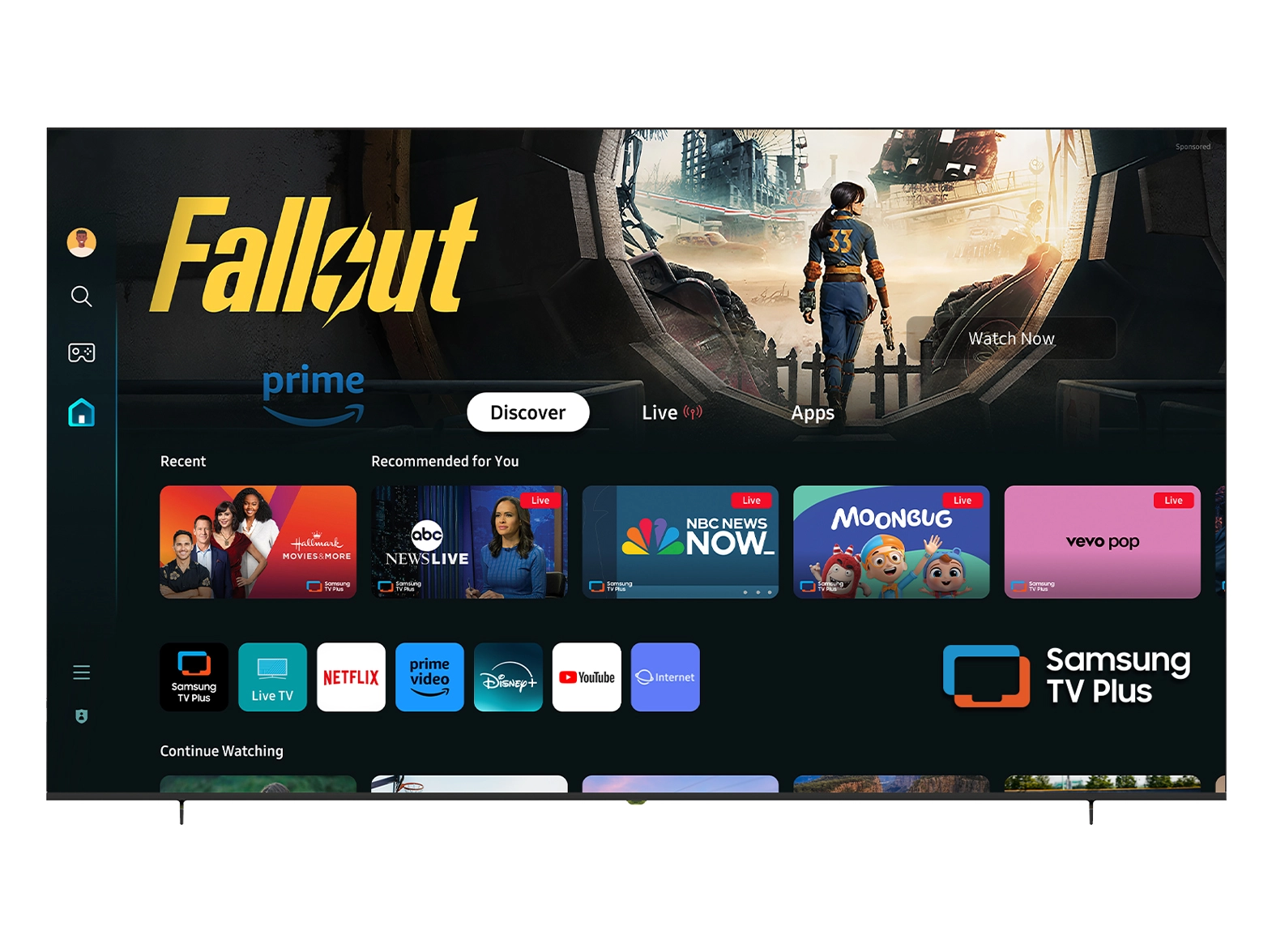





At NPC, we specialize in high-quality display technology designed to enhance the gaming experience for wholesalers and end-users alike. Understanding technical specifications like pixel density is crucial for anyone looking to optimize their monitor choices. In this article, we will delve into pixel density (PPI) and how it impacts the viewing experience, particularly for users of a 240 hertz monitor gaming setup.
Understanding Pixel Density (PPI)
Pixel density, measured in pixels per inch (PPI), quantifies the concentration of pixels on a display. It's a crucial factor influencing the sharpness and clarity of images displayed on a monitor. Higher PPI values indicate more pixels packed into each inch, resulting in finer detail and smoother text. A 240 hertz monitor gaming setup takes advantage of higher pixel densities, as these monitors are designed to deliver crisp visuals at high frame rates, enhancing the overall gaming experience.
To put it simply, a monitor with a higher PPI will provide better image quality. This is particularly important for gamers who rely on quick reactions and visual precision. As they explore expansive environments or engage in fast-paced scenarios, the ability to see fine details without pixelation can significantly impact performance.
Why Pixel Density Matters in Gaming
When considering a 240 hertz monitor gaming option, understanding pixel density becomes essential for assessing the display's capabilities. As gaming graphics continue to evolve, the demand for monitors that can keep up is growing. A monitor with a low PPI may result in blocky images and unclear graphics, compromising the immersive feeling that modern games aim to deliver.
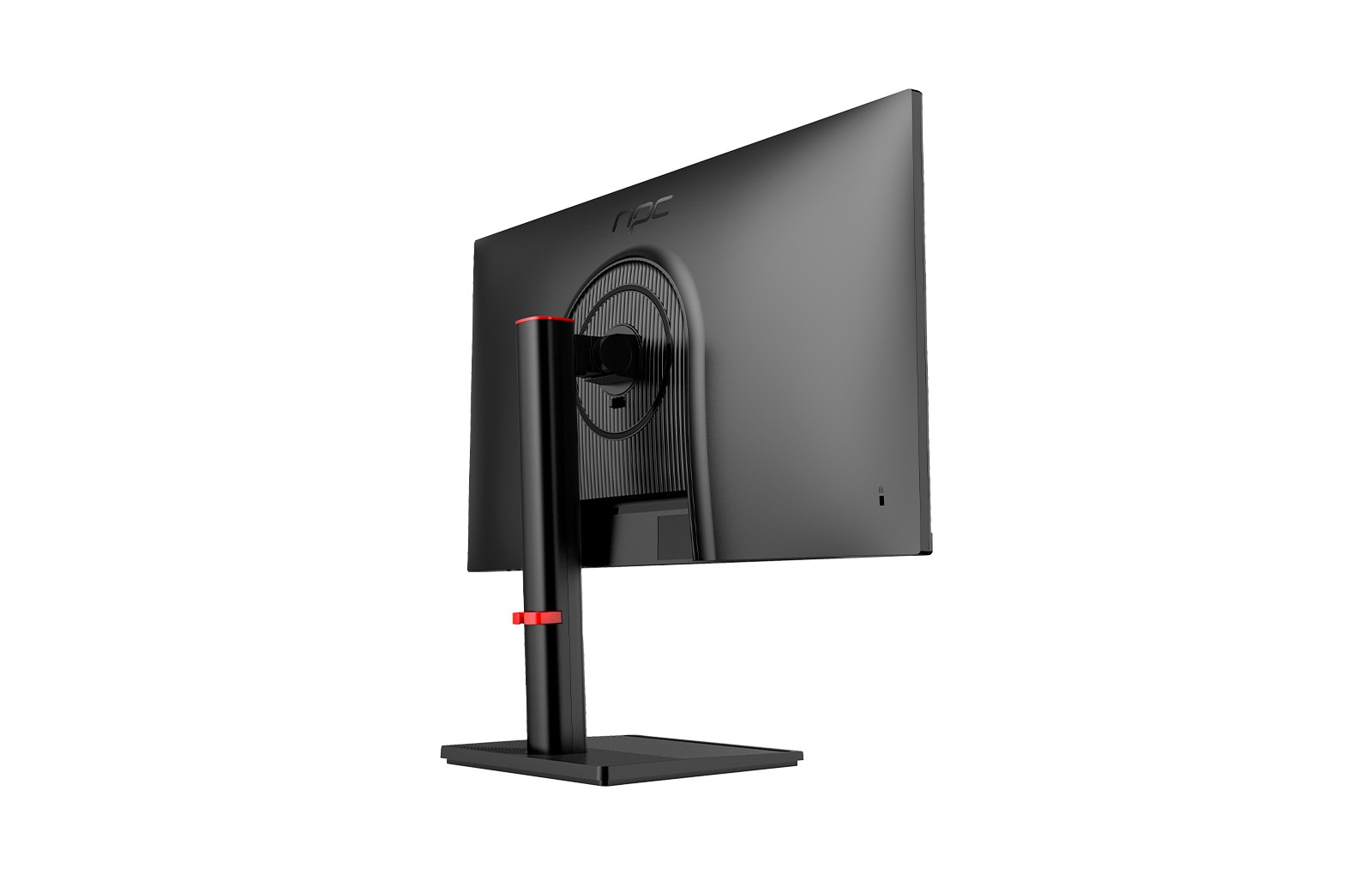
In our NPC-WF2433-K4 240Hz Gaming Monitor, the resolution is set at 1920x1080 on a 23.8" panel. This translates to a pixel density that strikes a balance between size and sharpness for most general gaming applications. The IPS technology used in this monitor further enhances color accuracy and viewing angles, ensuring that players see vibrant colors and clear details from various positions.
While a 240Hz refresh rate is already an impressive feature for fast-paced gaming, coupling this with an optimal pixel density enhances usability and enjoyment. Gamers will appreciate not having to squint to discern objects in the distance or deal with blurry visuals during rapid movements.
Selecting the Right Monitor for Optimal PPI
In conclusion, pixel density plays a vital role in shaping the quality of gaming visuals. Choosing the right monitor with the appropriate PPI, such as the NPC-WF2433-K4, helps ensure that gamers can fully immerse themselves in their favorite titles while enjoying stunning, crisp graphics. As wholesalers, promoting high-quality products like ours will guarantee satisfied customers who recognize the value of optimal visual performance.


