

Connecting a personal computer to a television often seems like a convenient shortcut. Expansive screens appear attractive for multi-window work, yet sitting close to a display engineered for distant couch viewing introduces immediate visual friction.
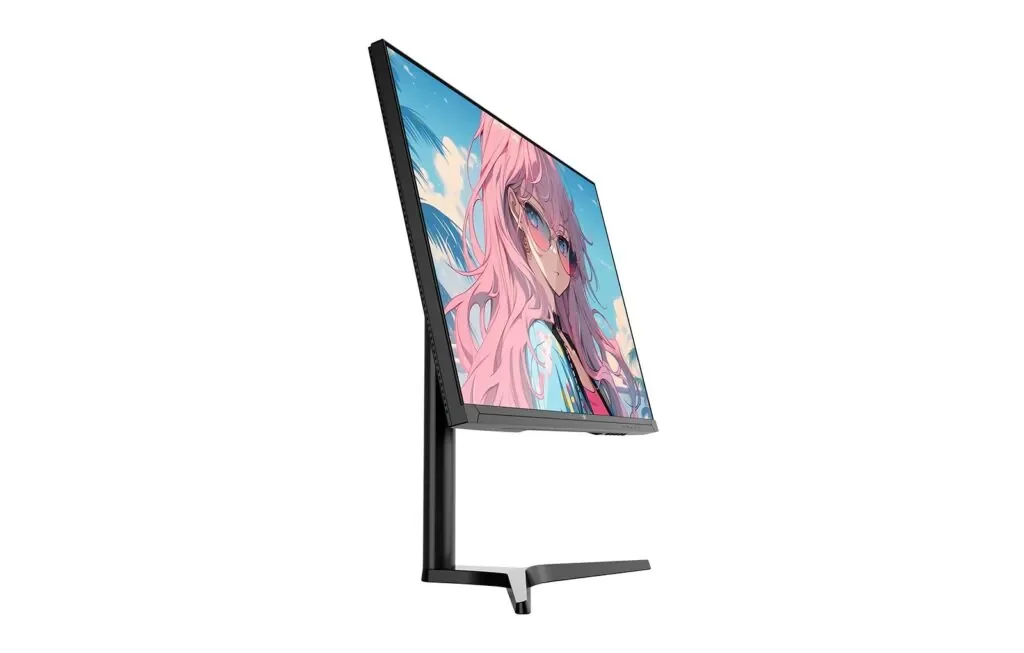
Desktop computing centers on static documents, spreadsheets, and cursor control rather than passive viewing. Deciding between a monitor and a television requires examining pixel density, motion handling, panel structures, and physical ergonomics.
Viewing Distances, Screen Sizing, and Text Clarity
Viewing distance dictates how comfortably eyes process on-screen data across long sessions. Televisions are manufactured for viewing distances spanning several meters, whereas standard computer workstations keep screens within arm’s reach, typically between 50 and 80 centimeters.
Spreading an image across a large television panel lowers pixel density at 1080P Full HD. Thin font lines, browser tabs, and spreadsheet boundaries appear blurry, increasing ocular fatigue during administrative or coding workloads.
Dedicated computer screens avoid this blur by packing high resolution into compact diagonal dimensions. A 24-inch or 27-inch panel operating at 1080P or 2K QHD (2560×1440) provides dense pixel arrangements, rendering sharp letterforms and distinct application borders.
Expansive setups benefit from 32-inch screens or 49-inch ultrawide panels operating at 5120×1440 resolution. Integrating a 1500R curvature aligns the outer edges with natural peripheral vision, reducing continuous neck turning across wide desktop environments.
Built-in eye protection features further differentiate desktop displays from commercial television screens. Dedicated monitors frequently incorporate blue light reduction and flicker-free backlights to alleviate eye strain during uninterrupted daily work at close range.
Refresh Rates, Input Latency, and Motion Synchronization
Refresh rate measures how many times per second a display draws a new frame. Routine office computing runs smoothly on panels operating below 120 Hz, providing stable pointer movement across text documents, analytical software, and web applications.
Fast-paced gaming and active video editing benefit from elevated thresholds above 144 Hz, reaching 165 Hz, 180 Hz, 240 Hz, or 360 Hz. Synchronizing frame delivery through Adaptive Sync or AMD FreeSync prevents horizontal image tearing during rapid on-screen movement.
Televisions rely on internal processing algorithms to enhance broadcast video, which frequently introduces perceptible input lag. Hesitation between physical mouse movement and on-screen pointer tracking disrupts precise tasks like digital drawing, data entry, and competitive gameplay.
Response time measures how quickly pixels shift between color states, directly affecting visual trailing. Computer screens engineered with response times between 5ms and 1ms limit image ghosting, maintaining clean contours behind moving windows and dynamic gaming assets.
Combining a high refresh rate with a low response time supports fluid visual performance. Because response time operates independently from refresh rate, selecting displays with verified millisecond ratings prevents smearing that high-refresh televisions with slow pixel transitions often exhibit.
Optical Characteristics Across IPS, VA, and TN Panels
Liquid crystal architecture determines how a panel manages chromatic precision, contrast, and off-center viewability. Dedicated monitors utilize specialized panel designs, including IPS, VA, and TN structures, to serve distinct computational workloads and entertainment tasks.
Choosing an In-Plane Switching (IPS) screen delivers wide 178-degree viewing angles and dependable color fidelity. Covering 97% sRGB and extensive DCI-P3 color gamuts, IPS panels prevent chromatic distortion when team members review visual layouts from side angles.
Selecting a Vertical Alignment (VA) display produces deep contrast by aligning liquid crystals vertically to block backlight leakage. High contrast capability makes VA screens suitable for dark-room entertainment and detailed media consumption where deep shadow detail matters.
Twisted Nematic (TN) panels prioritize fast pixel response transitions over wide viewing angles. Esports players often deploy TN hardware for fast-moving competitive titles where rapid visual feedback takes priority over expansive viewing angles and rich color gamuts.
Signal Connectivity, Power Routing, and Desk Ergonomics
Video transmission requires specialized interface standards to handle high-bandwidth data signals without dropped frames. Televisions focus primarily on consumer HDMI inputs engineered for broadcast decoders, streaming media boxes, and home video game consoles.
DisplayPort interfaces deliver the high throughput necessary for elevated resolutions and high frame rates, with DP 1.4 supporting UHD resolution at 144 Hz. Dedicated monitors also retain legacy VGA connections to maintain compatibility with older corporate computing towers.
Bandwidth differences dictate connection choices across computing devices. While HDMI 2.0 supports UHD video at 60 Hz, DisplayPort 1.4 handles higher refresh rates at identical resolutions, giving desktop personal computers greater operational headroom.
Modern USB-C ports expand workspace utility by transmitting high-definition video, routing digital audio, and supplying direct operating power to connected laptops. Running a single cable reduces workstation clutter while supporting quick laptop docking in shared office environments.
Corporate buyers seeking workstation displays frequently consult an experienced computer monitor supplier to evaluate ports, panels, and mounting. Standardized 100×100 mm VESA mounting holes and adjustable tilt stands enable proper ergonomic alignment that fixed television feet cannot match.
Tailored Enterprise Sourcing and Manufacturing Support
Workplace deployments require dependable hardware foundations that balance optical clarity with stable mechanical construction. Sifting through display options clarifies why a purpose-built monitor aligns far better with daily computer workflows than a repurposed television screen.
Resolving the monitor-versus-television choice on the factory floor means separating scalar board latency and optical calibration from the start. We engineer our NPC monitor portfolio around dedicated display controllers, anti-glare panel treatments, and tailored chassis layouts ranging from 24-inch flat office panels up to 49-inch curved formats. This mechanical focus ensures internal circuitry prioritizes sustained close-range legibility rather than passive television image enhancement.
Selecting an agile computer monitor supplier also gives commercial buyers direct control over panel binning, interface selection, and SKD or CKD shipping arrangements. We back every NPC shipment with optical color calibration and a three-year whole-machine warranty protecting internal power circuitry, driving boards, and liquid crystal modules under normal operation.
Share your target deployment specifications directly with our technical team at NPC to compare optical test sheets, review mechanical drawings, or request evaluation units for your upcoming rollouts.