


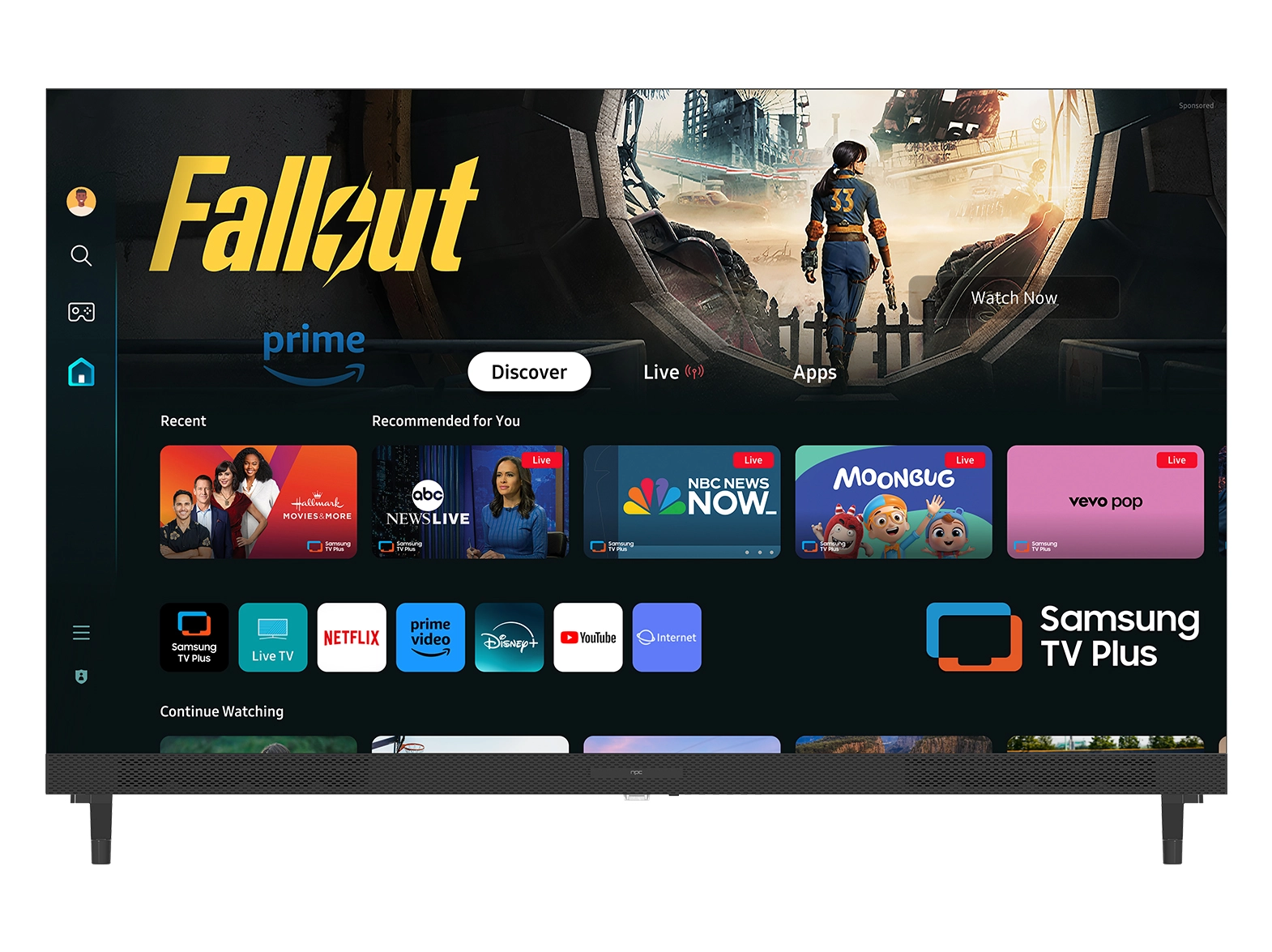





As the demand for ultra-wide and curved displays continues to grow, ensuring that games support various aspect ratios becomes essential. With the increasing popularity of super wide curved gaming monitor, like NPC's LCD340G-Y, developers and wholesalers must prioritize compatibility to attract and retain gamers. In this article, we will share three tips to help you ensure your games support multiple aspect ratios effectively.

Tip 1: Optimize Game Design from the Start
When developing a game, it is crucial to consider different aspect ratios right from the initial design phase. By establishing a flexible graphical framework, developers can create a game that seamlessly adapts to a range of displays, including super wide curved gaming monitor. One of the best practices is to use a responsive UI design that scales elements based on the user's screen size.
For instance, when working on the NPC-LCD340G-Y, which offers a stunning 21:9 aspect ratio, incorporating adaptable UI elements ensures that gamers enjoy an optimal layout and visibility regardless of the display they choose. When you prioritize responsiveness during the design stage, you open your game up to a larger audience, including those using ultra-wide monitors.
Tip 2: Implement Aspect Ratio Settings in the Game Options
Another effective strategy for ensuring your games support various aspect ratios is to include adjustable settings within the game options. By allowing players to manually select their desired aspect ratio, you cater to a wider range of screen configurations, including super wide curved gaming monitor.
Offering presets like 16:9, 21:9, and even 32:9 ensures that players can customize their gaming experience, maximizing immersion on ultra-wide displays like the NPC-LCD340G-Y. Additionally, providing a preview of how the graphics will look based on the selected aspect ratio can help users visualize their options, enhancing their overall gaming experience.
Tip 3: Test Across Multiple Displays
To guarantee compatibility for various aspect ratios, it's essential to test your game across multiple display types, especially super wide curved gaming monitor. This process allows you to identify areas where the game may struggle, such as UI elements spilling off-screen or graphics appearing distorted. Testing on devices like the NPC-LCD340G-Y will provide valuable insights into how your game performs on ultra-wide screens, ensuring a seamless experience for gamers.
Gather feedback from beta testers who use different monitors and make necessary adjustments before your official launch. By prioritizing testing, you ensure your game meets the quality expectations of gamers and takes full advantage of modern display technologies.
Conclusion: Embrace the Future of Gaming with NPC
As the gaming landscape continues to evolve, supporting various aspect ratios is critical to maximizing the potential of ultra-wide and curved displays. By implementing these three tips, wholesalers can enhance the overall quality of their games and ensure they are ready to meet the demands of today's gamers. At NPC, we offer the NPC-LCD340G-Y, a 34-inch super wide curved gaming monitor designed to deliver immersive gameplay and stunning visuals. By integrating our cutting-edge technology into your offerings, you can elevate the gaming experience and cater to an ever-growing audience of enthusiasts looking for superior display solutions.


