







Accurately measuring a gaming monitor wide curved design is essential for various reasons, whether it's for fitting it into your gaming setup space or understanding its specifications in detail. Let's delve into the proper methods and considerations for measuring a curved gaming monitor.
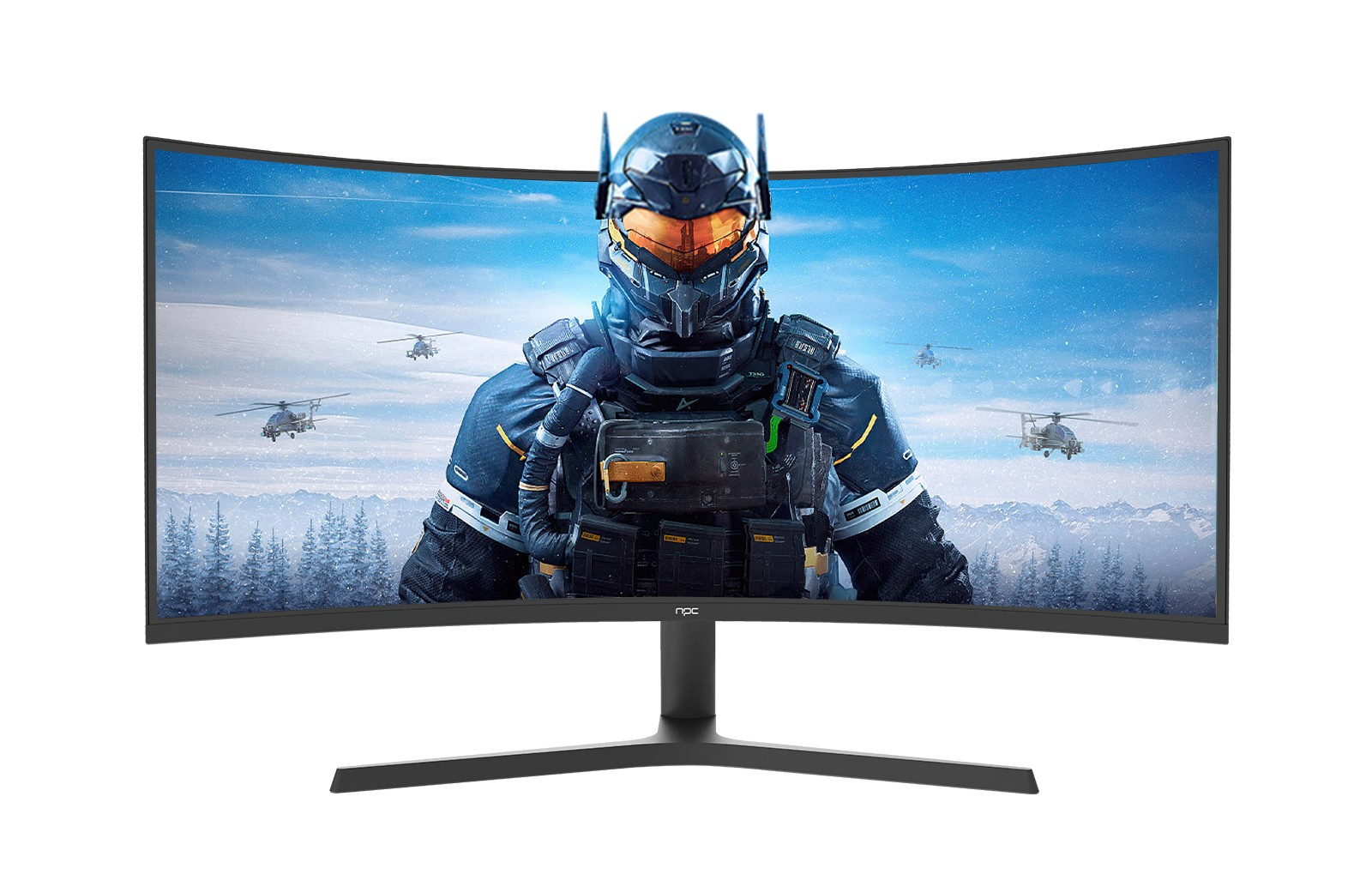
Measuring the Diagonal Screen Size
The most common way to measure a monitor is by its diagonal screen size. Use a measuring tape and start from one corner of the curved screen to the opposite corner diagonally. Ensure that the measuring tape follows the curve of the monitor accurately. For a wide curved gaming monitor, this measurement gives you an understanding of its overall physical presence and how it will fit on your desk or within your gaming area.
Keep in mind that the curved nature of the monitor can make this measurement slightly more complex than a flat screen. Take multiple measurements along different points of the curve to ensure accuracy and use the average value.
Assessing the Curvature Radius
The curvature radius is a crucial characteristic of a curved gaming monitor. To measure this, you need to find the center point of the curved screen and then measure the distance from the center to the edge of the screen along the curve. This measurement determines how immersive the viewing experience will be and how it affects your peripheral vision while gaming.
Different monitors have different curvature radii, and understanding this can help you choose the one that best suits your gaming preferences. A tighter curvature radius provides a more immersive feel but may require a closer viewing distance.
Determining the Physical Dimensions and Thickness
Measure the width, height, and thickness of the monitor. The width and height are important for ensuring that it fits within your available space and that it doesn't obstruct your view or interfere with other gaming equipment. For a wide curved gaming monitor, these dimensions are especially important as they can take up more space than a standard monitor.
The thickness of the monitor can affect its portability and how it can be mounted or adjusted. Some gaming setups require thin monitors for a sleek and seamless look, while others may prioritize monitors with a thicker build for better heat dissipation.
Conclusion
Measuring a gaming monitor with a wide curved design requires attention to detail and an understanding of the unique characteristics of these monitors. By accurately measuring the diagonal screen size, curvature radius, and physical dimensions, you can make informed decisions about which monitor to choose and how to best integrate it into your gaming setup. NPC offers a variety of wide curved gaming monitors with precise specifications and high-quality build. When considering a new gaming monitor, look to NPC for products that are designed with both performance and accurate measurements in mind, ensuring that you get the perfect fit for your gaming needs.


