







At NPC, we are dedicated to delivering high-performance gaming peripherals that elevate the gaming experience. We understand the importance of optimizing monitor settings to enhance the gaming experience for customers. Adjusting the refresh rate on a gaming monitor is crucial for achieving smooth visuals and gameplay. Let's explore the process of changing the refresh rate on a gaming monitor, specifically focusing on gaming monitor 240 fps, and how NPC provides top-tier solutions for gamers.
Understanding Refresh Rate in Gaming Monitors
Refresh rate denotes how many times a monitor refreshes the displayed image per second. Opting for a higher refresh rate, like gaming monitor 240 fps, leads to smoother motion, decreased motion blur, and an elevated gaming experience. Adjusting the refresh rate empowers gamers to tailor their display settings to suit their preferences and optimize performance. This customization allows for a more immersive and seamless visual experience, particularly in fast-paced games where smooth motion is essential for heightened precision and enjoyment. By selecting a higher refresh rate, gamers can enjoy enhanced clarity, responsiveness, and fluidity in their gaming adventures, raising the bar for an exceptional gaming setup.
How to Change Refresh Rate on Your Monitor
To adjust the refresh rate on your gaming monitor, start by right-clicking on the desktop and choosing "Display Settings" or "Graphics Properties." Then, find the display settings section where you can locate the refresh rate dropdown menu. From there, select your preferred refresh rate, such as 240Hz for an ultra-smooth gaming experience. After making your selection, apply the changes and confirm the new refresh rate to enjoy improved visuals and a seamless gaming environment tailored to your preferences. This simple adjustment can enhance the overall performance and visual quality of your gaming setup.
Conclusion
Changing the refresh rate on a gaming monitor is a simple yet effective way to enhance gameplay visuals and performance. By customizing the refresh rate, gamers can enjoy smoother motion, reduced input lag, and an overall improved gaming experience. At NPC, we recognize the significance of monitor settings in gaming and offer a range of display options, including the NPC-WF2433-K4 gaming monitor, to meet the diverse needs of gamers.
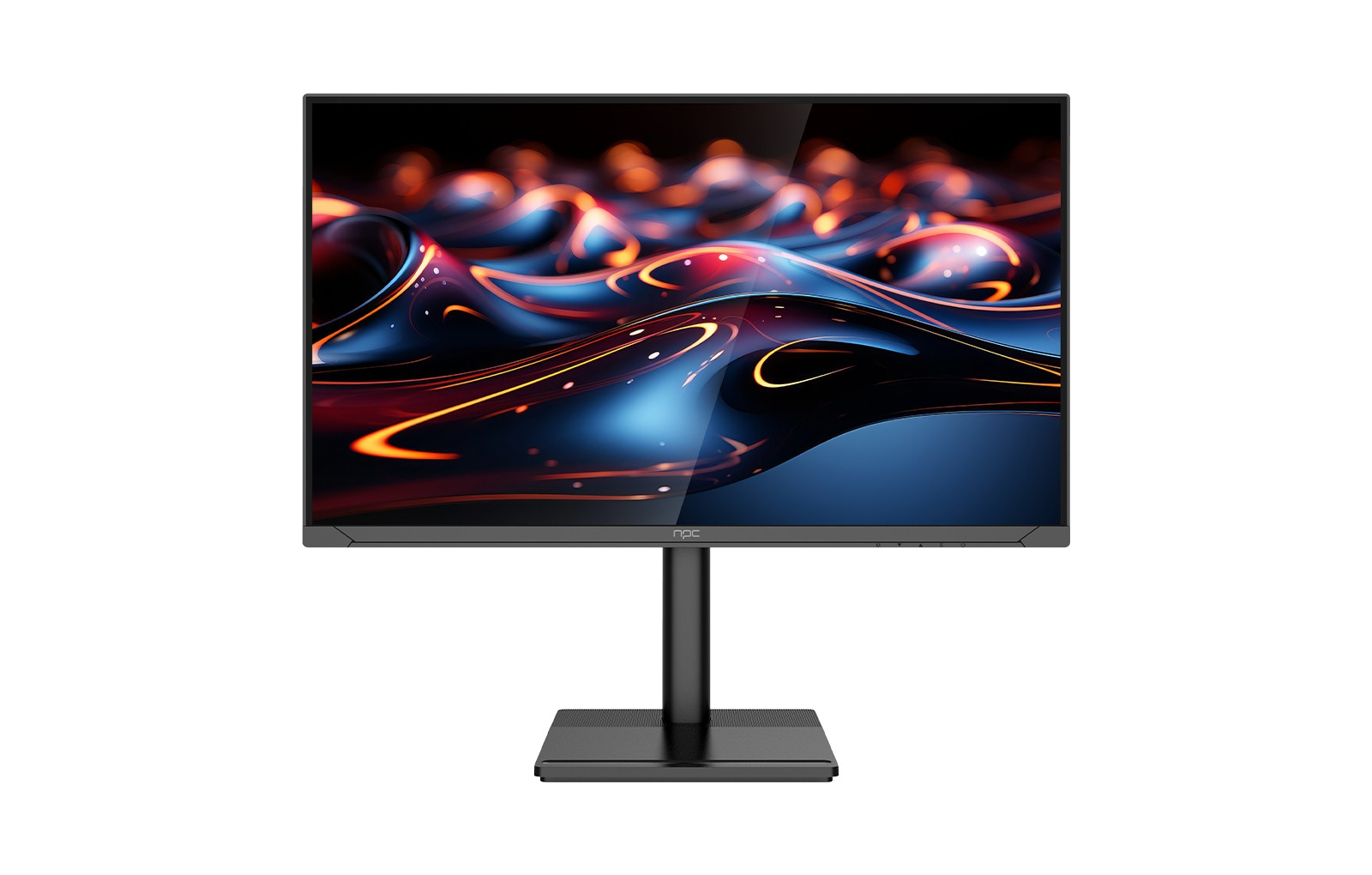
The NPC-WF2433-K4 gaming monitor is now available! With its compatibility for FHD, QHD, and refresh rates of 100Hz, 180Hz, and 240Hz, this 23.8-inch IPS LCD panel offers gamers a high-performance and adaptable display option. Gamers may customize their monitor settings for an immersive gaming experience with the NPC-WF2433-K4, which has superb visual clarity and variable refresh rates. You can rely on NPC to provide top-notch gaming monitors that redefine the bar for gaming technology quality.


