







At NPC, we understand that assisting your customers in addressing resolution issues on their second monitors is essential for a seamless user experience. Let's dive into practical solutions to fix resolution problems and ensure that your customers enjoy the best 1080p monitor experience possible. Our range of high-performance displays and peripherals caters to the diverse needs of our customers. We strive to empower businesses like yours to offer top-tier products that enhance user experiences.
Identifying the Issue
Before addressing resolution problems on a second monitor, it's crucial to identify the root cause of the issue. Common factors such as outdated drivers, incompatible settings, or hardware limitations can impact the display quality. By pinpointing the source of the problem, you can efficiently troubleshoot and resolve it.
Updating Graphics Drivers and Settings
One of the primary steps to fix resolution on a second monitor is updating graphics drivers and adjusting display settings. Ensure that your customers have drivers installed for their graphics card to support optimal resolution. Additionally, guide them to adjust the screen resolution and refresh rate settings to match the capabilities of their monitor for a crisp and clear display.
Troubleshooting Hardware Connections
When resolution-related challenges persist, it's vital to delve into the realm of hardware connections. Start by confirming that cables are firmly linked between the monitor and the computer, and meticulously inspect for any visible signs of physical damage that could impede signal transmission. The next step involves either substituting cables or conducting a test by connecting the monitor to another system. This process aids in pinpointing whether the issue stems from the hardware connection itself, allowing for swift identification and resolution of the root cause. By proactively addressing and troubleshooting hardware connections, you can pave the way for a smoother and more seamless visual experience on your monitor.
Conclusion
Resolving resolution problems on a second monitor is crucial to maximizing the visual experience for your customers. By following these troubleshooting steps and ensuring that graphics drivers, display settings, and hardware connections are in order, you can help users enjoy the best 1080p monitor experience on their secondary displays. At NPC, we recognize the importance of seamless visuals for gamers and tech enthusiasts.
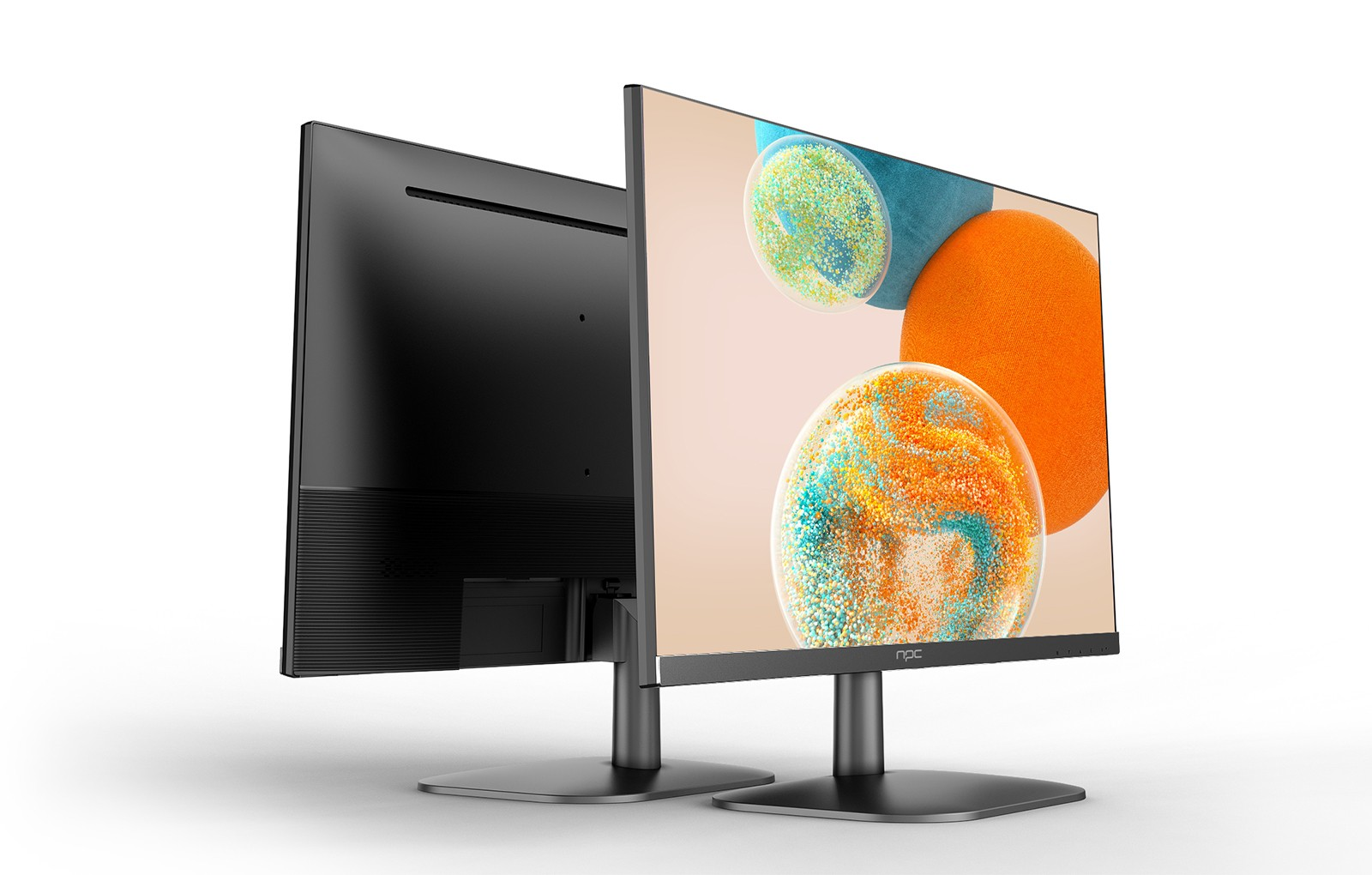
Introducing our innovation, the NPC-LCD2405 gaming monitor! With FHD resolution and a crystal-clear 1920x1080 display, this monitor delivers exceptional clarity and detail for immersive gaming and multimedia experiences. Featuring 100% sRGB color gamut and native 8-bit color depth, the NPC-LCD2405 ensures vivid and true-to-life colors for an unparalleled viewing experience. Trust NPC to provide you with the best 1080p monitor solutions that meet the high standards of your customers and enhance their visual enjoyment.


