








In the professional world of traders, designers, and office administrators, upgrading to a large office monitor is a significant step toward better productivity. However, many users encounter a frustrating hurdle: blurry text and "fuzzy" interface elements. This phenomenon typically occurs due to scaling issues when a high-density pixel display interacts with operating systems that are not yet optimized for its specific resolution.
The Science of Pixel Density and Scaling
When you move from a standard display to a high-resolution screen, the physical size of pixels decreases. If the system continues to render the interface at a 1:1 pixel ratio, text and icons appear too small to read comfortably. To combat this, Windows and macOS use "Scaling" to enlarge the interface. Blurriness happens when the software uses "bitmapped" scaling, where it simply stretches the original image—much like zooming in on a low-quality photo—rather than redrawing the elements with more detail.
To fix this, users should first access their display settings and ensure the "Scale and layout" percentage is set to the "Recommended" value. For those using multiple displays, mismatched scaling between a laptop and a secondary screen can often cause windows to blur as they are dragged from one to the other. Setting both to a consistent scale or ensuring the primary monitor is the one with the higher resolution can mitigate this effect.
Advanced Adjustments for Visual Clarity
Another effective solution for Windows users is the "ClearType" Text Tuner. This utility walks you through a series of visual tests to calibrate how your specific screen renders fonts. Additionally, checking your graphics driver settings to ensure the monitor is running at its native resolution and highest supported refresh rate is vital. If the resolution is set even slightly off the hardware's native pixel count, the screen will appear soft and out of focus.
Superior Visual Performance with NPC
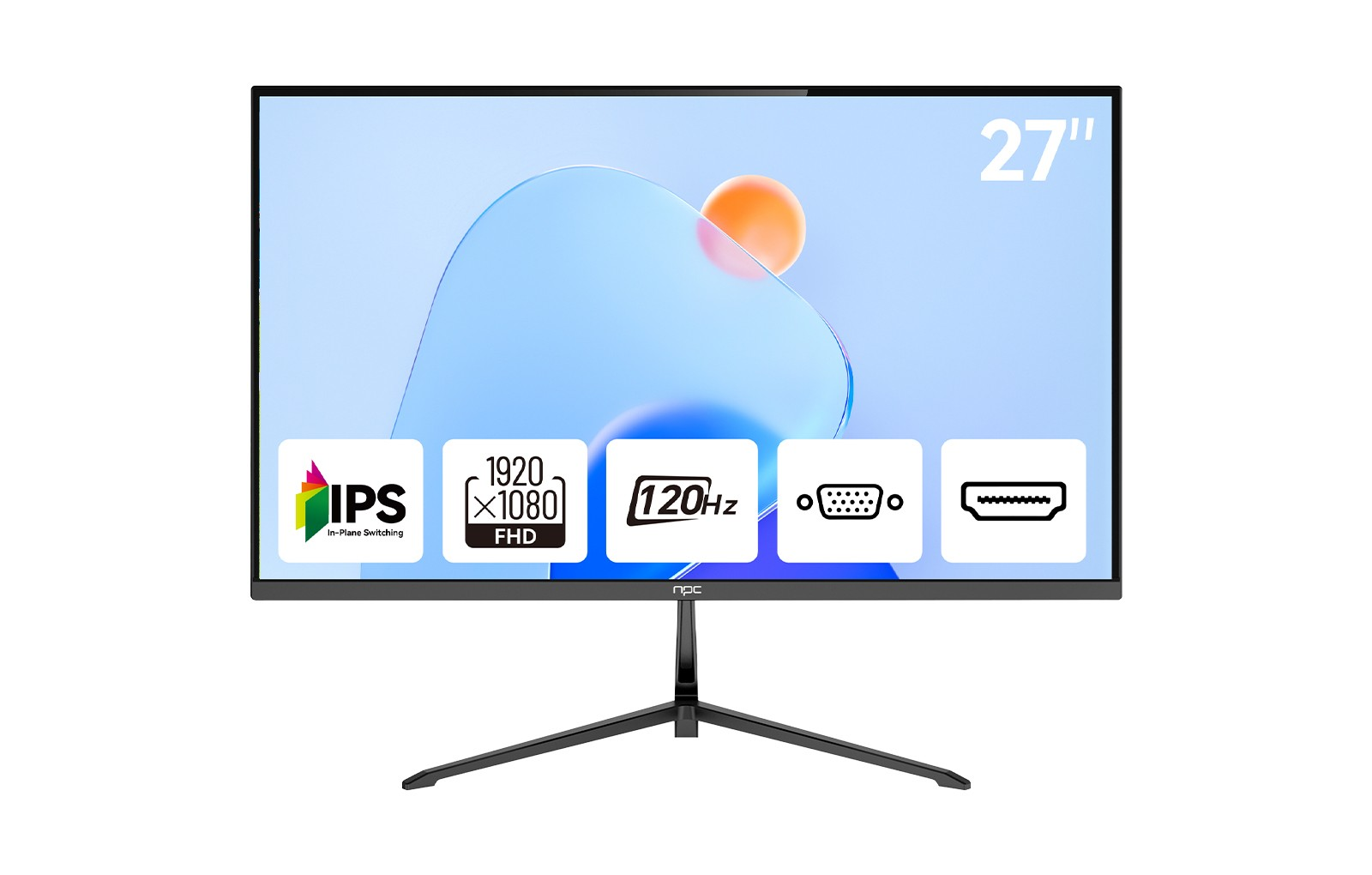
At NPC, we recognize that professionals require absolute precision to manage complex data and spreadsheets. Our MQ2756-V office monitor is engineered to provide the clarity required for a high-performance large office monitor setup. Featuring a 27-inch IPS panel with QHD 2560*1440 resolution, it offers a high pixel density that produces crisp, sharp text without the need for extreme scaling.
Our monitors are designed with a 100Hz refresh rate and 100% sRGB color gamut, ensuring that every detail is vibrant and stable. We have also integrated "Reduce BLU-RAY" mode and eye-care technology to prevent the visual fatigue that often accompanies long hours of screen time.
As a brand under Guangzhou Xianyou Intelligent Technology Co., Ltd, we have been providing high-resolution display solutions since 2005. With a presence in over 80 countries, we focus on delivering cost-effective, professional-grade technology to wholesalers and individual users alike. We are committed to excellence, ensuring our products meet the highest standards of reliability and performance for every modern workspace.


