








Let’s talk about a display technology feature that’s often tucked away in the settings menu: Black Frame Insertion, or BFI. For gamers and movie enthusiasts seeking smoother motion, this function presents a compelling choice. Today, we’ll examine what BFI is, how it operates, and the practical trade-offs involved in using it, so you can make a clear decision for your setup.
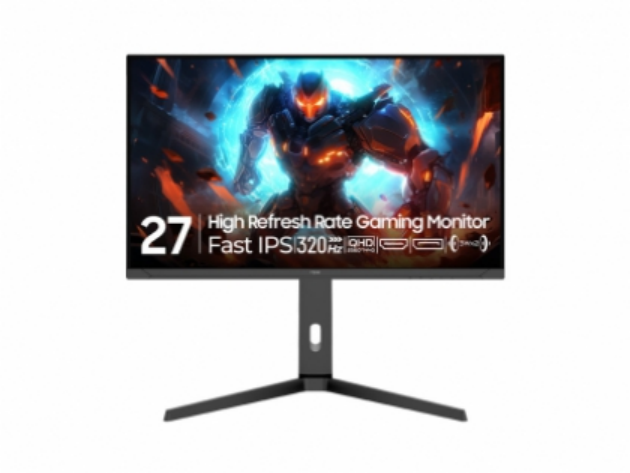
The Technical Mechanics of BFI
Fundamentally, Black Frame Insertion is a method to reduce motion blur. A standard monitor displays an image continuously for the duration of each frame. This persistence can cause our eyes to perceive blur during fast movement. BFI addresses this by inserting a black frame between each regular image frame. This brief period of darkness resets the eye’s perception, making the motion of each distinct image appear sharper and clearer. It’s a software-driven technique that mimics the strobe effect of older CRT displays, effectively increasing motion clarity without necessarily raising the panel’s native refresh rate. This is particularly relevant for users of affordable gaming monitors, as it can enhance perceived performance without hardware investment.
Evaluating the Benefits for Gameplay
Enabling BFI can provide a tangible improvement in visual fluidity during fast-paced action. In competitive gaming, where tracking rapid character movement is crucial, the increased motion clarity can offer a slight edge. The reduction in perceived blur makes objects and textures more defined during pans and turns. For those using affordable gaming monitors that may not feature the highest native refresh rates, BFI can be a valuable tool to extract a smoother visual experience from the hardware. It’s a feature that democratizes enhanced motion handling, making it accessible beyond premium displays.
Considering the Drawbacks and Trade-offs
However, activating BFI is not without its costs. The primary trade-off is a reduction in overall screen brightness. Because the display is periodically showing black frames, less total light reaches your eyes, which can make the image noticeably dimmer. This often requires playing in a darker room. Additionally, for some viewers, the rapid flickering can cause eye strain or headaches over extended periods. It’s also critical to note that BFI works most effectively when your game’s frame rate is perfectly synchronized with your monitor’s refresh rate; otherwise, you may introduce stuttering. Therefore, assessing your environment and sensitivity is a necessary step before committing to this setting.
For professionals and enthusiasts who value both performance and visual comfort in their workspace, the underlying panel technology matters. This is where the engineering philosophy of a brand like ours becomes relevant. At NPC, our approach to display design considers the balance between advanced features and user well-being. Established in 2005, NPC operates with a global mission to provide high-quality, affordable gaming monitors and office displays. Our R&D focuses on implementing technologies like high refresh rates and responsive panels in a way that maintains accessibility and durability. With a network spanning over 80 countries, our goal is to ensure that innovations in motion clarity and eye comfort are not exclusive to high-end products but are integrated into reliable, cost-effective solutions for a wide audience, supporting both immersive play and prolonged productivity.


