








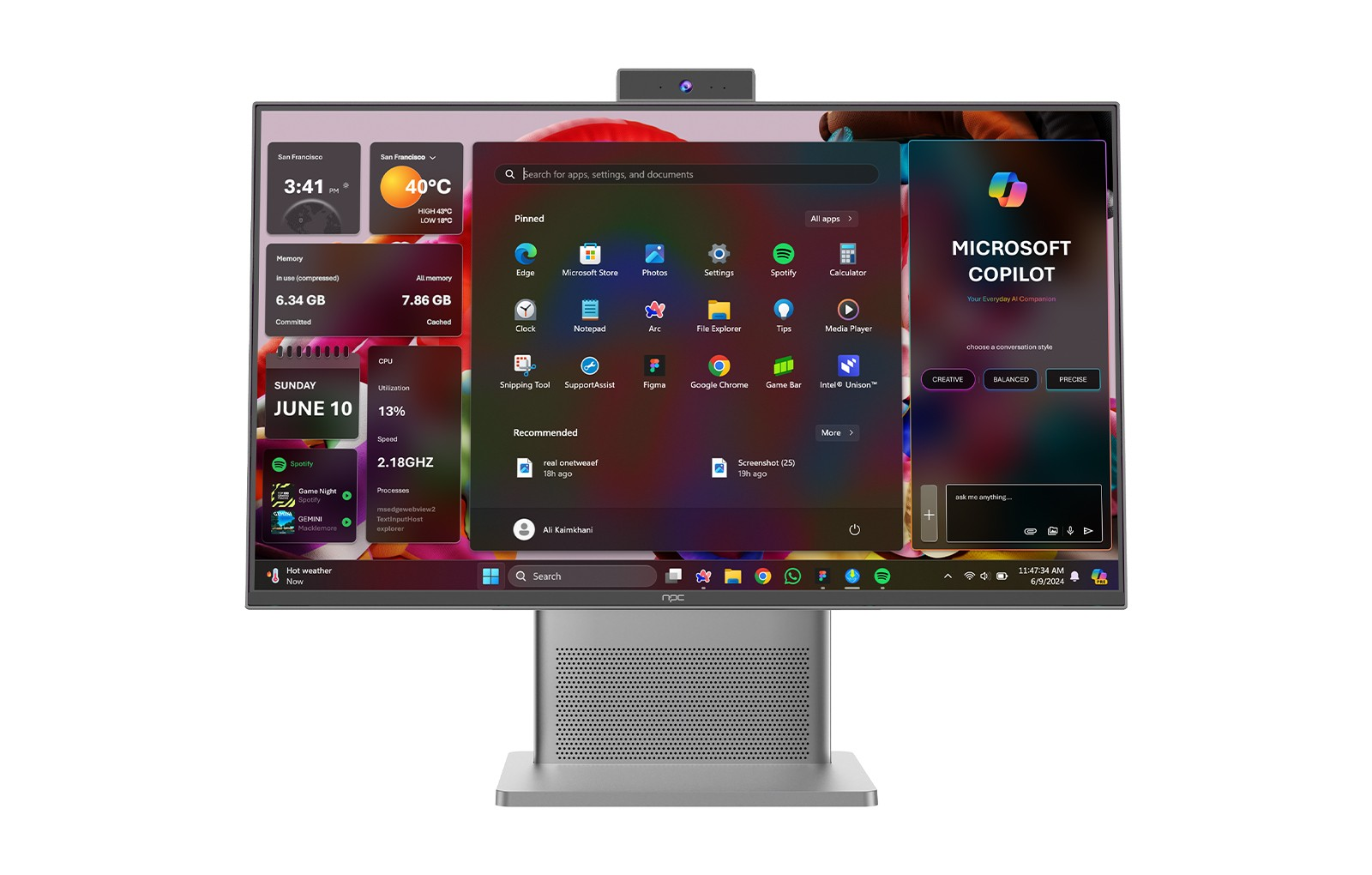
At NPC, we specialize in cutting-edge technology solutions, delivering high-performance all in one PCs that cater to various computing needs. Among our standout products is the NPC-PF2712-A, featuring an Intel® Core™ i5-12450H processor, 16GB DDR4 memory, and a vibrant 23.8-inch display. Our commitment to quality ensures that our devices provide an optimal user experience, whether for gaming, creative work, or productivity tasks.
Understanding Your GPU's Role
The Graphics Processing Unit (GPU) is a crucial component in any computing system, particularly for tasks requiring intense graphical output, such as gaming or design. For users of all in one PCs with Intel processors, it’s essential to ensure that your GPU operates efficiently to maximize performance. A well-functioning GPU not only enhances visual quality but also impacts the speed and responsiveness of applications that rely heavily on graphics.
Key Signs That Your GPU is Functioning Properly
To determine whether your GPU is working effectively, start by checking the performance of your all in one PC Intel system. If games run smoothly at an expected frame rate and graphics-heavy applications operate without lag, your GPU is likely functioning well. Additionally, monitor your system’s temperature; excessive heat may indicate overworking. Tools such as GPU-Z or MSI Afterburner provide detailed statistics on GPU usage, temperature, and clock speeds, allowing you to gauge performance comprehensively.
Running Diagnostic Tests
If you suspect that your GPU may not be performing as expected, conducting a diagnostic test can help. If you suspect performance issues, there are several straightforward diagnostic steps you can take:
Use Built-in Diagnostic Tools: Many operating systems include diagnostic utilities. For Windows, the DirectX Diagnostic Tool (dxdiag) can provide vital information about your graphics hardware.
Benchmarking Software: Applications like 3DMark or Unigine Heaven allow you to assess your GPU’s performance under various loads. These benchmarks can help you compare your results against expected performance metrics for GPUs of similar specs.
Check for Driver Updates: Ensure that your drivers are up to date. Outdated GPU drivers can lead to performance issues and compatibility problems. Visit the Intel website or utilize the Intel Driver & Support Assistant to keep your GPU drivers current.
Ensuring Optimal GPU Functionality
To maintain optimal GPU performance in your all in one PC Intel system, it’s important to keep your software updated and regularly monitor system performance. Ensure that your cooling system is functioning properly, as overheating can deter efficiency. Additionally, consider periodic cleanings to remove dust buildup, which can hinder airflow and cause thermal issues.
For gamers and professionals alike, investing time to check and maintain your GPU can enhance your computing experience significantly.
Maintained Performance is Key to Longevity
In conclusion, understanding how to check if your GPU is working is crucial for ensuring the longevity and efficiency of your all in one PC Intel device. By monitoring performance, running diagnostics, and maintaining your system, you can keep your GPU in top condition. At NPC, we strive to deliver high-performance devices like the NPC-PF2712-A, empowering users with reliable technology that meets their needs. For any inquiries about our products or support, feel free to reach out to us.


