








In today's digital workspace, having a versatile display is no longer a luxury but a necessity. With the growing need for multi-tasking and flexible setups, we at NPC have focused on designing solutions that make this seamless. Our smart tv as computer monitor options provide a bridge between traditional television entertainment and modern computing demands, offering both clarity and adaptability in a single device. By understanding connectivity options, users can ensure their setup meets personal and professional requirements without compromise.
Understanding the Essentials of Connectivity
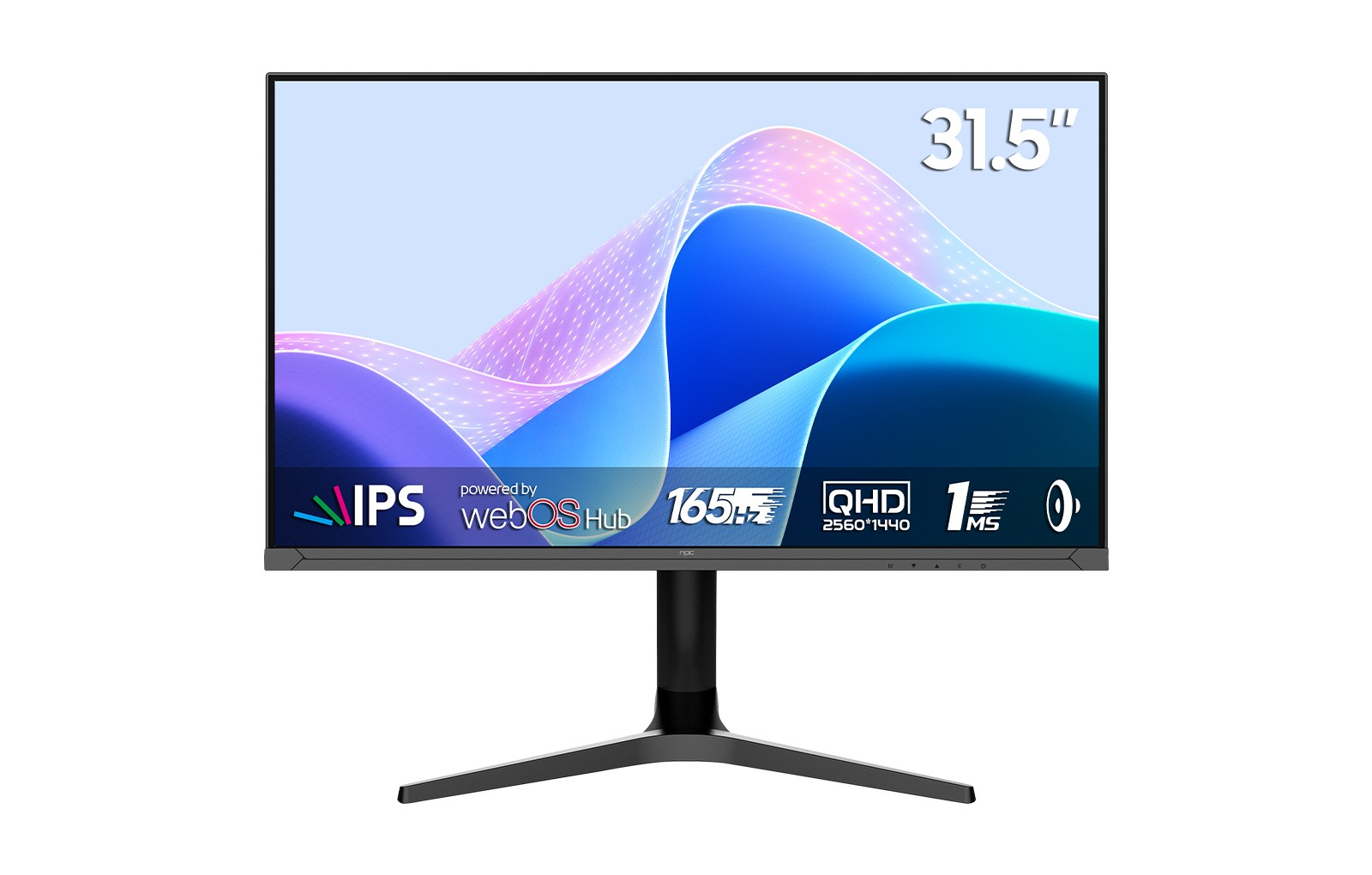
When evaluating a smart tv as computer monitor, one of the first considerations is the number and type of ports available. HDMI, DisplayPort, USB-C, and legacy VGA connections each serve different purposes. We recommend selecting a device that supports multiple simultaneous inputs to allow for smooth switching between work tasks, gaming consoles, or streaming devices. For example, our NPC-MZ3207-Y model is engineered with several ports, enabling users to connect laptops, external drives, and peripheral devices without constantly unplugging and replugging cables.
Benefits of Multi-Port Designs
A display with diverse connectivity not only accommodates various devices but also simplifies the overall workspace. We have observed that many users prefer a setup where a single smart tv as computer monitor can handle multiple roles, such as a presentation display, a gaming hub, or a collaborative workspace. This reduces cable clutter and streamlines daily operations. The integration of USB hubs, audio output options, and Ethernet ports ensures that users can connect everything from keyboards and mice to high-speed internet connections directly to the monitor, enhancing both efficiency and convenience.
Planning for the Future
Connectivity requirements may evolve over time, especially as technology continues to advance. We always advise considering future-proof features when choosing a smart tv as computer monitor. Adjustable settings for refresh rates, compatibility with high-resolution content, and support for emerging interfaces like USB4 or HDMI 2.1 make a substantial difference in extending the usable life of the device. Our NPC monitors are designed to anticipate these changes, offering a reliable foundation for both current and upcoming technology needs.
Conclusion
Selecting the right connectivity setup is key to maximizing the functionality of your NPC monitor. From multiple ports to future-ready features, the design of our smart tv as computer monitor emphasizes versatility and convenience. At NPC, we strive to provide high-quality displays like the NPC-MZ3207-Y, blending personal entertainment and professional efficiency in one device. Whether serving as a centerpiece in home offices or a reliable tool for business operations, our monitors cater to both B2C and B2B users, supporting bulk orders for distributors and providing superior service to individual clients. With an emphasis on innovation, adaptability, and user experience, NPC continues to deliver solutions that simplify modern connectivity challenges.


