








When creating digital content, the quality and reliability of your display can directly affect your workflow. One issue that content creators often consider is OLED burn-in, which occurs when static images remain on the screen for extended periods, causing uneven wear over time. As a team focused on providing suitable display solutions, we emphasize the importance of understanding this phenomenon, particularly for those using high-resolution monitors for detailed work. Using a professional video editing monitor from NPC can help manage these challenges while maintaining consistent visual performance.
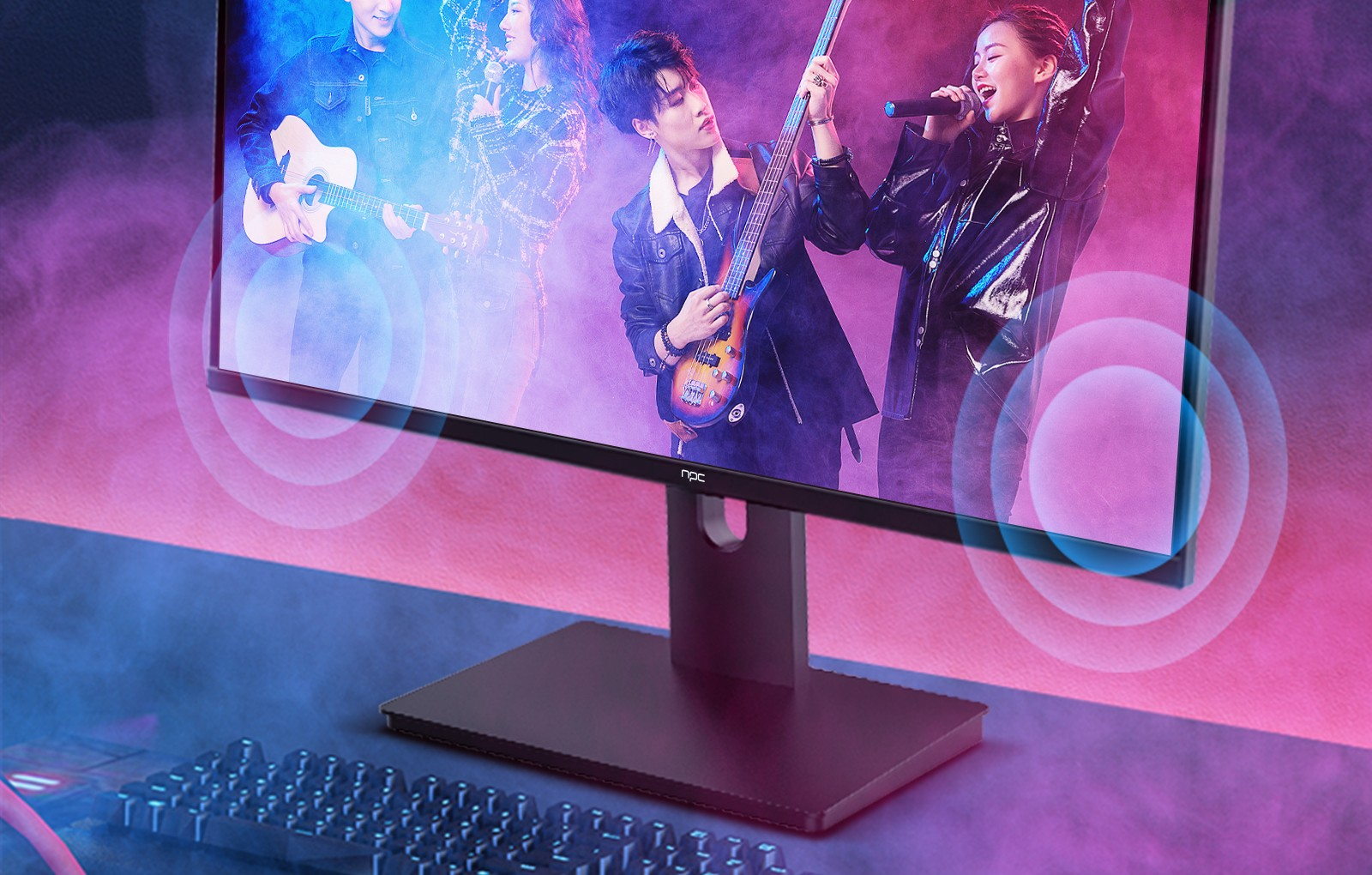
How OLED Burn-in Develops
OLED burn-in happens because the organic materials in OLED panels degrade unevenly when exposed to static images. Common interface elements, such as timelines, toolbars, or logos, may appear more prominently if they remain in the same position for long periods. Editors and designers often encounter this during prolonged sessions on a professional video editing monitor, which can affect color consistency and image uniformity. Being aware of these factors allows us to apply practical adjustments to our monitors and workflows, helping maintain image integrity throughout projects.
Practical Approaches to Prevent Burn-in
To address OLED burn-in, we adopt several strategies in daily use. Reducing brightness, alternating static elements, and enabling screen savers are useful methods to balance pixel wear. The NPC MU270A monitor, with its 27-inch 4K UHD IPS display and HDR10 support, offers a suitable combination of resolution and visual consistency. Its wide color coverage and moderate peak brightness provide stable visuals for extended editing sessions. For professionals relying on a professional video editing monitor, these features contribute to maintaining uniformity and supporting accurate color assessment.
Supporting Long-Term Display Reliability
We also consider physical and usage adjustments to reduce the risk of burn-in. Utilizing VESA mount flexibility, repositioning the display periodically, and allowing brief screen rest intervals are practical habits. The NPC MU270A’s ergonomic design and reliable panel help maintain consistency even during intensive editing work. Integrating these practices into everyday use allows editors to monitor footage and review content without compromising the monitor’s performance over time.
Conclusion: Display Solutions for Creative Professionals
Understanding OLED burn-in is part of using technology effectively in video editing and design. At NPC, we provide monitors like the MU270A that combine high-resolution visuals, color accuracy, and reliable operation for extended use. Our solutions cater to both business clients, including distributors and trade partners of computers and displays, and individual users seeking equipment for detailed video and creative work. By selecting an appropriate professional video editing monitor and applying practical usage habits, we can support consistent performance, accurate color representation, and durable display function across a variety of professional settings.


