








When gamers are comparing displays, terms like MPRT (Moving Picture Response Time) and GtG (Gray-to-Gray) often appear in the specifications. These response time metrics can seem confusing, yet they play a key role in determining how smoothly motion appears on a screen. At NPC, we have explored these details in depth while developing our budget gaming monitor lineup to help users get the most immersive experience possible.
Understanding the Difference Between MPRT and GtG
GtG response time measures how quickly a pixel changes from one shade of gray to another. It reflects the pixel transition speed and is usually expressed in milliseconds (ms). Lower GtG values mean that the screen can change colors faster, reducing motion trails. However, MPRT measures something slightly different — it captures the duration each pixel remains visible on the screen during motion. In simple terms, MPRT describes motion blur, while GtG describes pixel transition speed.
For fast-paced gaming, both matter, but MPRT provides a more realistic reflection of what your eyes perceive when you move through a game world. That is why modern displays, such as those in our budget gaming monitor series, are designed to optimize both values simultaneously.
Why MPRT Matters in Real Gaming Performance
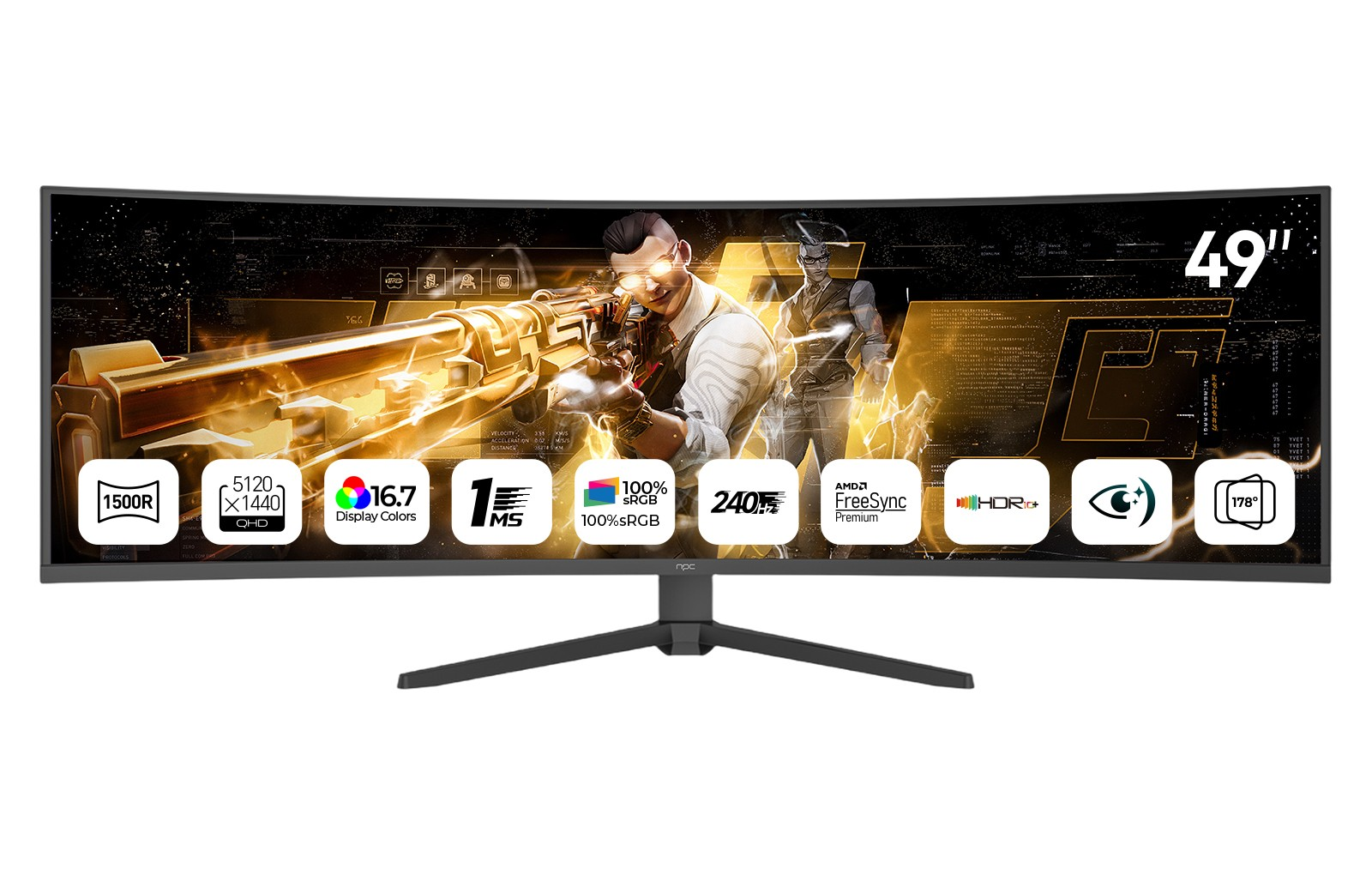
MPRT directly affects how smooth and clear fast motion looks. Even with a fast GtG, if MPRT is high, you might still see motion blur when objects move quickly across the screen. The difference becomes especially noticeable in racing, FPS, or action titles. At NPC, we take this seriously when designing our products. For example, the NPC-MU4986B-11 49-inch curved gaming monitor combines a 1 ms response time with a 165 Hz or 240 Hz refresh rate and adaptive sync technology. This ensures each frame is delivered crisply, minimizing ghosting and providing a visually fluid experience.
Our budget gaming monitor models achieve low MPRT through advanced backlight control and panel optimization, offering performance that fits the needs of both competitive players and casual users.
Choosing the Right Metric for Your Setup
For gamers or professionals comparing displays, it’s not about picking one metric over the other but understanding how they interact. A monitor with fast GtG but poor MPRT might look sharp in static tests but blur during real gameplay. Conversely, a display tuned for low MPRT provides smoother perceived motion even if its GtG is slightly higher. We always recommend checking both values — and pairing them with refresh rate and sync technologies — before choosing your display.
That’s why our budget gaming monitor designs, including the NPC-MU4986B-11, balance these factors carefully. The ultra-wide 5120×1440 VA panel, 1500R curvature, and HDR10 support create a cinematic experience without sacrificing response time or clarity.
Conclusion: The NPC Approach to Performance and Value
At NPC, we believe that understanding metrics like MPRT and GtG helps users make smarter choices rather than relying on flashy numbers alone. Our gaming monitors are developed with real-world usage in mind — not just lab measurements. From precise panel calibration to adaptive refresh synchronization, we focus on delivering fluid motion and color depth at an accessible price point.
For wholesalers, retailers, and home users seeking high-performance displays that combine technology and value, NPC provides a reliable selection of gaming monitors, televisions, and all-in-one PCs designed for diverse needs. Whether for work or play, our commitment is to deliver visual quality that feels natural, responsive, and within reach.


