








Maintaining optimal performance in an all in one PC amd ryzen 7 system requires more than just choosing the right processor. As we at NPC understand, thermal management is a key factor that influences both longevity and consistent performance. When temperatures rise beyond safe thresholds, the CPU may throttle its speed to prevent damage, resulting in lower frame rates, slower processing, or delayed response times. Preventing thermal throttling is therefore crucial for any user who relies on their system for gaming, productivity, or multimedia tasks.
Understanding Thermal Throttling in Ryzen Systems
Thermal throttling occurs when the CPU automatically reduces its clock speed to avoid overheating. In all in one PC amd ryzen 7 devices, such as those powered by AMD Ryzen processors, heat can accumulate quickly due to the compact design of the system. Effective cooling is essential to maintain performance under heavy workloads. At NPC, we emphasize proper ventilation and periodic system checks to ensure airflow is not obstructed. Users can monitor CPU temperatures using built-in utilities, and addressing any dust buildup in vents or fans can significantly reduce the likelihood of throttling.
Best Practices for AIO Ryzen Maintenance
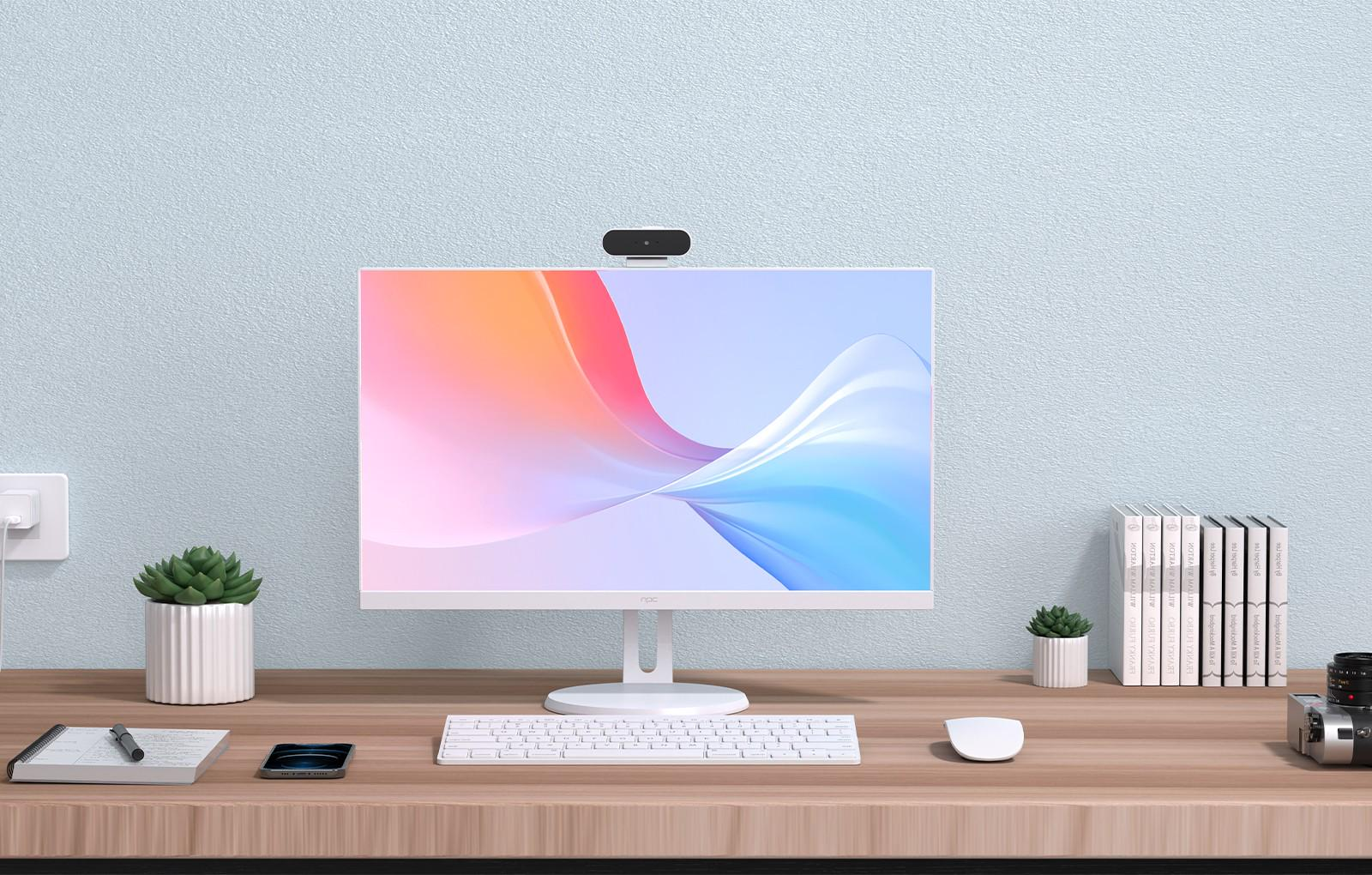
Regular maintenance is essential for preventing thermal throttling. Ensuring that the cooling system works efficiently is the first step. For example, our NPC PF2402-D features a 23.8-inch screen, AMD Ryzen™ 5 7430U CPU, 16GB DDR4 memory, and a 512GB M.2 SSD — all integrated into a compact design. Even with this compact structure, proper ventilation and periodic cleaning of air vents can keep temperatures stable. Additionally, maintaining updated BIOS and drivers helps the system manage power and thermal controls more effectively. Adjusting settings such as brightness or background applications can also reduce unnecessary heat generation.
Optimizing Performance and Longevity
Using an all in one PC amd ryzen 7 device to their full potential requires a combination of hardware care and mindful usage. Systems like the NPC PF2402-D support consistent operation with features such as a 100Hz refresh rate display and optional high-speed WiFi, but these components can generate additional heat under sustained use. We advise users to avoid blocking vents, use the device on flat surfaces, and keep ambient temperatures moderate. Periodically checking system performance and fan operation can help detect early signs of thermal throttling, allowing users to take action before performance is affected.
Conclusion
Preventing thermal throttling in all in one PC amd ryzen 7 systems ensures smoother performance and a longer device lifespan. At NPC, we focus on providing all-in-one PCs that balance powerful processors, high-quality displays, and efficient cooling. The NPC PF2402-D, with its full HD display, AMD Ryzen processor, and robust memory and storage configuration, is designed to support both professional and personal use without compromising performance. By combining careful maintenance practices with thoughtfully engineered hardware, our devices help users maintain reliability and efficiency in all computing tasks.


