








Memory is a critical factor in the performance of any computing device, and understanding the differences between DDR4 and DDR5 is essential when choosing an all in one desktop conputerss i5. At NPC, we work closely with modern hardware solutions to ensure that our systems provide smooth and reliable performance for both personal and professional use. In this guide, we explore how memory types influence system responsiveness, multitasking capabilities, and overall user experience.
Memory Differences and Performance Implications
DDR4 and DDR5 memory modules differ primarily in speed, bandwidth, and efficiency. DDR5 generally offers higher data rates and increased capacity potential compared to DDR4, which can lead to faster load times and improved multitasking. However, DDR4 remains widely supported by many Intel processors, including the Core i5 series, making it a practical choice for reliable and cost-effective all in one desktop conputerss i5 systems. At NPC, we carefully balance memory configurations to match processor capabilities, ensuring that users benefit from both stable performance and energy efficiency without unnecessary overhead.
Optimizing Intel AIO Systems
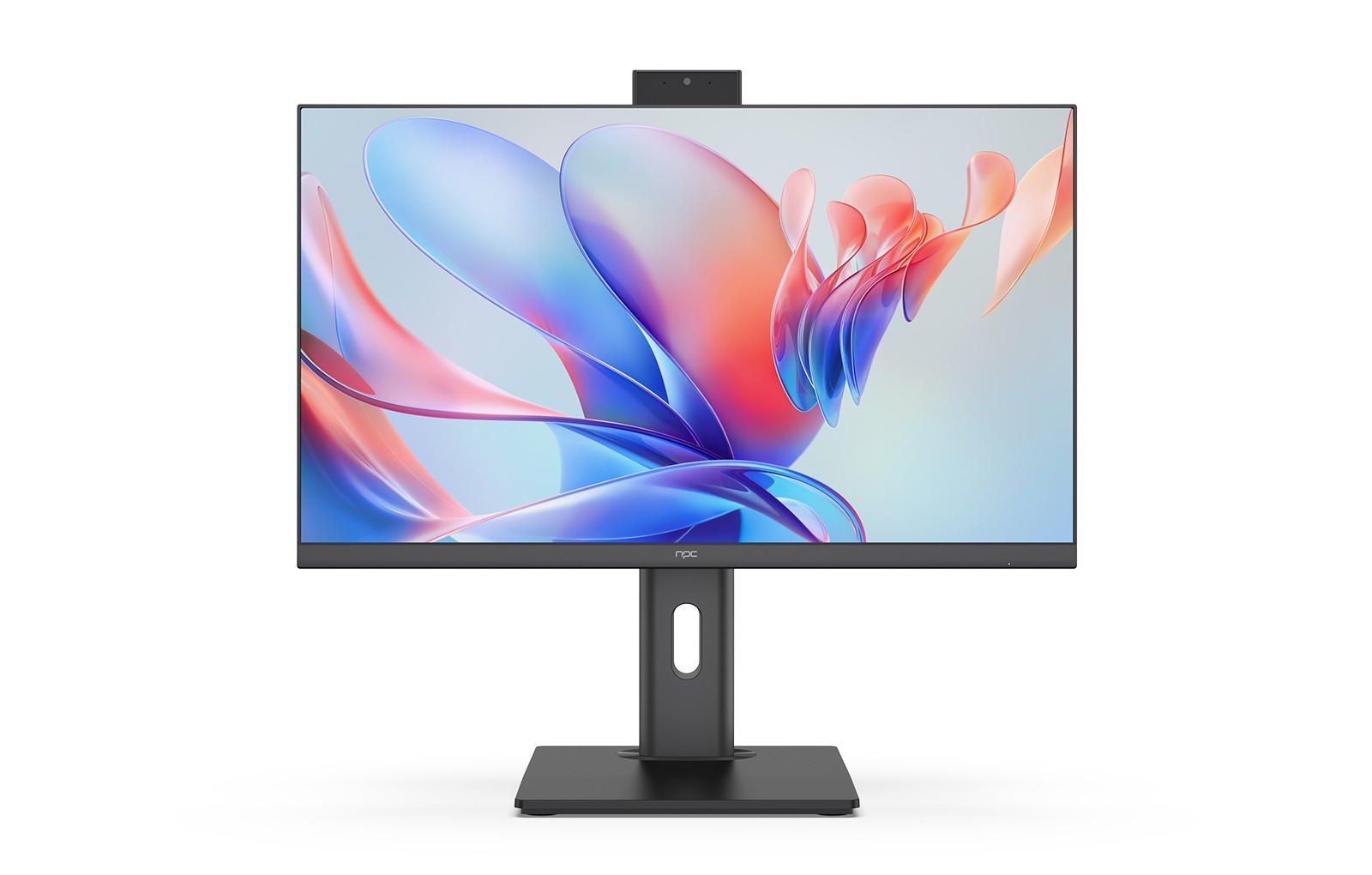
When configuring an all in one desktop conputerss i5, compatibility between the CPU and memory type is vital. For example, our NPC PF2403-M comes with 16GB SO-DIMM DDR4 3200MHz memory, paired with an Intel® Core™ i5-12450H Processor. This combination provides sufficient speed and capacity for everyday computing tasks, content creation, and moderate gaming. Choosing the right memory type ensures that the system can handle multiple applications simultaneously without bottlenecks. Furthermore, the system’s M.2 SSD storage and optional Wi-Fi and Bluetooth modules complement the memory’s performance, providing a smooth and connected user experience.
Future Considerations for DDR5
While DDR5 promises higher performance potential, it is important to consider software compatibility, cost, and motherboard support. Many users find that DDR4 memory continues to meet their needs, particularly in systems like the NPC PF2403-M, which offers a 1920×1080, 100Hz 23.8-inch screen and integrated features such as a 5MP camera and Windows 11. By focusing on real-world performance and usability, we can provide solutions that balance efficiency, cost, and future readiness, rather than simply chasing the latest technology trends.
Conclusion
Understanding memory differences is essential for selecting the right all in one desktop conputers i5 for your needs. At NPC, we design our systems to provide stable, high-performance solutions tailored for both business and consumer users. Products like the NPC PF2403-M combine DDR4 memory, an Intel Core i5 processor, and versatile connectivity options to deliver a reliable and efficient computing experience. Whether you are a distributor, retailer, or individual seeking a dependable AIO solution, NPC offers devices that integrate performance, usability, and modern design into a complete package for today’s computing demands.


