


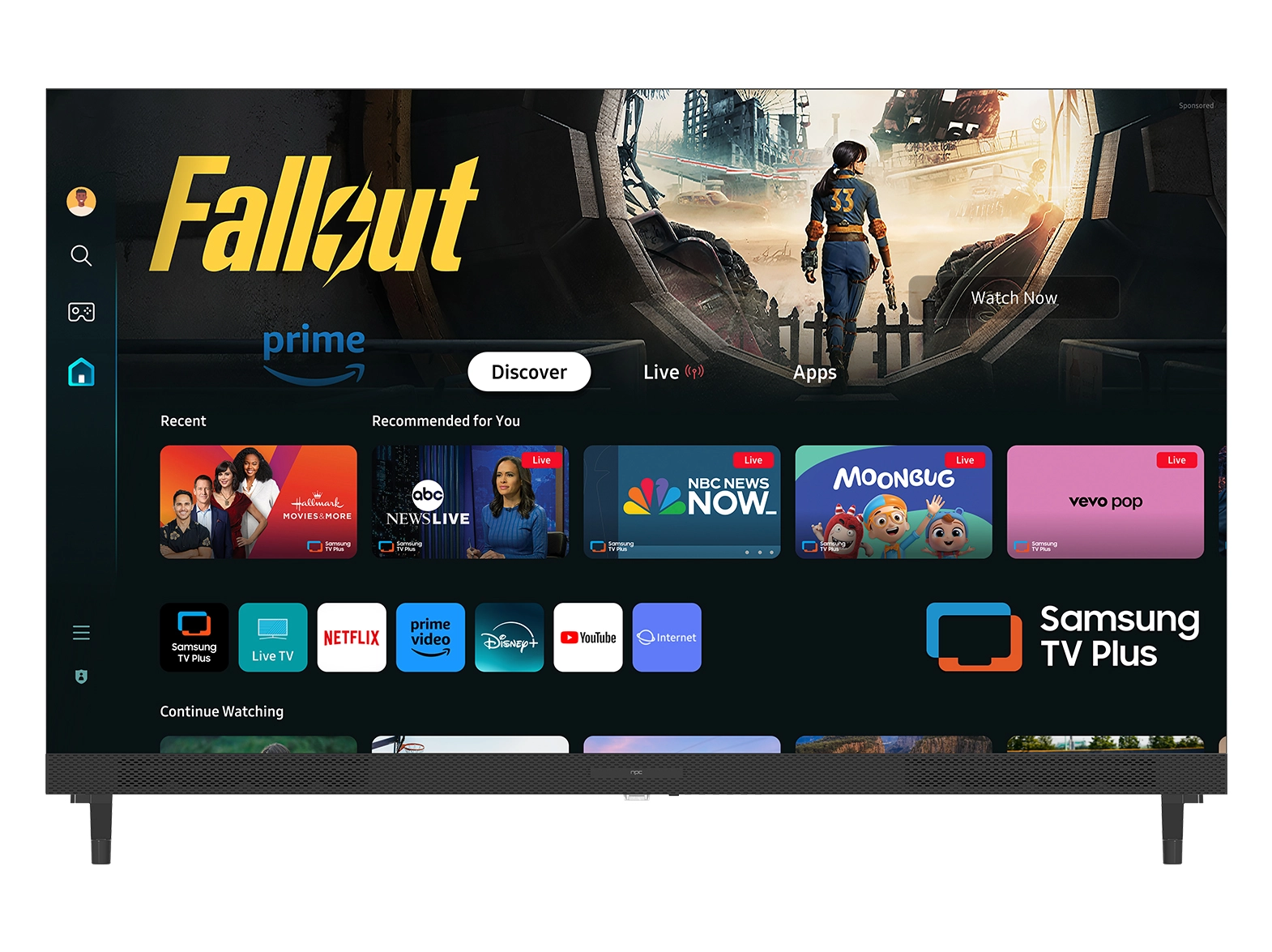





When it comes to home entertainment, great visuals are only part of the experience. The quality of sound plays an equally important role in creating an immersive atmosphere. As a company that understands how users interact with modern entertainment systems, we at NPC know that optimizing audio settings can dramatically improve your viewing experience. Whether you are watching a movie, streaming music, or playing a game on your webos hub TV, adjusting sound modes and features for each content type can make a big difference.

Understanding the Impact of Audio Modes
Most smart TVs today, including our NPC-32N18G, come with multiple preset audio modes such as Cinema, Music, Standard, Clear, Game, and Sport. Each mode is designed to enhance a specific type of content. For instance, the Cinema mode emphasizes rich bass and spacious sound to deliver theater-like immersion, while Music mode offers a balanced frequency range for clearer vocals and instruments. On a webos hub TV, these modes can be accessed quickly through the settings menu, allowing you to switch depending on what you’re watching.
Fine-Tuning for Clarity and Depth
To get the best sound performance, we recommend customizing the equalizer manually after choosing a mode. Every room has its own acoustics, and small adjustments to treble or bass can enhance dialogue clarity or deepen background music. The NPC-32N18G supports Dolby Audio and offers flexible output options such as internal speakers, HDMI ARC, Optical, and Bluetooth. This means users can easily connect external soundbars or wireless speakers for richer sound. In addition, enabling surround sound and auto voice control features can make your webos hub TV experience more natural and immersive, especially for dialogue-heavy shows or dynamic action scenes.
Matching Audio to Content Type
Different content requires different sound settings. For movies, the Cinema or Dolby Digital Plus modes deliver more dynamic range and depth. Sports fans may prefer the Sport mode for crowd ambience and commentary clarity, while gamers should try the Game mode to reduce delay and heighten directional audio effects. Music lovers will appreciate the balanced tones of the Music mode, ideal for streaming on platforms like YouTube or Prime Video. On our NPC-32N18G, switching between these modes is seamless, ensuring that no matter what you enjoy most, your webos hub TV is always optimized for the best sound experience.
Experience Balanced Performance with NPC
At NPC, we design products that help users enjoy smarter, more comfortable entertainment. Our NPC-32N18G is an FHD Smart TV featuring LG webos TV with ThinQ AI, Dolby HDR compatibility, and integrated access to Netflix, Prime Video, and YouTube. Built with a DLED panel offering a 178° wide viewing angle and 16.7 million colors, it delivers both visual and audio harmony. With adjustable sound modes, energy-saving options, and smooth connectivity, it’s a reliable choice for homes, distributors, and retailers looking to offer versatile entertainment solutions.


