








For gamers, achieving smooth and responsive gameplay often comes down to one key metric — FPS (frames per second). The higher the FPS, the better your gaming experience will be. But what exactly affects FPS on a laptop? As we at NPC have seen from years of working with high-performance display solutions, several critical factors play a role in determining how well your games run.
Hardware Components Matter Most
The first and most obvious influence on FPS is your laptop’s hardware configuration. The graphics card (GPU) and central processing unit (CPU) are the primary components responsible for rendering images and running complex game calculations. A powerful GPU can process more frames per second, while a strong CPU ensures that game logic and background processes don’t slow things down. Additionally, having sufficient RAM and a fast SSD can help reduce stuttering and improve frame stability. Regular driver updates also make a big difference, as outdated software can limit your hardware’s full potential.
Display Technology and Refresh Rate
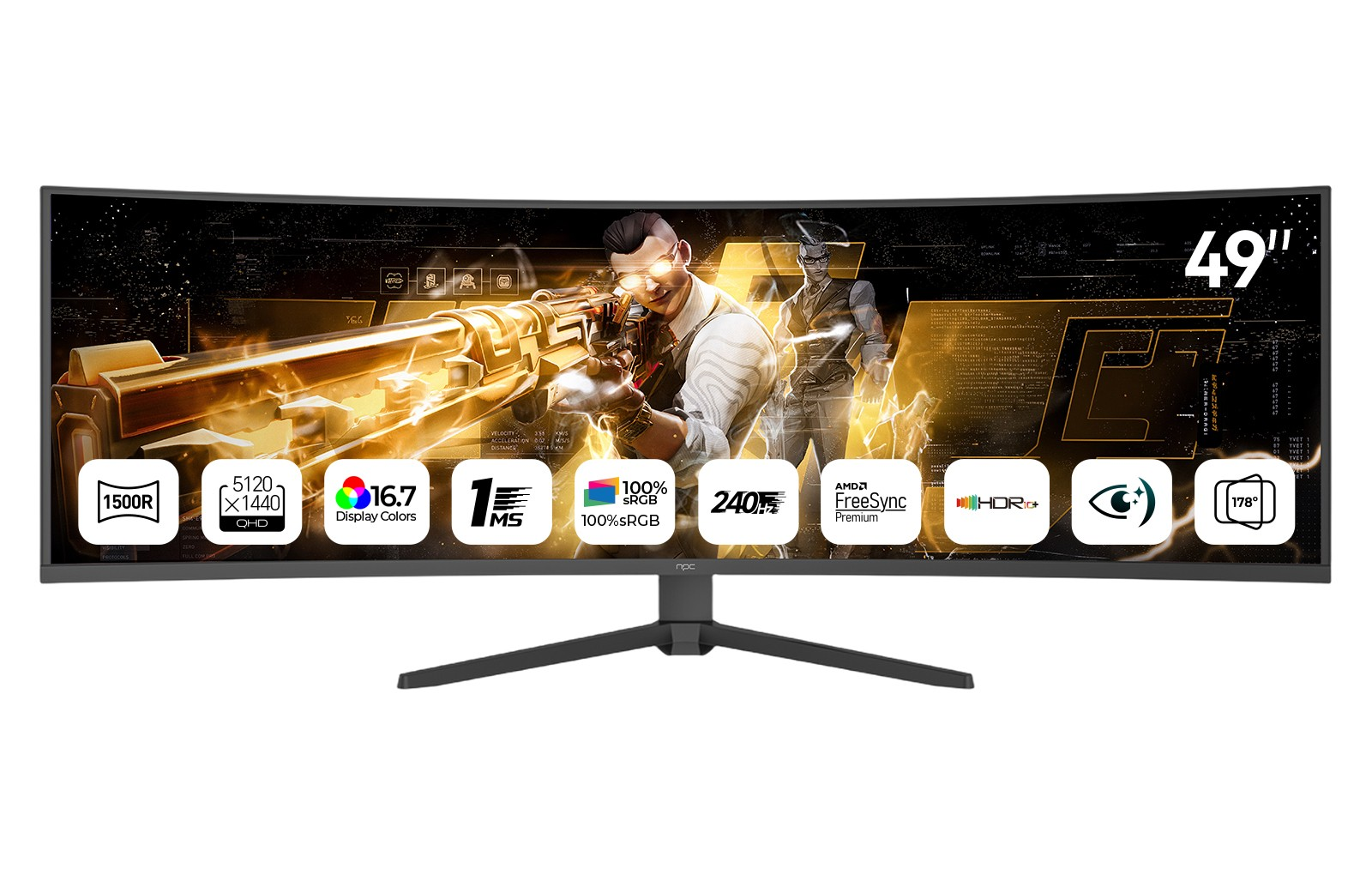
Another often-overlooked factor affecting FPS is your display refresh rate. A laptop with a 60Hz panel will only display up to 60 FPS, even if your GPU can produce more. For players who want smoother motion and competitive responsiveness, a higher refresh rate monitor — like 144Hz or 240Hz — is ideal. This is why many gamers also choose to buy gaming monitor models that enhance visual fluidity. For example, our NPC-MU4986B-11 is a 49-inch curved gaming monitor that delivers an incredible 165Hz/240Hz refresh rate, ultra-high definition resolution (5120×1440), and a 1ms response time. It’s perfect for gamers who need both performance and immersion.
Software Optimization and Game Settings
Even with powerful hardware, poor software optimization can lead to inconsistent FPS. Many modern games offer a range of graphical settings — from texture quality to anti-aliasing — that significantly affect frame rate. Reducing unnecessary visual effects can boost performance without greatly impacting visual quality. Background programs, overheating, and power-saving modes can also reduce FPS. At NPC, we always recommend balancing performance and visuals according to your hardware’s capabilities to maintain a stable, smooth experience.
Conclusion
In short, FPS on a laptop depends on a combination of factors — hardware power, display refresh rate, and software optimization. For gamers who want to get the most out of their experience, upgrading your display setup is one of the most effective ways to enhance performance. At NPC, we’re dedicated to helping players and enthusiasts enjoy the best visual experience possible. Whether you’re a trader, distributor, or a passionate gamer looking to buy gaming monitor options that combine precision and immersion, our products like the NPC-MU4986B-11 are built to deliver performance you can rely on.


