


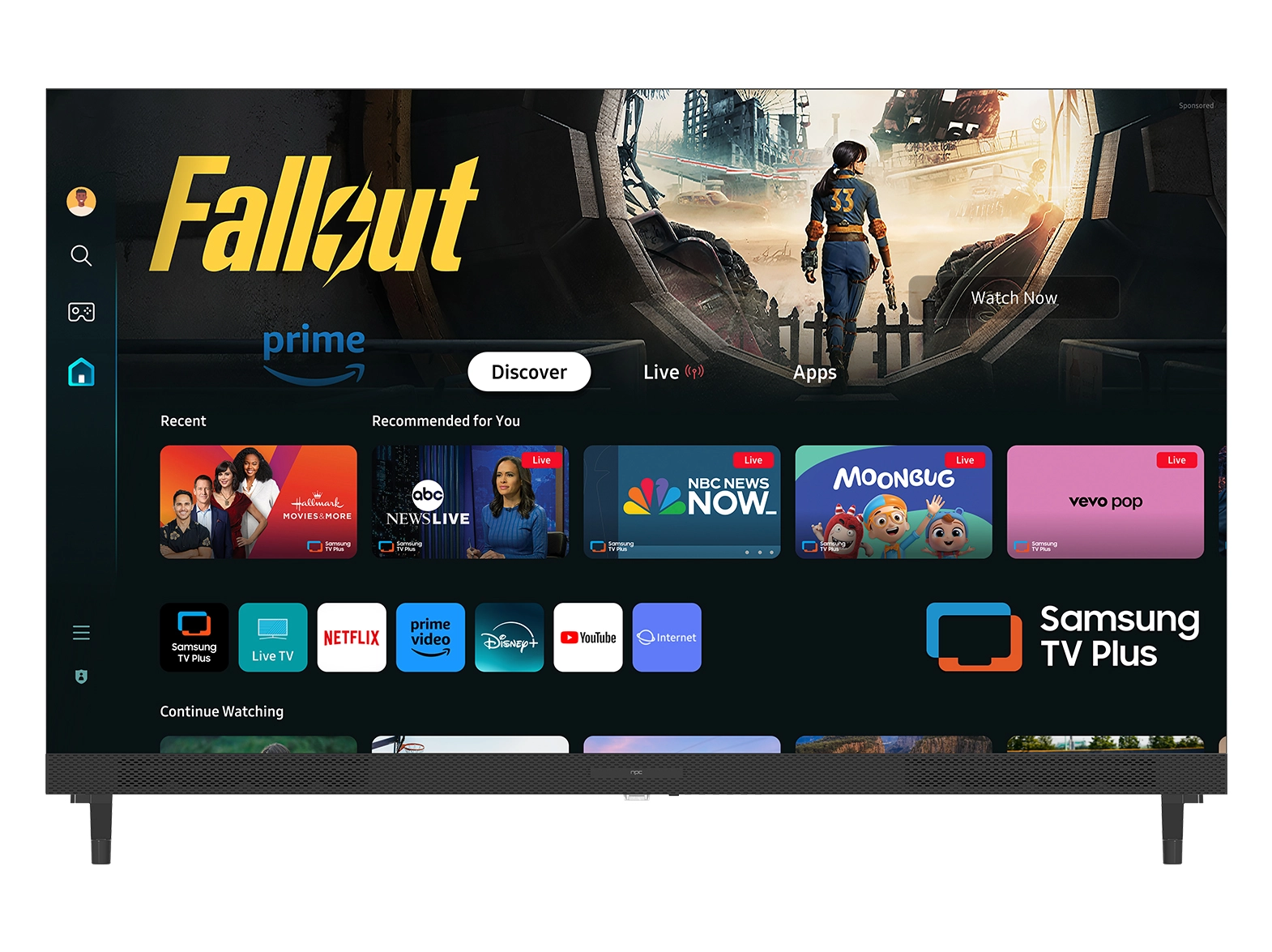





As remote communication becomes a regular part of modern work and daily life, many businesses and individuals look for more efficient ways to connect. That is why we often recommend using a smart tv computer monitor, which allows users to handle video conferencing without relying on multiple external devices. At NPC, we understand the importance of creating smooth and productive communication experiences, especially for companies that rely on reliable tools for meetings and collaboration. Setting up video calls directly on a smart monitor is no longer complex, and with the right equipment, the process is both practical and time-saving.
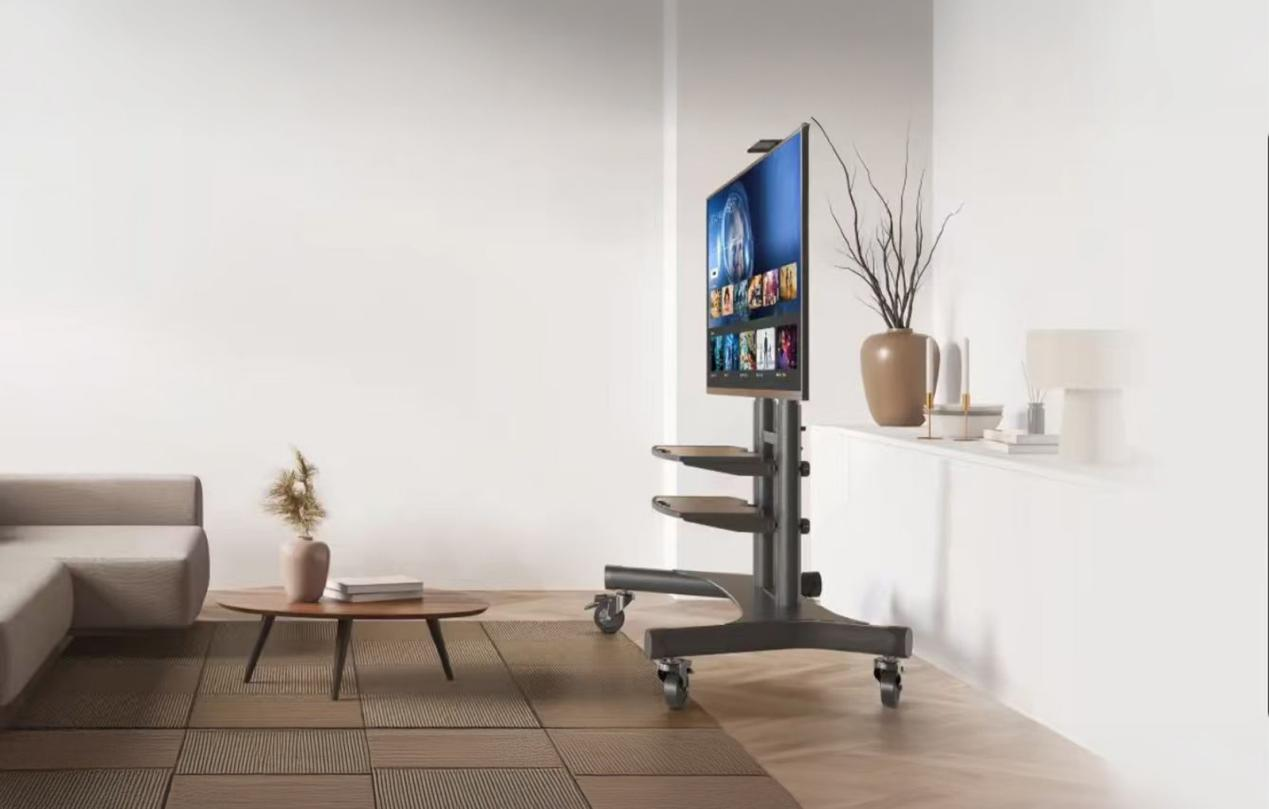
Preparing Your Smart Monitor for Video Calls
The first step in enabling video calls on a smart tv computer monitor is ensuring that the display has built-in connectivity features. Many models today, including those developed by NPC, are designed to connect with webcams, microphones, and integrated conferencing applications. To get started, you only need to attach a compatible camera via USB and configure the microphone input. Once this hardware setup is complete, users can access applications such as Zoom, Microsoft Teams, or Google Meet directly from the smart monitor interface. The benefit of using this approach is that it eliminates the need for additional laptops or desktops during meetings, allowing the smart tv computer monitor to function as both a display and a collaboration hub.
Advantages for Business and Commercial Settings
For wholesalers, distributors, and corporate procurement teams, the ability to streamline communication tools can reduce both cost and complexity. With a smart tv computer monitor, companies can deploy conferencing solutions in multiple offices, training centers, or meeting rooms with minimal additional hardware. We have seen that organizations working with NPC appreciate this integration because it saves time on setup and reduces the number of devices that require ongoing maintenance. This also makes bulk procurement easier, as teams can purchase monitors that already support video conferencing without requiring specialized configurations. In turn, employees gain the ability to connect with colleagues, clients, or partners quickly and effectively, supporting smoother international collaboration.
Making Video Calls Part of Daily Operations
Once the system is set up, daily use of a smart tv computer monitor for video calls becomes straightforward. All necessary applications can be pinned to the home screen, ensuring they are easy to access for team members. Camera positioning and microphone sensitivity can be adjusted through the monitor’s settings, allowing a professional presentation during calls. For companies that manage multiple sites or large groups of employees, this approach standardizes the meeting experience. We believe that this consistency supports productivity and ensures that all participants can collaborate effectively, regardless of location. It also provides a professional communication tool that clients and partners recognize as reliable during business exchanges.
Conclusion
At the end of the day, the ability to set up video calls directly on a smart tv computer monitor reflects how technology continues to adapt to modern work requirements. For companies looking to improve communication systems, this setup is efficient, scalable, and suitable for business environments. At NPC, we focus on delivering solutions that serve the needs of distributors, wholesalers, and global procurement teams. By offering smart monitors and related display products that combine functionality with reliable performance, we support our partners in creating smooth communication workflows while ensuring long-term value in their investments.


