


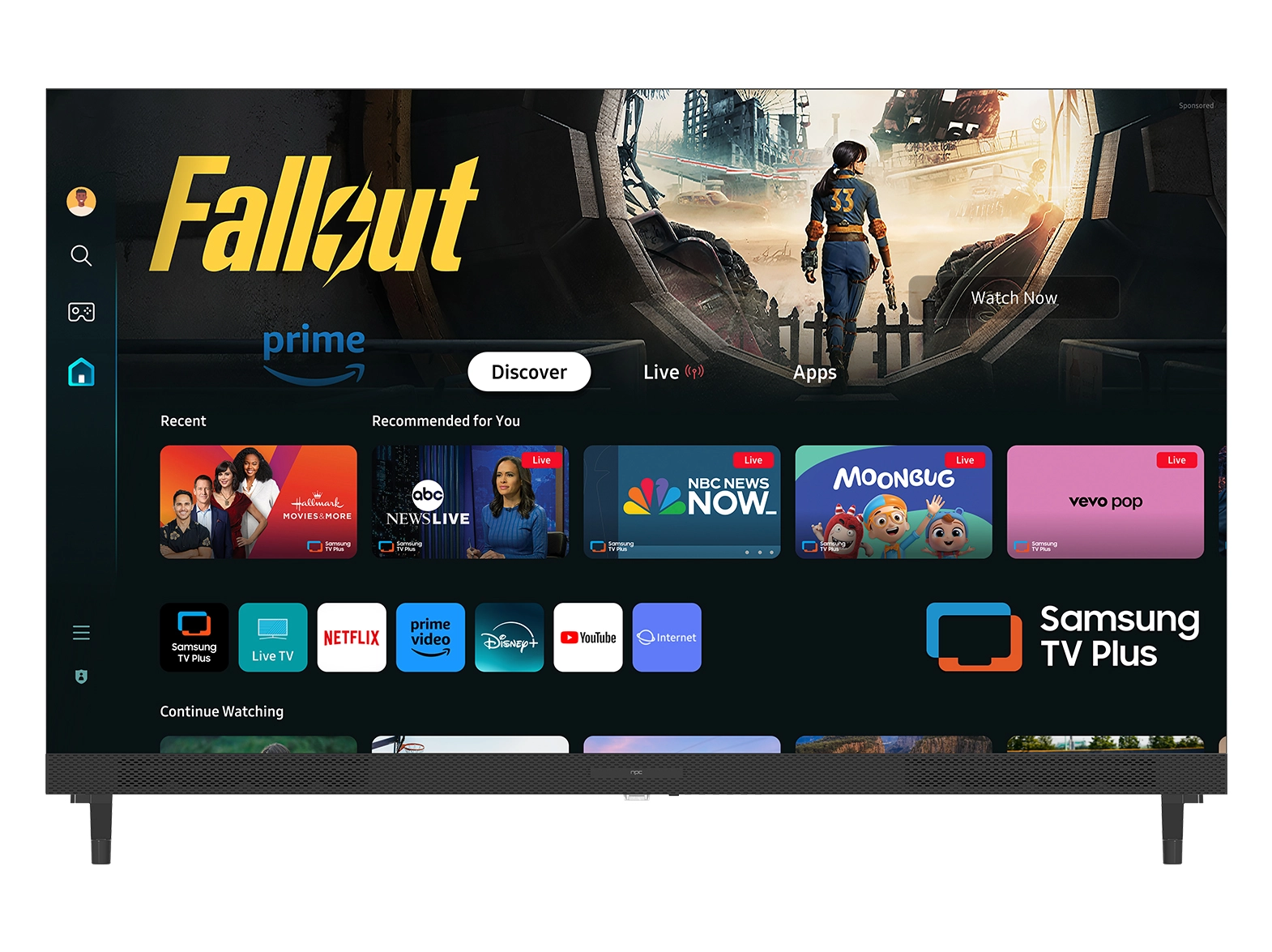





We understand how frustrating it can be when a smart tv monitors device does not load apps as expected. At NPC, we often work with distributors, wholesalers, and procurement teams from major global brands who rely on these monitors for office setups, retail environments, and training centers. When apps fail to load, it can disrupt workflows and impact productivity, which is why we focus on practical solutions that restore functionality quickly. In our experience, most issues can be resolved by looking at network stability, software settings, and device management practices.
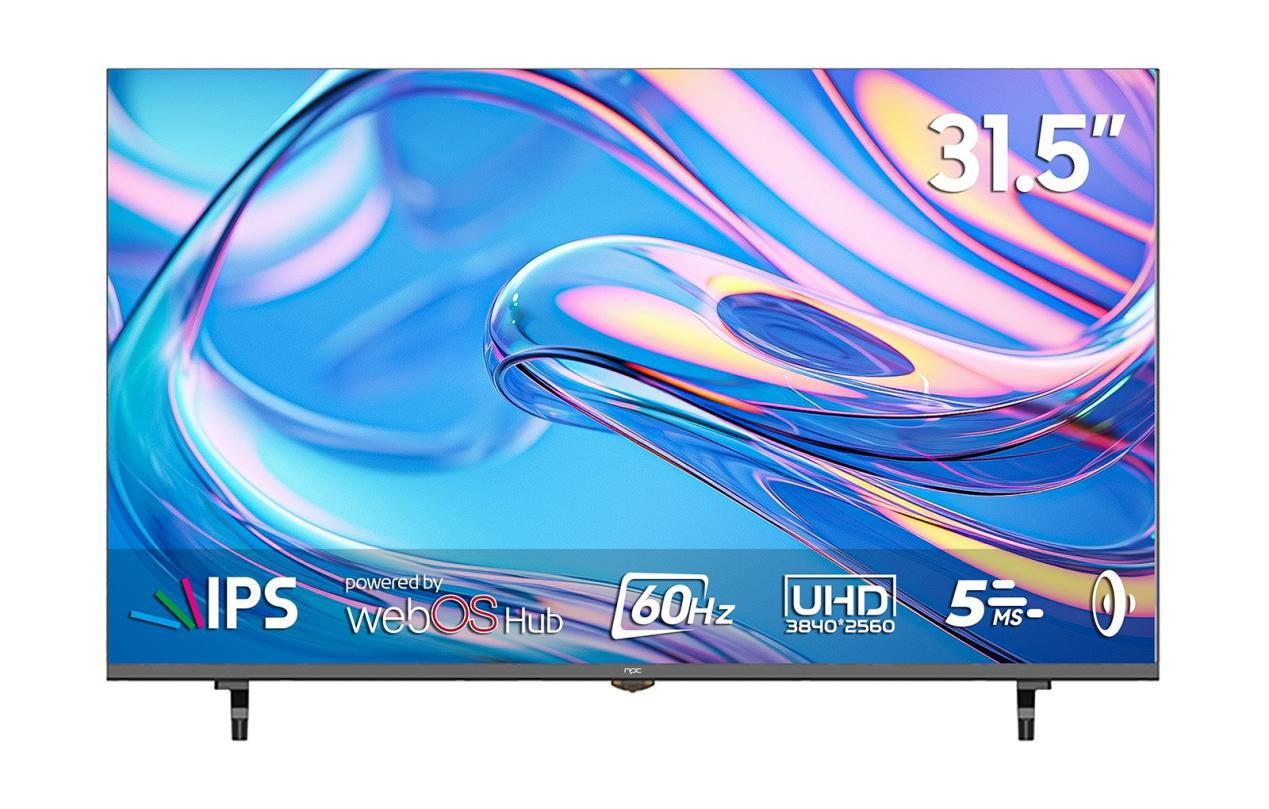
Network Stability and Connectivity
A common cause we observe is unstable or limited internet connectivity. Since smart tv monitors rely on continuous access to online servers, we recommend checking network strength and confirming that routers or firewalls are not interfering with the connection. Reconnecting the device or performing a network reset often restores communication with app servers and allows applications to launch correctly. Additionally, accumulated cache or temporary data can create software conflicts that prevent apps from functioning. We guide clients to clear cached data, which eliminates minor glitches and ensures smoother app operation across multiple units.
Software Updates and Device Refresh
Keeping the system and apps updated is another key practice we emphasize. Running outdated firmware or older versions of applications can create compatibility issues that stop apps from loading. With NPC products, we make regular updates easy, helping businesses maintain consistent performance and reduce technical interruptions. We also advise restarting or power cycling devices when performance issues occur. Simply powering down smart tv monitors, leaving them off for a few minutes, and restarting often resolves temporary software conflicts and refreshes the device environment, allowing apps to load normally without further intervention.
Factory Reset as a Reliable Solution
In cases where other measures are insufficient, a factory reset can provide a reliable solution. We approach this step cautiously, ensuring that important configurations or data are backed up beforehand. Performing a factory reset on NPC monitors restores the device to its original state, removing persistent software problems and creating a clean environment for apps to function. This method is usually effective for long-term deployments, especially when multiple units are installed across different locations.
Conclusion
At NPC, we design our smart tv monitors to provide consistent performance, seamless connectivity, and efficient management tools for professional clients. By applying these troubleshooting approaches, businesses can minimize downtime and maintain smooth operations in offices, retail spaces, or training facilities. Our products are built to support bulk deployments and meet the expectations of international distributors and procurement teams. We are committed to delivering reliable solutions and responsive service, helping clients implement smart display technologies that enhance operational efficiency and support long-term business growth.


