


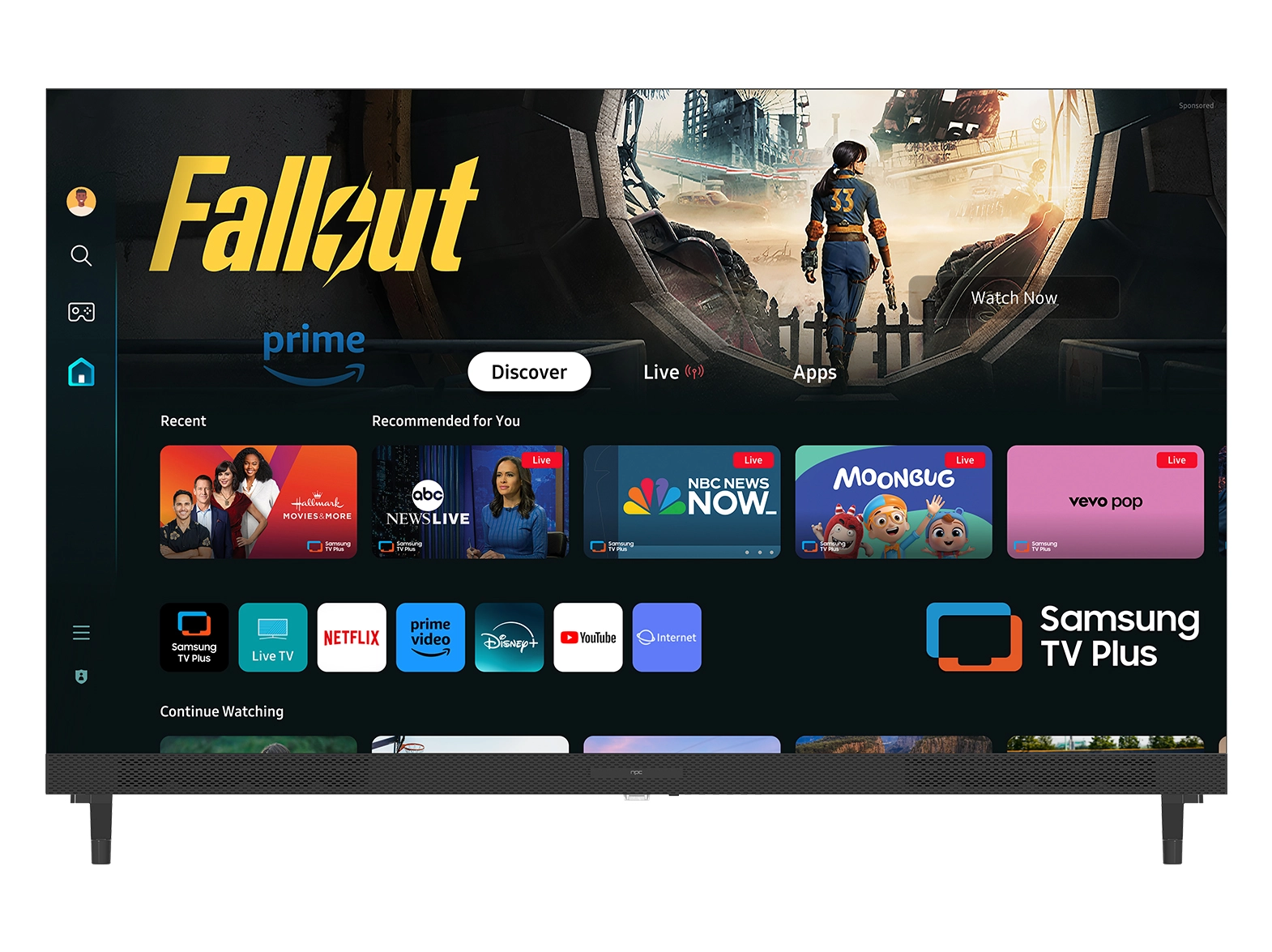





When managing modern office environments, we often focus on productivity, ergonomics, and technology integration. At NPC, we recognize that a large office monitor is more than just a screen—it plays a central role in user comfort and efficiency. One key factor that affects daily operations is screen flicker, which can cause eye strain and reduce focus over long work periods. Understanding the differences between DC and PWM dimming helps us guide clients toward monitors that deliver consistent, flicker-free performance suitable for professional settings.
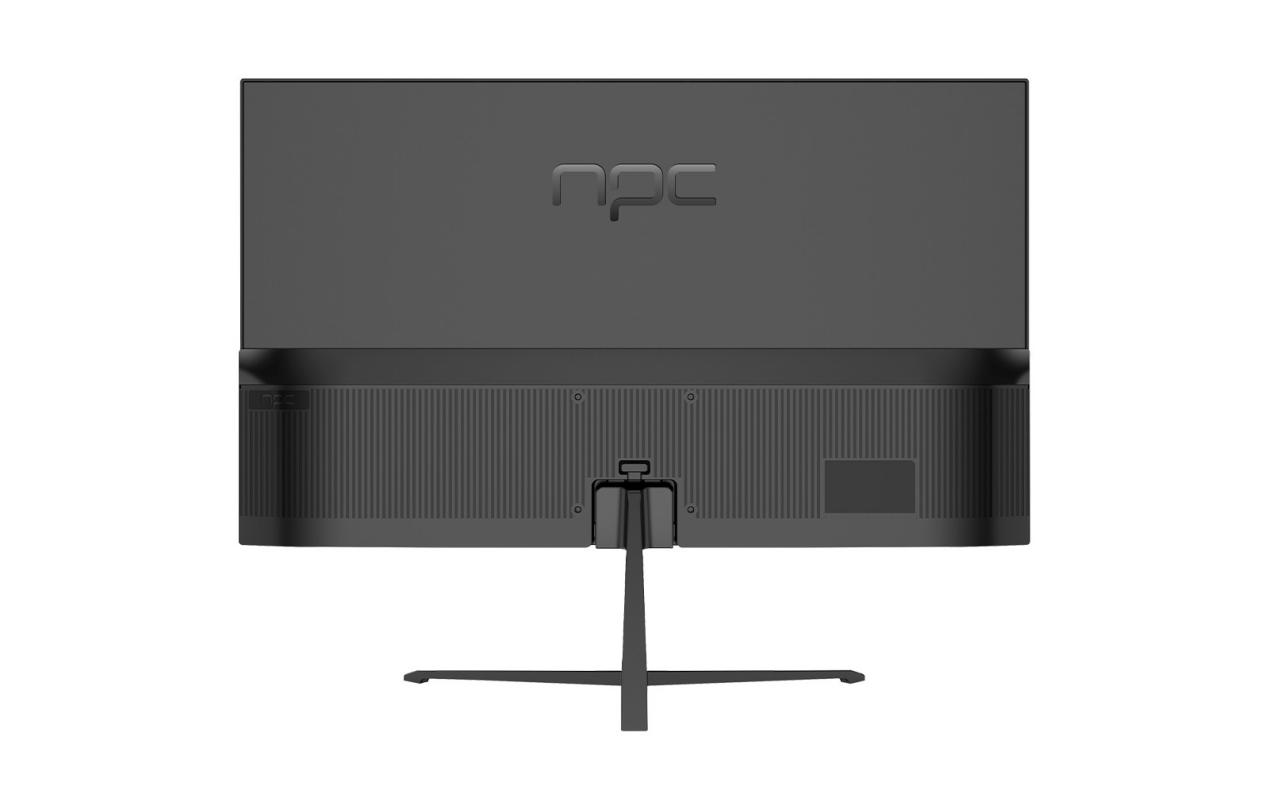
Understanding DC and PWM Dimming Technologies
DC dimming regulates the brightness of a large office monitor by adjusting the direct current supplied to the backlight. This approach minimizes fluctuations in light output and ensures stable illumination, especially at lower brightness levels. Conversely, PWM dimming controls brightness by rapidly switching the backlight on and off. While PWM can achieve precise brightness control, it can sometimes introduce subtle flicker that may be perceptible to sensitive users. We have found that the choice between these dimming methods depends on the work environment and the specific needs of employees. Offices with long daily screen exposure generally benefit more from DC dimming, as it reduces visual fatigue and maintains consistent clarity throughout the day.
Practical Considerations for Office Deployment
When recommending a large office monitor to distributors or corporate procurement teams, we consider multiple factors beyond dimming technology. Display size, resolution, connectivity, and ergonomic adjustments all play a role in optimizing the workspace. DC dimming is often preferred for environments where long-term comfort is critical, while PWM may still be acceptable for temporary setups or flexible brightness requirements. By evaluating each scenario carefully, we ensure that our clients select monitors that not only meet technical specifications but also support employee well-being and productivity. NPC provides models with various configurations that cater to these practical office needs, making it easier for B2B clients to implement reliable solutions.
Conclusion
In conclusion, choosing the right large office monitor requires attention to dimming technology and real-world usage requirements. At NPC, we focus on integrating DC dimming in many of our monitors to offer flicker-free performance, helping users maintain comfort and focus during extended periods of screen use. For distributors, trade companies, and international procurement teams, our solutions provide reliable, professional-grade monitors designed to meet the demands of modern offices. By combining practical features with thoughtful design, NPC ensures that clients can deploy monitors that enhance both employee experience and operational efficiency.


