








We understand that spending long hours in front of screens has become a daily routine for many professionals, including wholesalers, traders, and B2B buyers. Protecting your vision is not only a matter of personal health but also directly influences productivity and long-term work efficiency. In this article, we will share practical tips on how to protect your eyes when using office computer monitors for extended periods, while also showing how NPC integrates these considerations into our product design.
Proper Distance and Screen Position
One of the first steps toward reducing eye strain is setting up office computer monitors at the correct viewing distance and angle. We recommend placing the monitor about 50–70 cm away from your eyes, with the top of the screen slightly below eye level. This arrangement ensures that your line of sight naturally tilts downward, reducing neck tension and allowing your eyes to focus more comfortably.
By adopting this setup, working on office computer monitors becomes easier on both your eyes and posture, lowering the risk of long-term strain.
Follow the 20-20-20 Rule and Take Regular Breaks
Even with advanced screen technology, prolonged staring without breaks can lead to eye fatigue. A simple yet effective strategy is the 20-20-20 rule: every 20 minutes, look at something 20 feet away for at least 20 seconds. This habit allows the eye muscles to relax and prevents excessive strain.
We also recommend taking slightly longer breaks every hour. Short walks, blinking exercises, or rolling your eyes gently can refresh your vision and help prevent dry eyes. Regular rest, combined with mindful screen habits, makes working with office computer monitors much more comfortable.
Adjust Brightness, Color Temperature, and Reduce Glare
Another important factor is matching screen brightness with your surrounding environment. When office computer monitors are too bright compared to the room, your eyes are forced to work harder to adjust. Ideally, your monitor should blend naturally with the ambient light, not overpower it.
Selecting monitors with flicker-free technology and low-blue-light modes also makes a difference. These features minimize hidden flickering and reduce exposure to harsh blue wavelengths, which can otherwise cause subtle but persistent eye strain. At the same time, avoiding direct reflections from windows or overhead lights, or using monitors with anti-glare coatings, can further improve the visual experience.
Conclusion
In the end, protecting your eyes while working long hours with office computer monitors requires both good habits and reliable equipment. Proper positioning, frequent breaks, and optimized display settings all contribute to better eye comfort and long-term wellness.
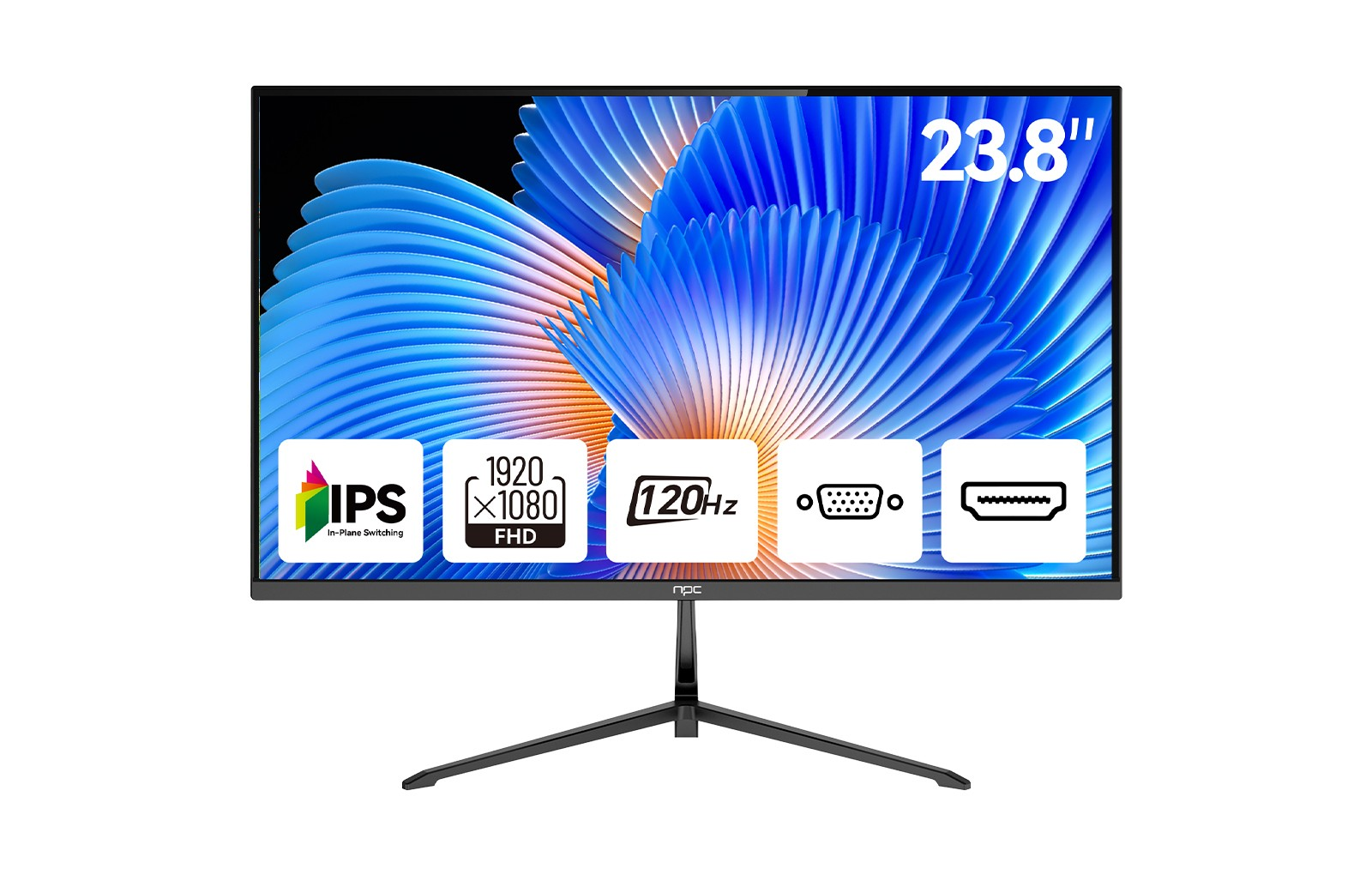
At NPC, we design and manufacture display solutions with these principles in mind. Our office computer monitors feature flicker-free panels, low-blue-light modes, and adjustable stands to support ergonomic setups. For wholesalers, traders, and international brands seeking durable and eye-friendly monitors, we offer customizable and dependable products that align with professional needs. We invite you to explore NPC solutions and discover how we can support your business with technology that enhances both efficiency and comfort.


